How does a purchase flow from RFQ to payment?
Follow one purchase through Purchase, Inventory and Invoicing — RFQ, order, receipt, vendor bill and payment.
Buying from a vendor passes through three apps: you request and order in Purchase, the warehouse receives the goods in Inventory, and you record and pay the vendor's bill in Invoicing. Each stage creates the next document and the purchase order links to all of them.
1. Ask for a price (RFQ)
Go to Purchase → RFQs, click New, pick the Vendor and add the products. To email it, open the menu next to the main button and click Send; it moves from RFQ to Sent.
2. Confirm the purchase order
When the vendor agrees the price, click Confirm.
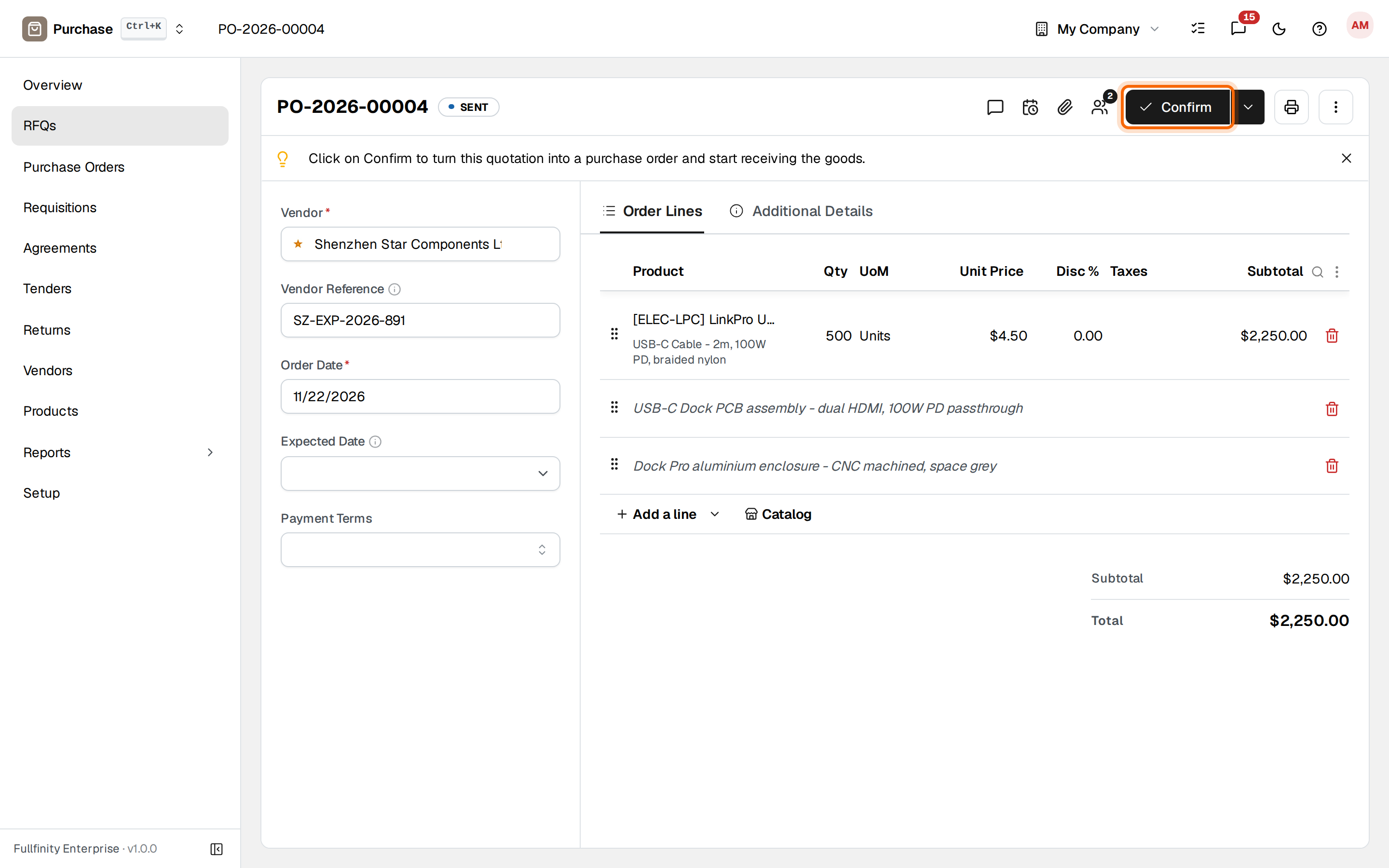
The status becomes Purchase Order, it moves to Purchase → Purchase Orders, and a receipt is created in Inventory for the stocked products — the order shows a Receipts button. A Bill Status badge appears beside the status. More: How do I confirm a purchase order?.
3. Receive the goods
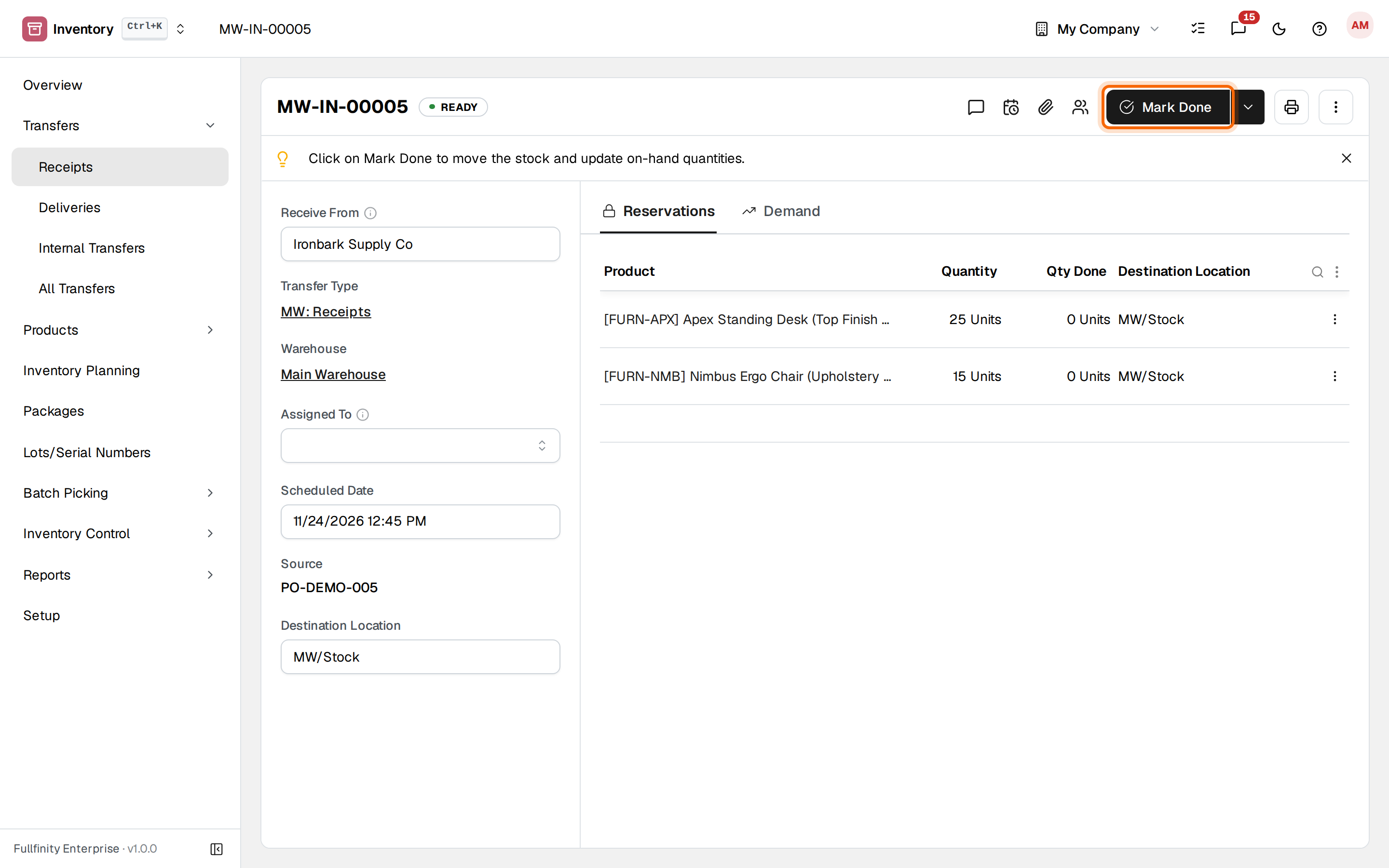
When the delivery arrives, open the receipt from the order's Receipts button or Inventory → Transfers → Receipts. Check the quantities and click Mark Done. The stock is added to your warehouse and the order's received quantities update.
4. Record the vendor's bill
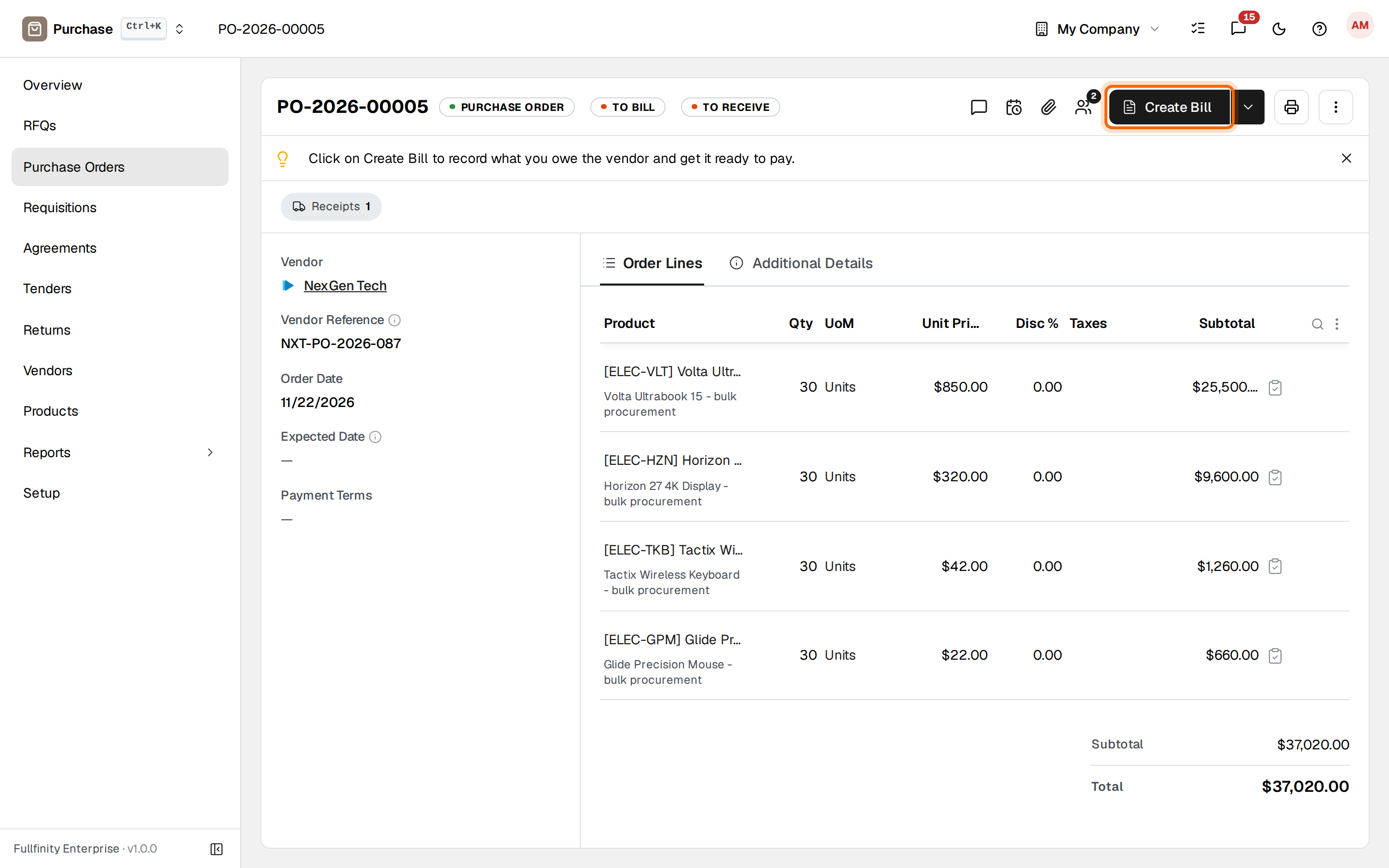
When the vendor's bill arrives, open the purchase order and click Create Bill.
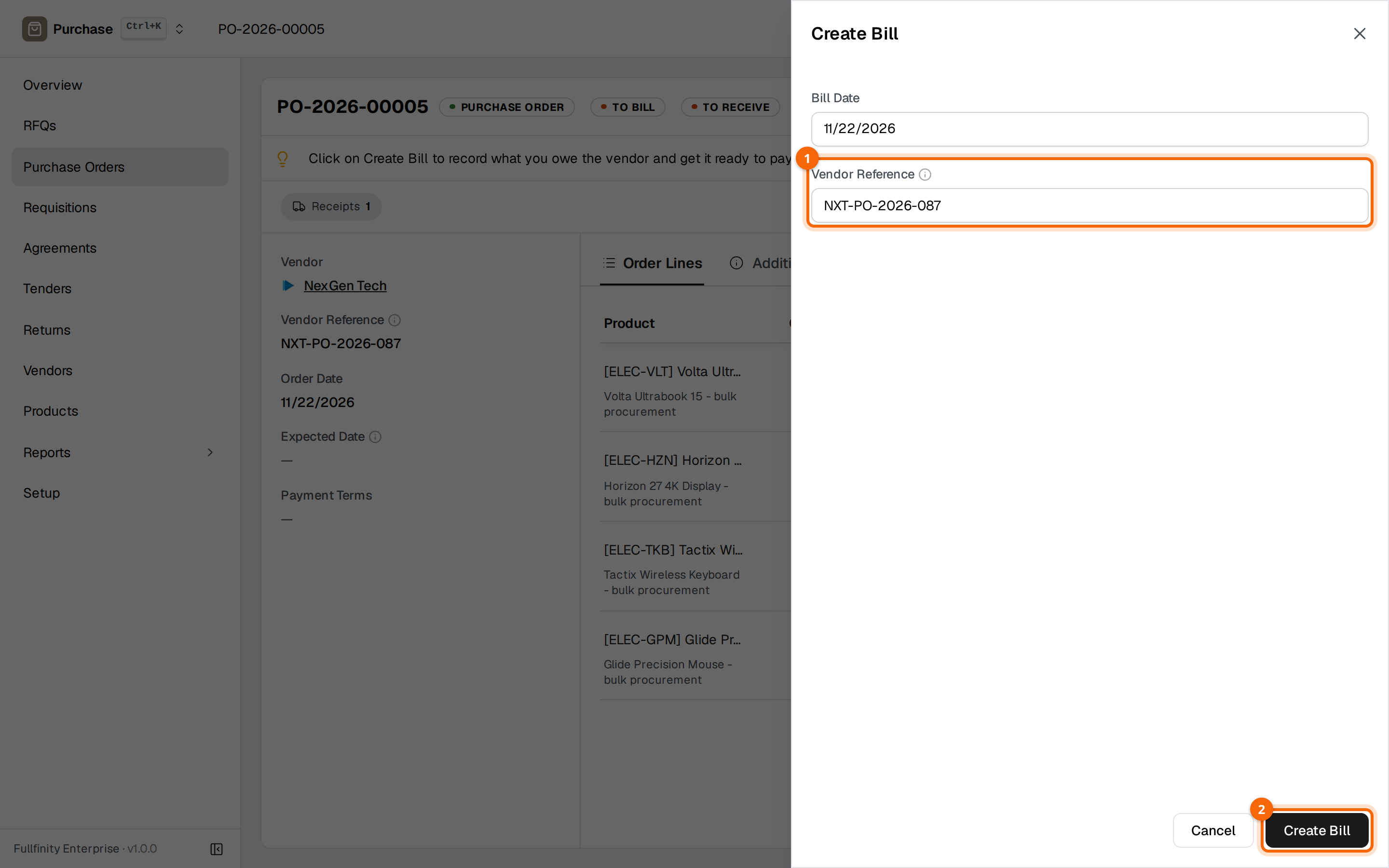
Check that Vendor Reference holds the vendor's own invoice number — it starts with the reference recorded on the order — and click Create Bill. A Draft vendor bill opens with the order's lines; check it against the paper bill and click Post.
5. Pay the vendor
Open the posted bill from the order's Bills button or Invoicing → Purchases → Bills, and click Record Payment when you pay. The bill moves from Unpaid to Paid.
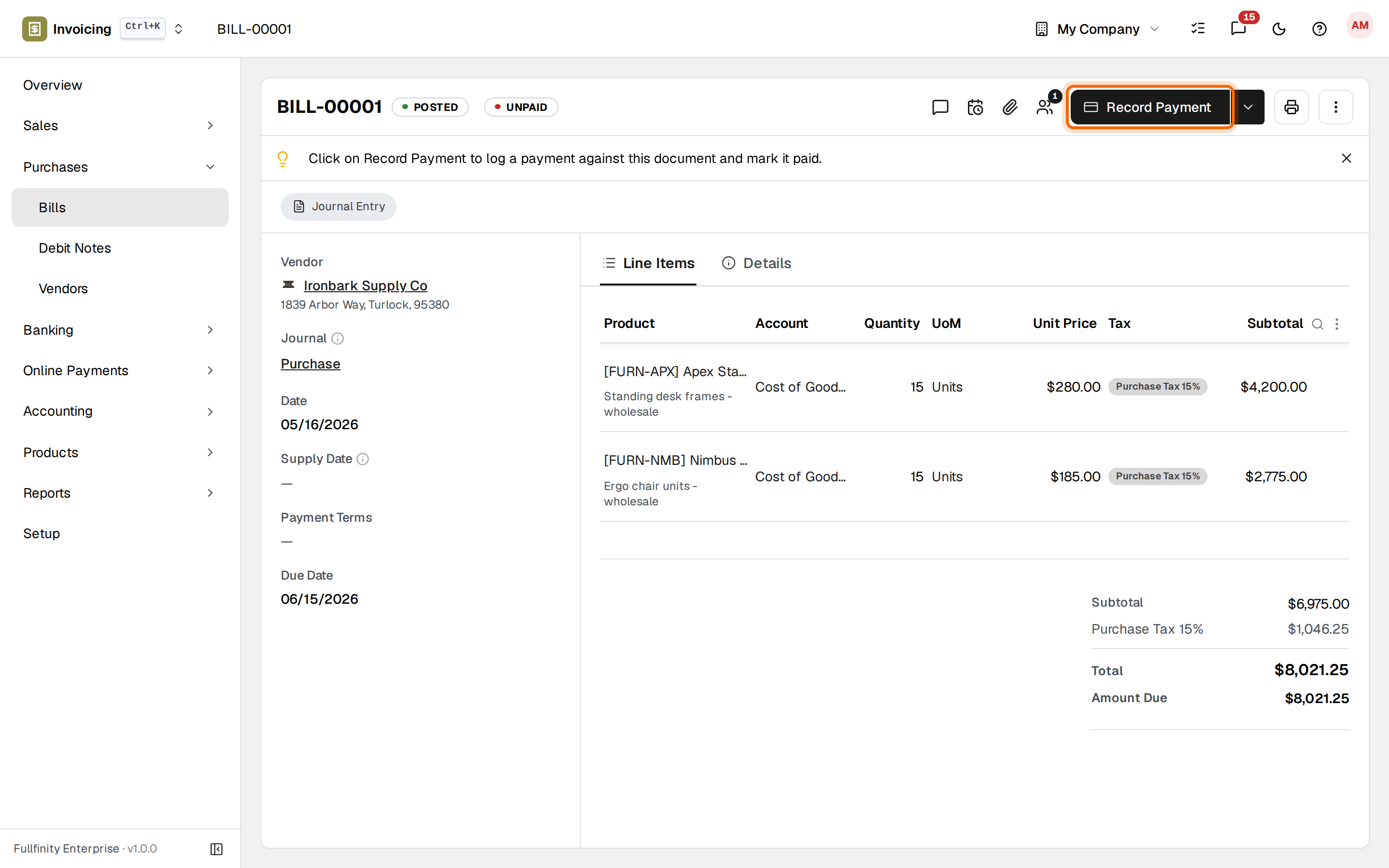
6. Close the order
Once the order's bill status reads Fully Billed, click Mark as Done. If the vendor will never deliver the rest, bill what arrived and click Close Short instead. If the button doesn't appear, see Why can't I mark this order as done?.
Related
More detail on billing: How do I create a bill from a purchase order?. Sending goods back: How do I return goods to a vendor, from shipment to debit note?.