How do I handle a customer return, from receipt to credit note?
Register goods a customer sends back, receive them into stock, and credit what they were invoiced.
When a customer sends goods back, you register the return once, on the sales order. Fullfinity then does the rest across apps: it credits what the customer was invoiced and creates the receipt the warehouse uses to bring the goods back into stock.
1. Start the return from the order
Open the sales order, open the menu next to the main button and click Return Items.
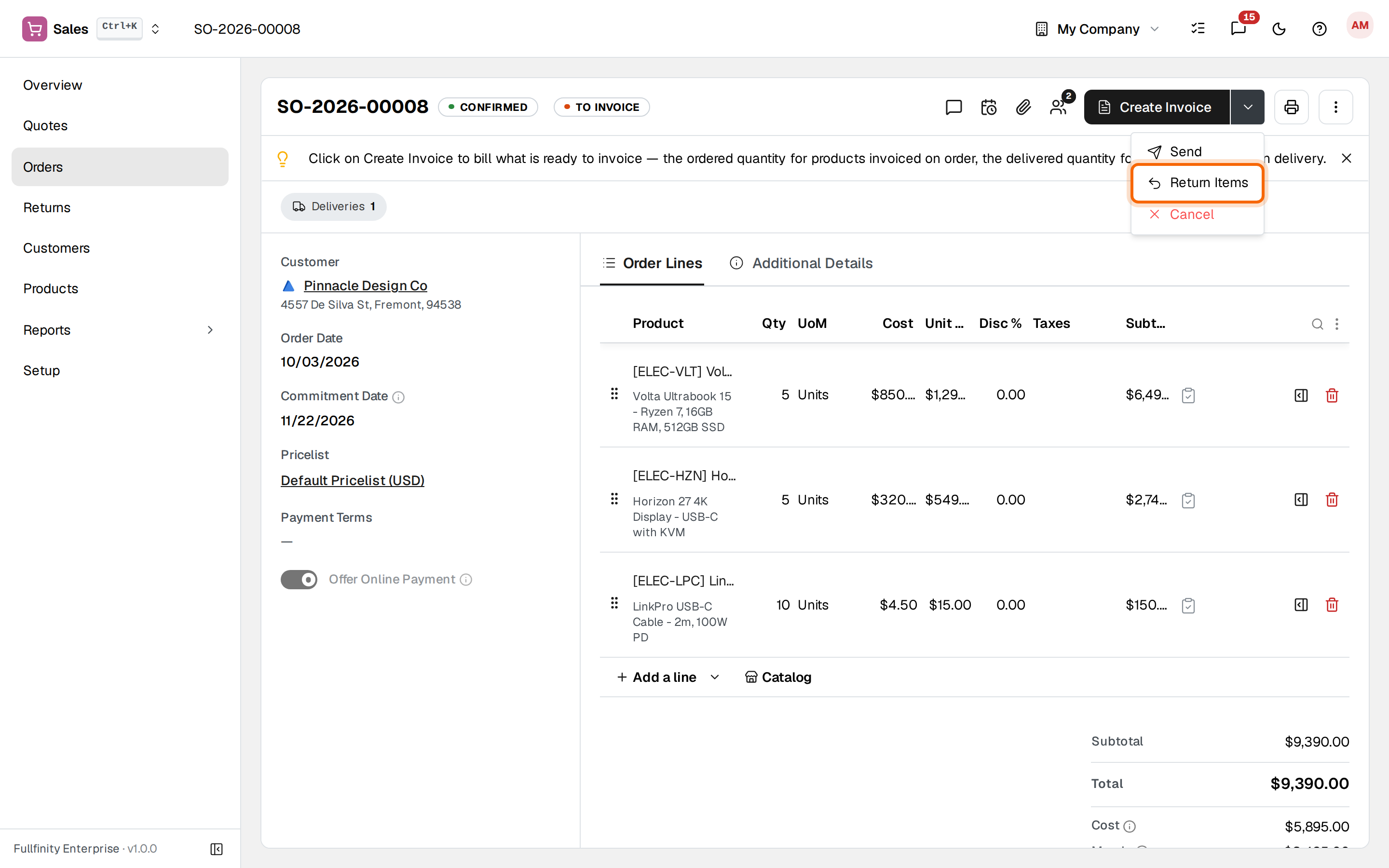
A panel lists each product with how many are still returnable — what was delivered or invoiced, less earlier returns. Enter the Quantity coming back for each line and a Reason, then click:
- Create & Confirm to register the return now, or
- Save Draft to keep it as a draft under Sales → Returns and confirm it later.
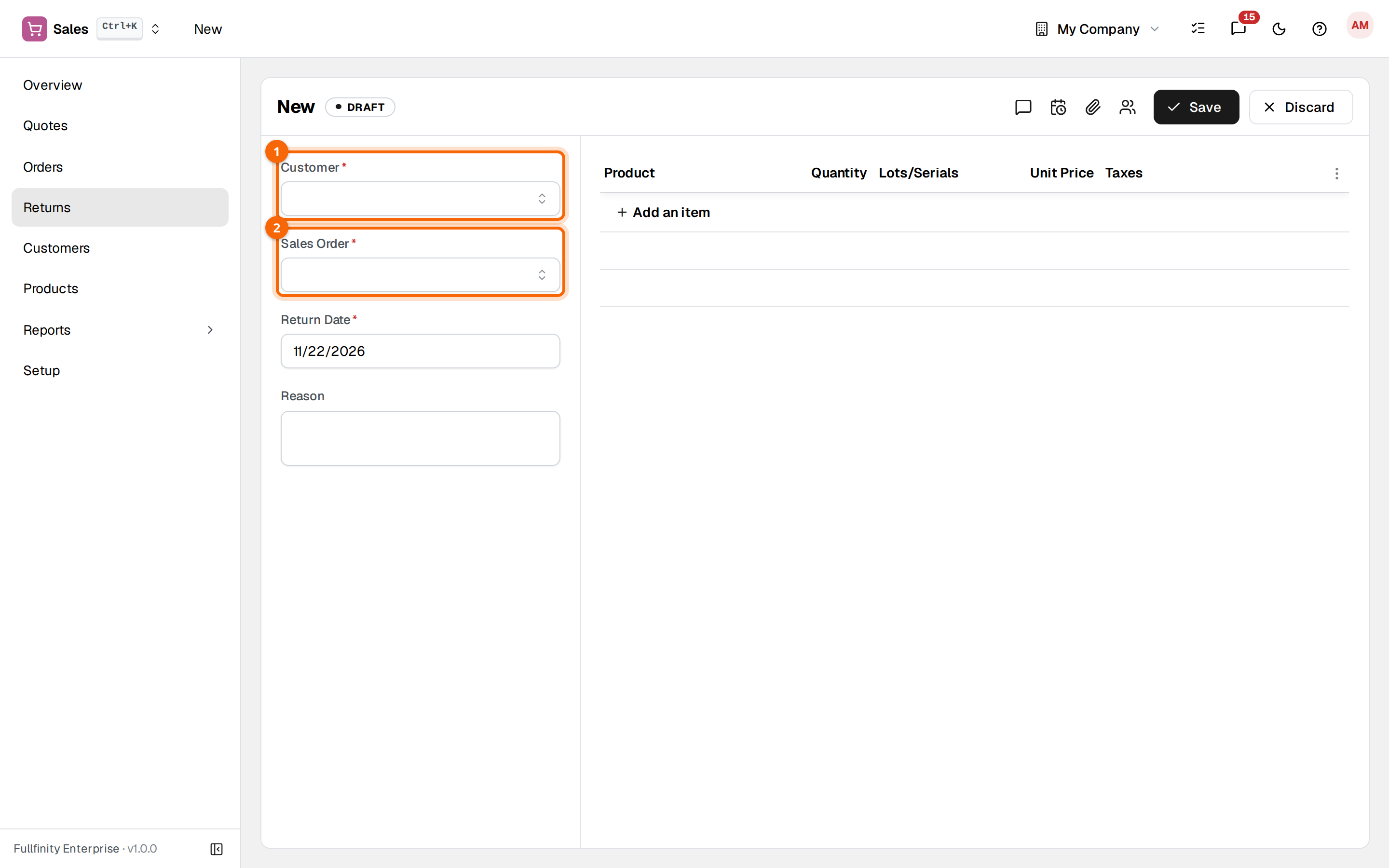
2. Confirm the return
On a draft return, click Confirm Return. The return moves to Done, and Fullfinity:
- Issues and posts a credit note for the part of the returned goods the customer was invoiced. The return shows a Credit Note button. Goods that were never invoiced get no credit note — the return simply lowers what is left to bill.
- Creates a receipt in Inventory to bring the goods back. The return shows a Receipt button and a Receipt Status of To Receive.
3. Receive the goods
When the parcel arrives, open the receipt (from the return's Receipt button or Inventory → Transfers → Receipts), check what came back and click Mark Done. The stock is back on hand, the order's delivered quantity is reduced, and the return's receipt status becomes Fully Received.
4. Settle the credit
The posted credit note is now available credit for the customer:
- If the original invoice is still unpaid, open it and apply the credit against the balance.
- If the customer already paid, refund them: open the credit note and click Record Payment.
Details: How do I process a customer return? and How do I issue a credit note?. All credit notes are listed under Invoicing → Sales → Credit Notes.