Work you can see is work that moves.
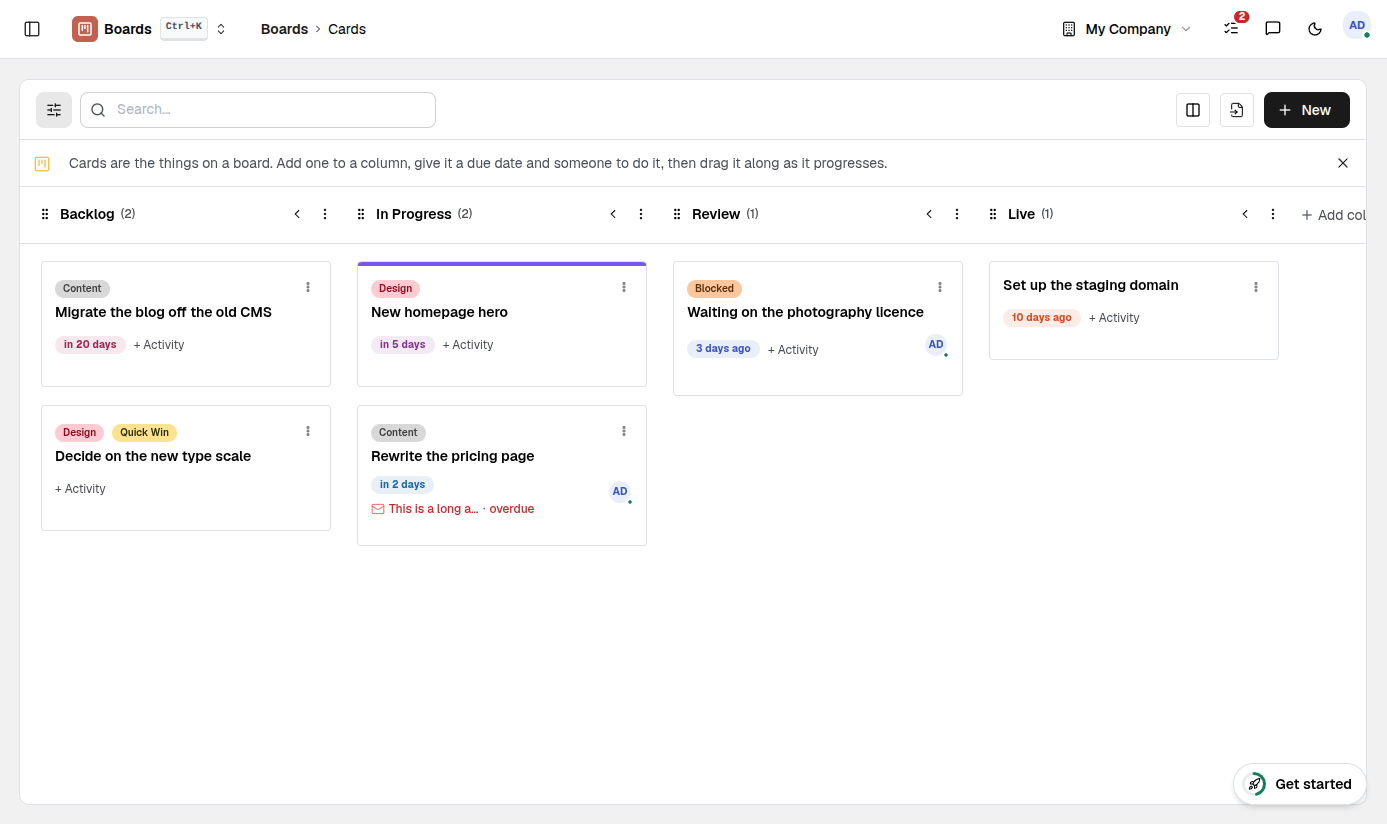
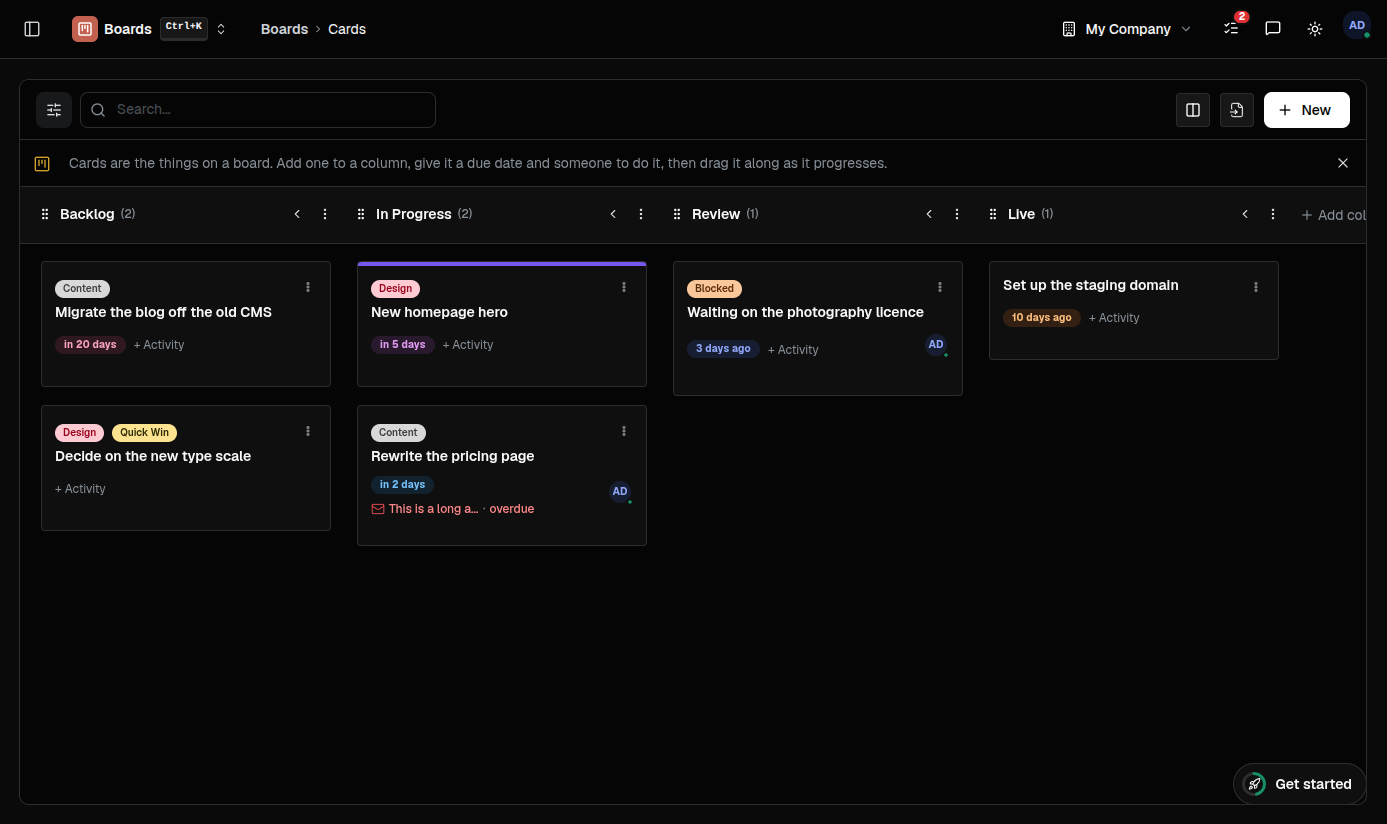
Make a kanban board for anything — a launch, an office move, a hiring round — with columns you name yourself and cards you drag across them. It takes a minute, and it sits beside the customers, people and work your business already runs on.
It always ends up in a spreadsheet.
The office move, the rebrand, the two roles you are hiring for. None of it is big enough to be a project, so it goes somewhere else — a shared sheet, a free board, a thread nobody reads. Then the one person holding it goes on leave, and the rest of you find out what was in their head.
The people on the card are your actual people.
Assign a card and it goes to someone who already exists here, with the access they already have. Give it a next step and it turns up in the same place as every other thing waiting on them — not in a second tool they have to remember to open.
One connected system
The same customers, products and stock run through Boards and every other app — nothing kept in a separate tool.
Source you can read
Every app's source is public, the community apps are Apache-2.0, and the whole thing is yours to self-host.
Free, unlimited users
Self-host the Free edition with your whole team on it — no per-seat fees, no seat counting, no trial running out.
Only what you need
Run Boards on its own, and switch on the rest of the suite when you're ready.
Kanban board software, answered.
How is this different from a standalone board tool?
The board is not a separate place. The people on a card are the people who already work here, a next step lands with everything else waiting on them, and the board sits alongside the customers, orders and tickets the rest of the business runs on — so the work on it stops being invisible to everyone else.
Do I need the Projects app as well?
No. Projects is for work with a plan — timelines, milestones, hours to bill. Boards is for the work that never justified one. Plenty of teams run both, for different things.
Can a board be private?
Yes. A board is private to you and the people you add, or open to everyone internal — your choice per board, and changeable later.
Can I self-host it?
Yes. The free edition is free to self-host with unlimited users. You can also run it managed in the cloud, and move between the two.
Better with the rest.
Boards is one app in a system that already knows your people, your customers and your work.
Get the spreadsheet out of your business.
Start a board in a minute. Free to self-host, unlimited users.