Why can't I mark this order as done?
An order closes when it is fully billed and fully received — or, when the vendor will never deliver the rest, when you close it short.
A purchase order moves to Done once you've received everything and been billed for all of it. Until then it stays open as a Purchase Order, so short deliveries and unpaid bills don't slip out of sight.
When Mark as Done appears
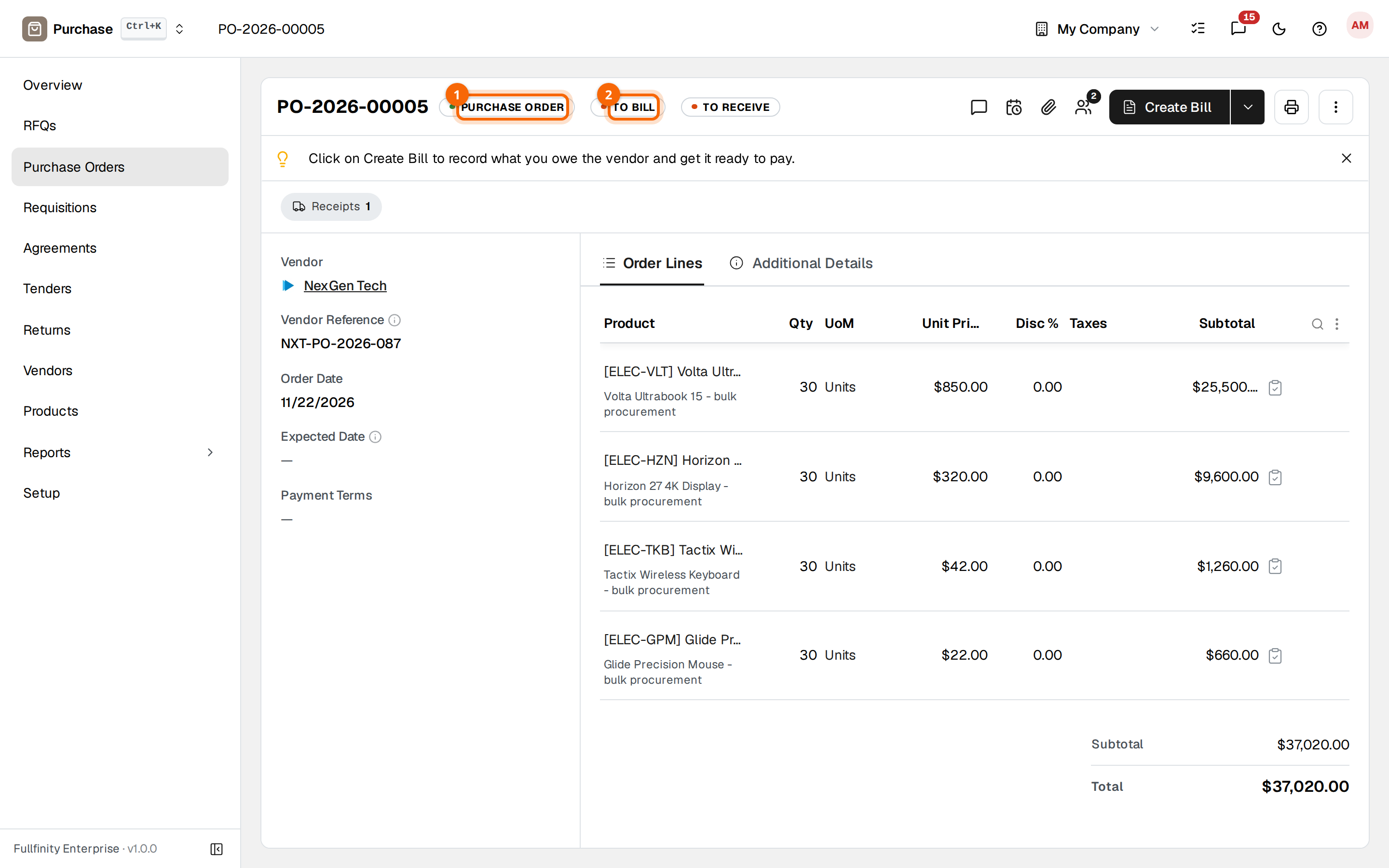
The Mark as Done button shows only when the order's Bill Status is Fully Billed. With Inventory, it also needs the order to be Fully Received (or Nothing to Receive, for services); otherwise clicking it tells you goods are still expected.
When the last delivery arrives on an order that is already fully billed, the order closes as Done by itself.
If something is still to bill
Bill Status shows To Bill. Click Create Bill for the rest — see How do I create a bill from a purchase order?
If something is still to receive
The Receipt column of the Purchase Orders list shows To Receive or Partially Received. Open the Receipts button to see what's outstanding, and validate the receipt when the goods arrive.
If the vendor will never deliver the rest
Finish the order with what arrived:
- Bill what arrived. Click Create Bill and bill the delivered quantities (on Ordered Quantities, lower the quantities on the draft bill to what arrived before posting it).
- Click Close Short. It shows on a confirmed order whose Receipt is Partially Received.
The outstanding quantities are cancelled — your warehouse stops expecting them — and the order becomes Done with a Closed Short badge. From then on, what arrived is all the vendor can bill on it. Close Short is refused while something that arrived is still unbilled, and tells you what.
Need the missing goods after all? Order them again on a new RFQ, from this vendor or another.