How do I turn a lead into a sales order?
Take an enquiry from CRM through qualification and a quote to a confirmed order — and see the deal marked won.
A new enquiry starts in CRM as a lead. Once you qualify it you work it as an opportunity, quote from it in Sales, and when the customer confirms, the opportunity is marked won for you. The quote and the opportunity stay linked both ways.
1. Qualify the lead
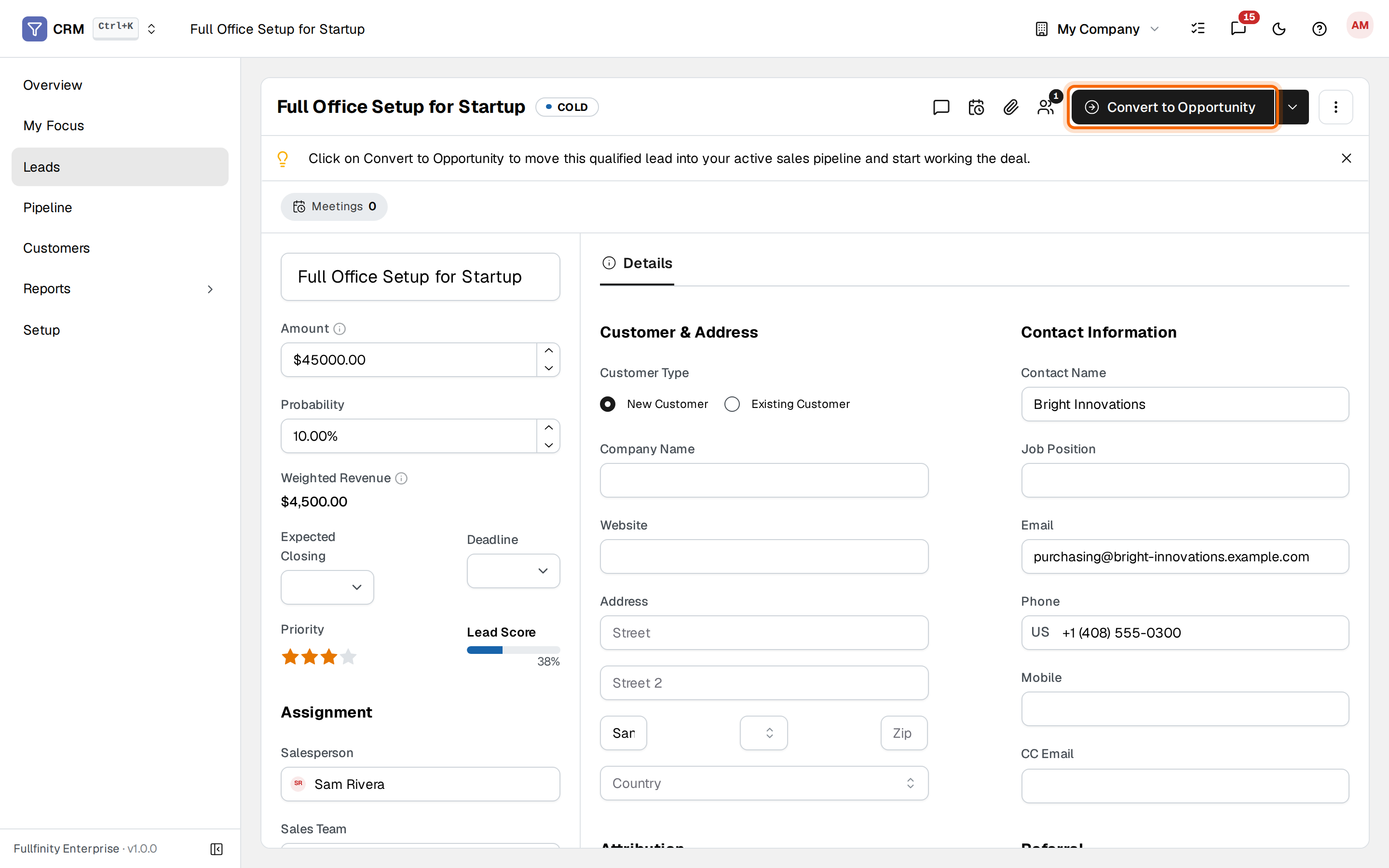
Open the lead from CRM → Leads. Leads arrive from your website's contact form (see How do I turn website contact-form enquiries into leads?) or are entered by hand. When it is worth pursuing, click Convert to Opportunity. It moves into your CRM → Pipeline, in its first stage. More: How do I qualify a lead into an opportunity?.
2. Work the opportunity
Move the opportunity through the stages as the deal progresses, and keep Amount and Probability current. In Customer Type, choose Existing Customer and pick the Customer if they already buy from you; leave New Customer while they are only a name and email. See How do I work my sales pipeline?.
3. Create the quote
Open the menu next to the main button and click New Quotation.
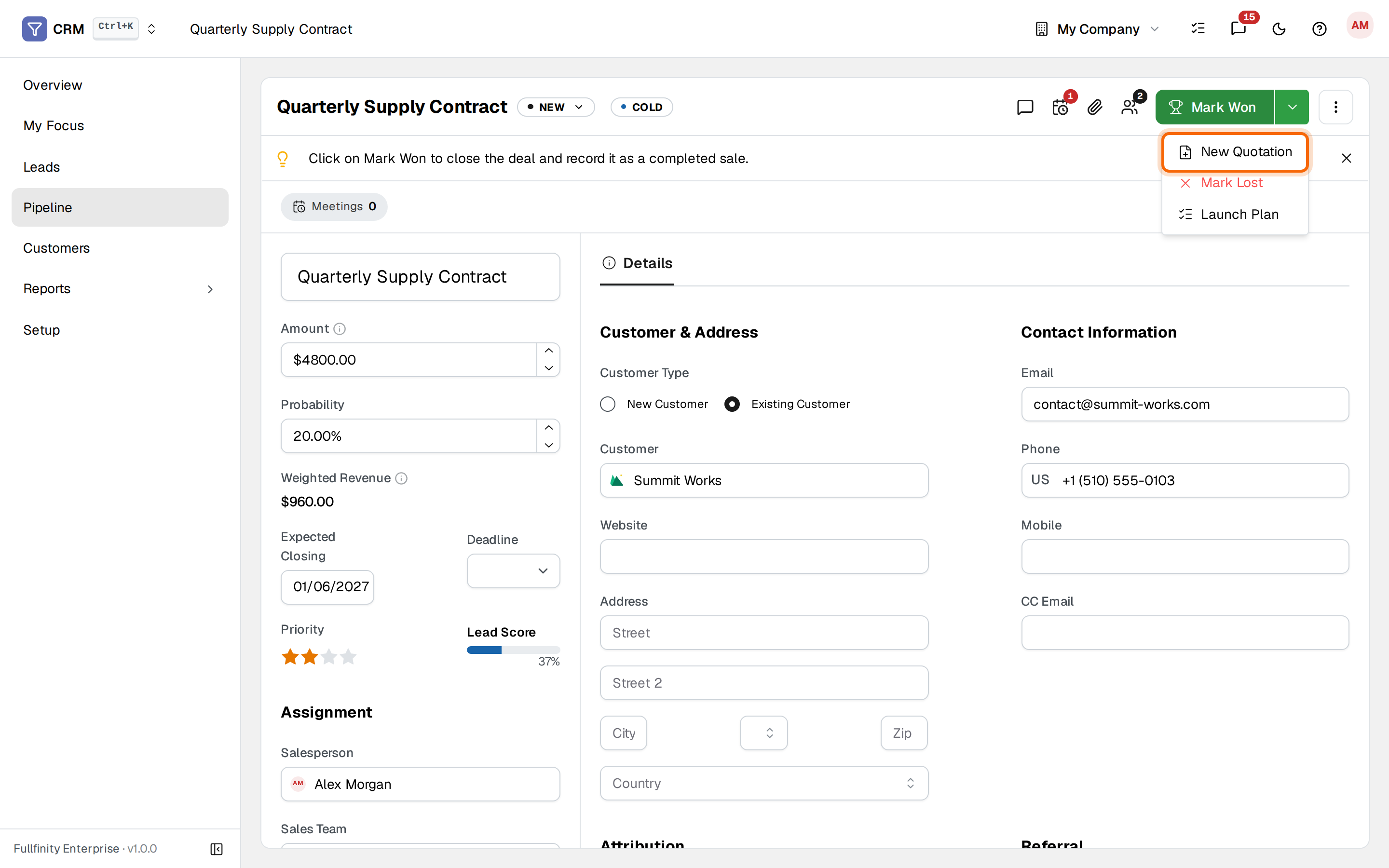
- If the opportunity has a customer, a new quote opens straight away for that customer, with your salesperson and sales team filled in.
- If it doesn't yet, a New Customer panel asks first: Create New Customer (pre-filled from the opportunity's contact details) or Use Existing Customer. Click Create Quotation.
Add the products and send the quote as usual — see How does a sale flow from quote to payment?. The opportunity now shows a Quotations button that lists every quote raised from it.
4. Confirm the order — the deal is won
When the customer accepts, click Confirm on the quote. Confirming the order also moves its opportunity to the won stage, so you don't need to click Mark Won yourself. The opportunity's Total Sales button then shows the value of its confirmed orders.
Related
From here the order is delivered and invoiced exactly like any other — see How does a sale flow from quote to payment?.