The floor runs on big buttons, not clipboards.
Operators build the work and book what they made with one tap each. The clock keeps itself and stock stays right — no clipboards, no double entry.
The job's on a printout. The count's on a sticky note.
The plan lives in the office; the work happens at the bench. Between them sit paper travellers, guessed times and quantities re-keyed hours later — so what actually happened on the floor is always a day behind what the system thinks.
Pick your station. The queue is already there.
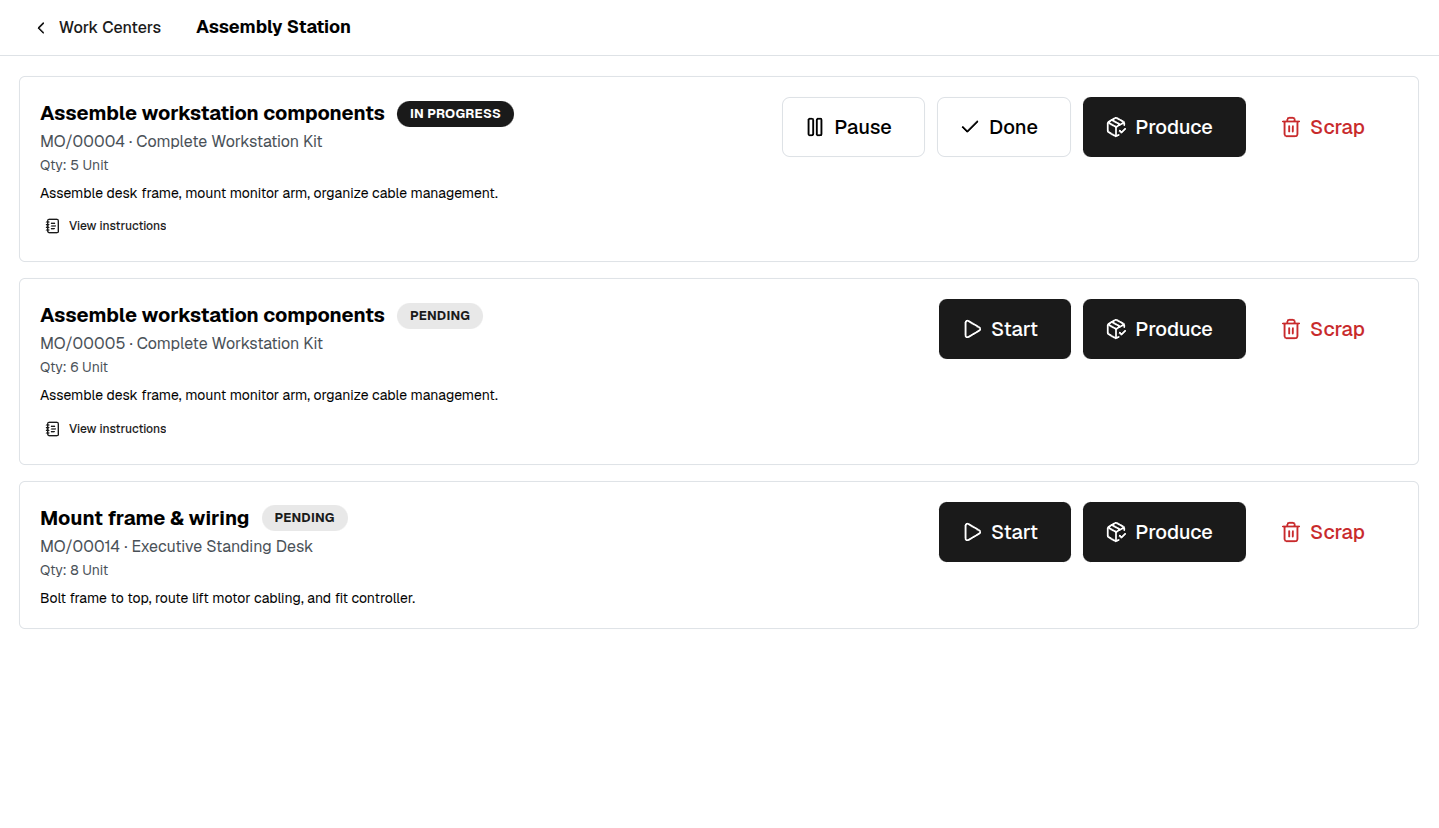
Every work center shows how much work is waiting on it before anyone touches a screen. An operator taps their station and sees exactly what's ready, what's mid-job and what's next — in the order it should run.
Start, pause, done — and the clock keeps itself.
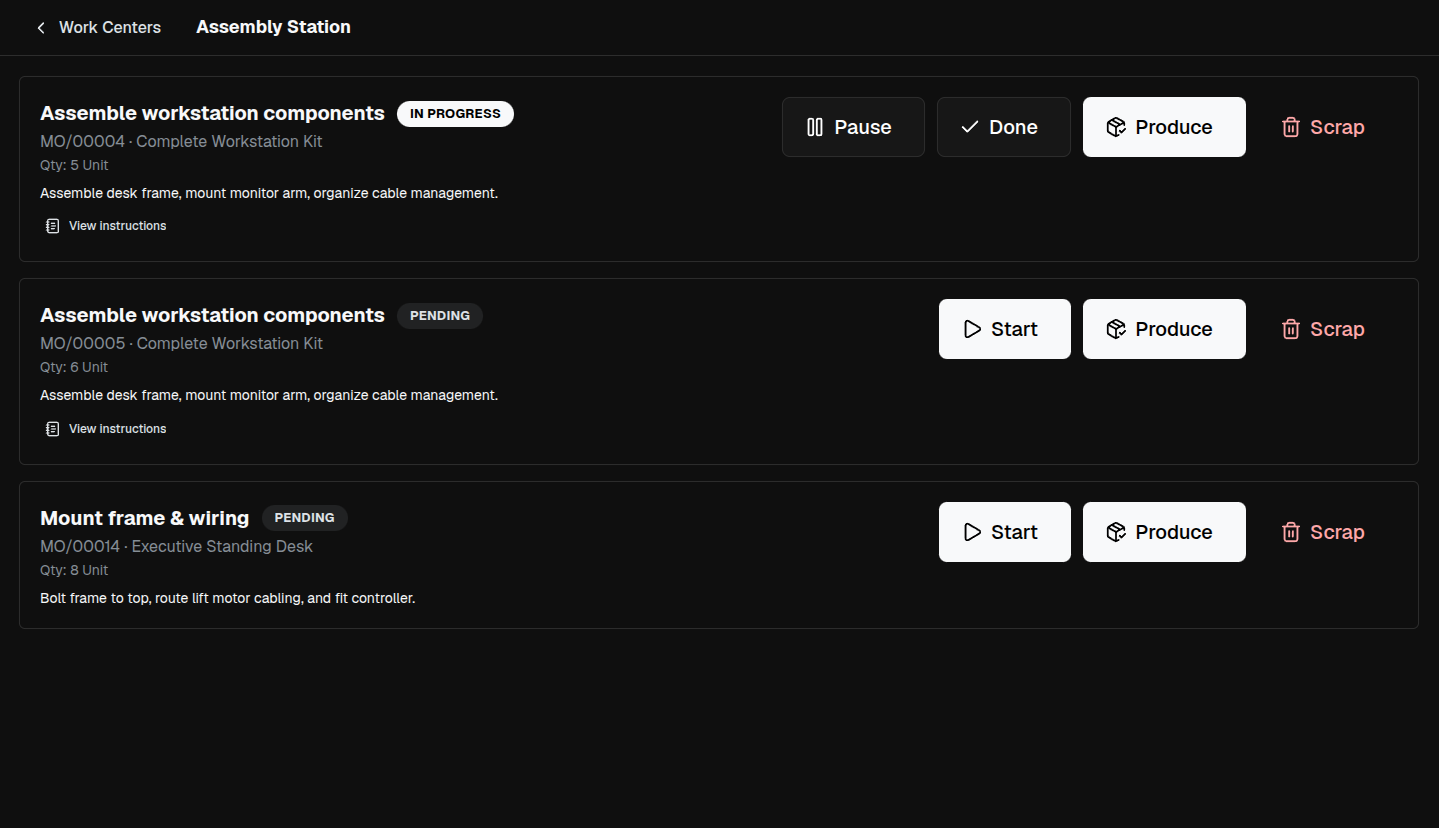
Running a job is three big buttons, sized for gloves. Start clocks the operator on, pause and resume bracket the breaks, done closes it out — so the actual time against the expected time is captured without a single timesheet. The job's instructions and worksheet are right there on the card.
Finish the run, and stock already knows.
When the last operation is signed off, the operator books what was made right at the bench — confirming the lots and serials that went in, and scrapping anything damaged. Finished goods land in stock and components come out of it, straight away. Nothing to re-enter back in the office.
One connected system
The same customers, products and stock run through Shop Floor and every other app — nothing kept in a separate tool.
Source you can read
Every app's source is public, the community apps are Apache-2.0, and the whole thing is yours to self-host.
Free, unlimited users
Self-host the Free edition with your whole team on it — no per-seat fees, no seat counting, no trial running out.
Only what you need
Run Shop Floor on its own, and switch on the rest of the suite when you're ready.
Your questions about shop floor control software, answered.
Do operators need to know the rest of the system?
No. The floor screen is fullscreen, touch-first and shows one thing: the work waiting at this station and big buttons to run it. Everything else in manufacturing stays out of the way.
How does time on a job get recorded?
It records itself. Tapping start clocks the operator on, pause and resume bracket the breaks, and done closes the job — so actual time against the expected time is captured without anyone filling in a timesheet.
What about the work instructions for each job?
The instructions, note and any attached worksheet are kept with the work order itself, captured when the order is created. So the operator sees exactly what that job needs, and a finished order keeps the version they actually worked to.
Can I self-host it?
Yes — Fullfinity runs on your own server with your whole team on it, or on our managed cloud. Shop Floor is part of the Cloud and Enterprise editions.
Apps that pair with Shop Floor
Run Shop Floor — and the rest of your business — in one place.
Start free and self-host the whole platform, or let us run it for you.