Why can't I post into this date?
The period is locked. See which lock applies and what to do instead of posting into closed books.
If posting or cancelling an invoice, bill, payment or journal entry is refused with a message that the entry is in a locked period, its date falls on or before a lock date your administrator set when the period was closed.
Which lock is it?
The message names it and the date it runs to:
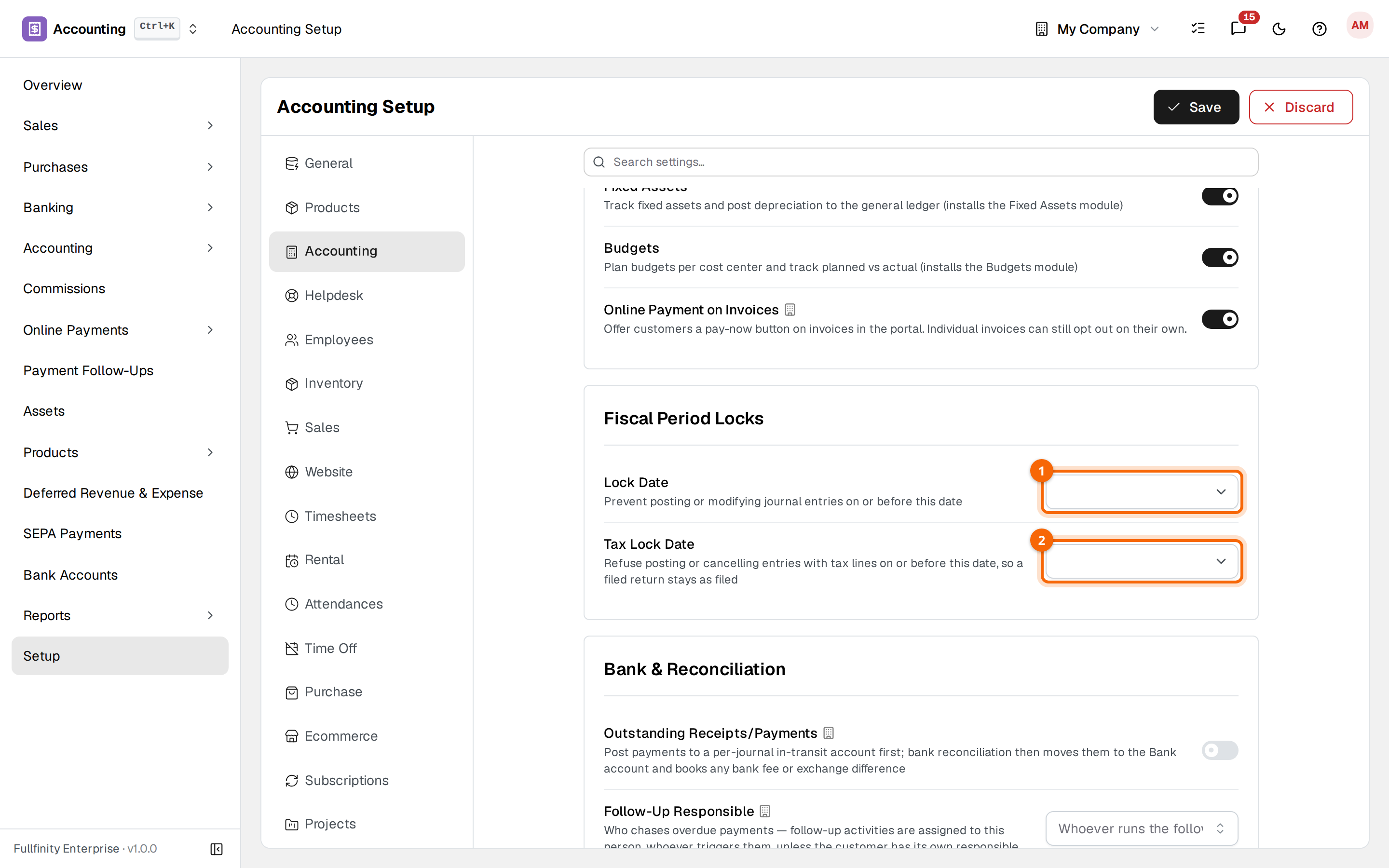
- the books are locked through… — the Lock Date: the books are closed up to that day.
- tax is locked through… — the Tax Lock Date: a tax return has been filed for that period. It only stops entries with tax on them.
Both are on the Accounting tab of Setup, under Fiscal Period Locks.
What to do
- Date it in the open period. A bill that arrived late, or a correction to last month, usually belongs in the current period anyway: change the document's date to a day after the lock and post it.
- Correct with a new document. Instead of cancelling an invoice in a closed period, issue a credit note dated today. See Issue a credit note.
- Ask your administrator to reopen the period if the entry really must go in that period: they move the lock date back, you post, they move it forward again. Don't do this for a period whose tax return has been filed — your filed figures would no longer match your books.
Related: Lock a period
Was this article helpful?