Why can't I invoice this order yet?
The Create Invoice button is missing, or invoicing says there is nothing to bill — the usual causes and how to fix each.
You can only invoice what is ready to bill. Work through these checks in order.
1. Is the order confirmed?
Create Invoice only appears on an order with the status Confirmed. A quote — Quote or Sent — has to be confirmed first. See How do I confirm an order?
2. Is it already fully invoiced?
When everything has been billed, the order shows Fully Invoiced and Create Invoice disappears. Use the Invoices button to find the invoices, and Mark as Done to close the order.
3. Does it say Nothing to Invoice?
A confirmed order with Nothing to Invoice is waiting for a delivery. That happens when it bills Delivered Quantities: nothing can be invoiced until something has been delivered. Clicking Create Invoice anyway tells you No invoiceable lines found.
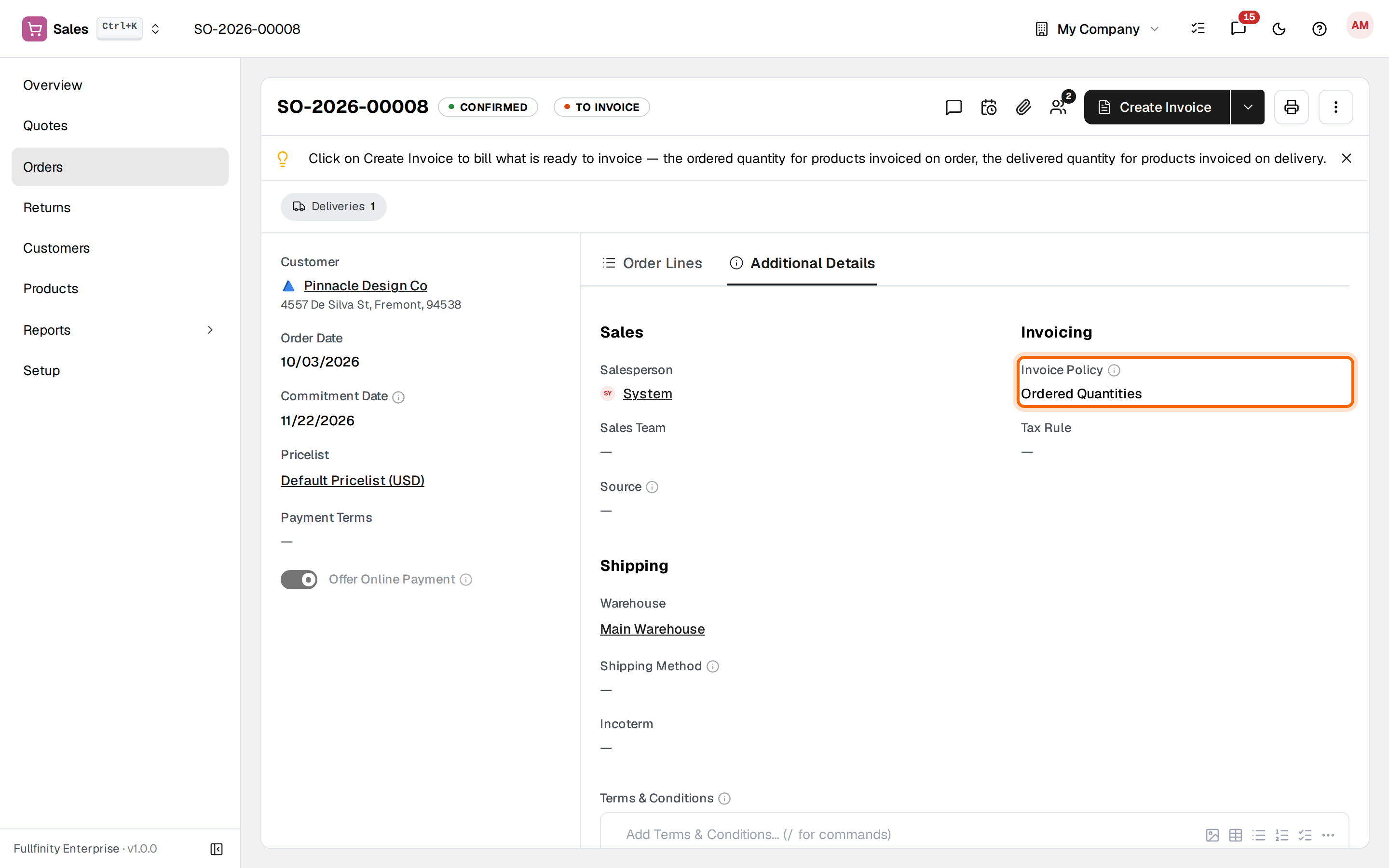
Check the Invoice Policy on the order's Additional Details tab, then:
- For stocked products — the delivered quantity comes from the delivery. Open it with the Deliveries button and have the warehouse validate it; the order becomes To Invoice as soon as goods go out.
- For services and products you don't track in stock — record what you delivered yourself: open the line with the icon at the end of its row and fill in Delivered.
4. Is one product billed differently?
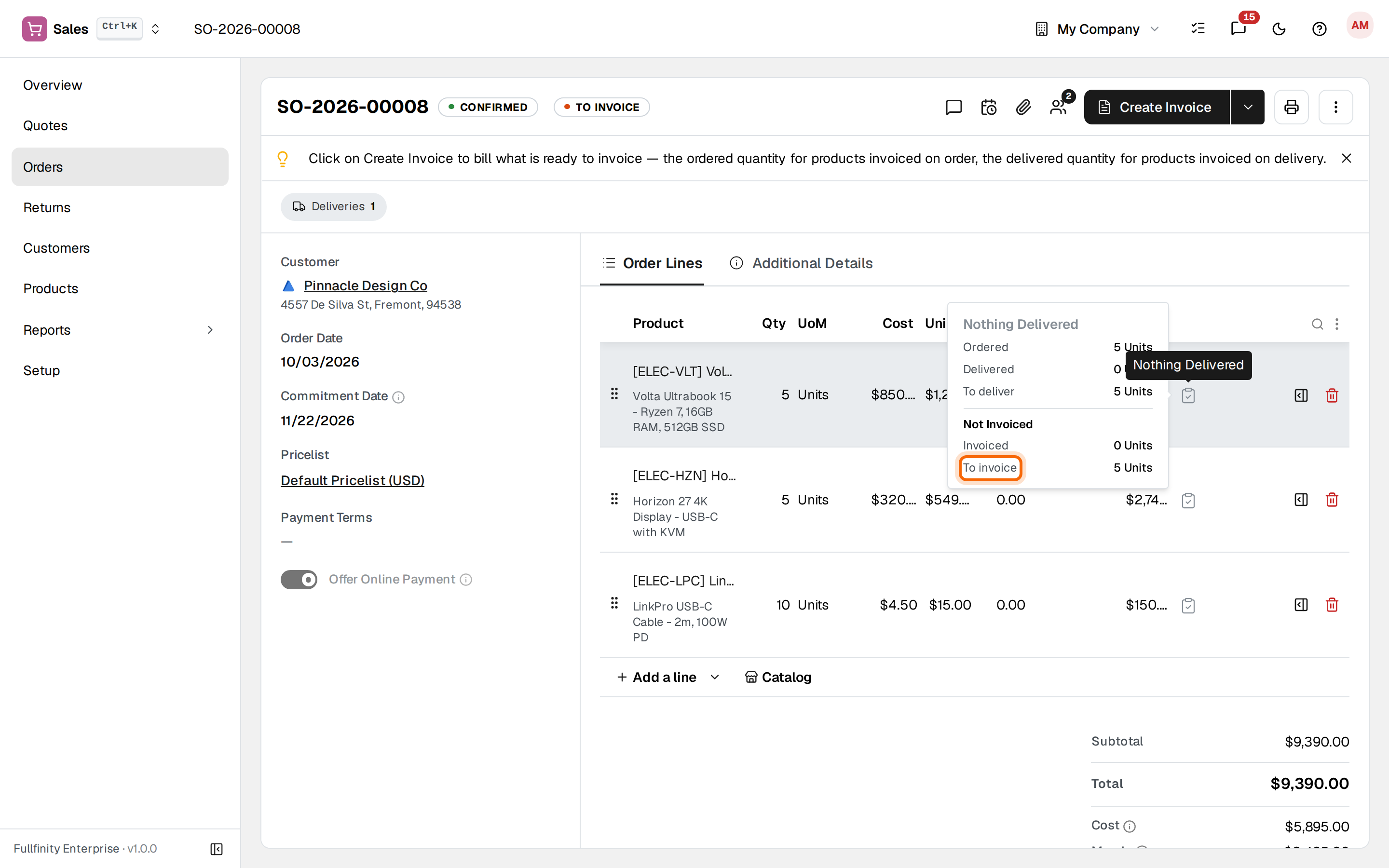
A product with its own Invoicing Policy on its Sales tab ignores the order's policy. A product set to Delivered Quantities on an order set to Ordered Quantities still waits for its delivery. Click the clipboard icon on the line to see what it has Delivered, Invoiced and left To invoice.