How do I sell on account at the register?
Bill a sale to the customer as an invoice they pay later, or book a delivery when its receipt prints and collect the money afterwards.
Trade customers often don't pay at the counter. The register can bill them instead: the sale becomes a posted customer invoice, with their payment terms, which they pay later like any other invoice.
Bill a sale to the customer
- Add the products and choose the customer — see How do I add a customer to a sale?
- Click Pay.
- Before adding any payment, click On Account.
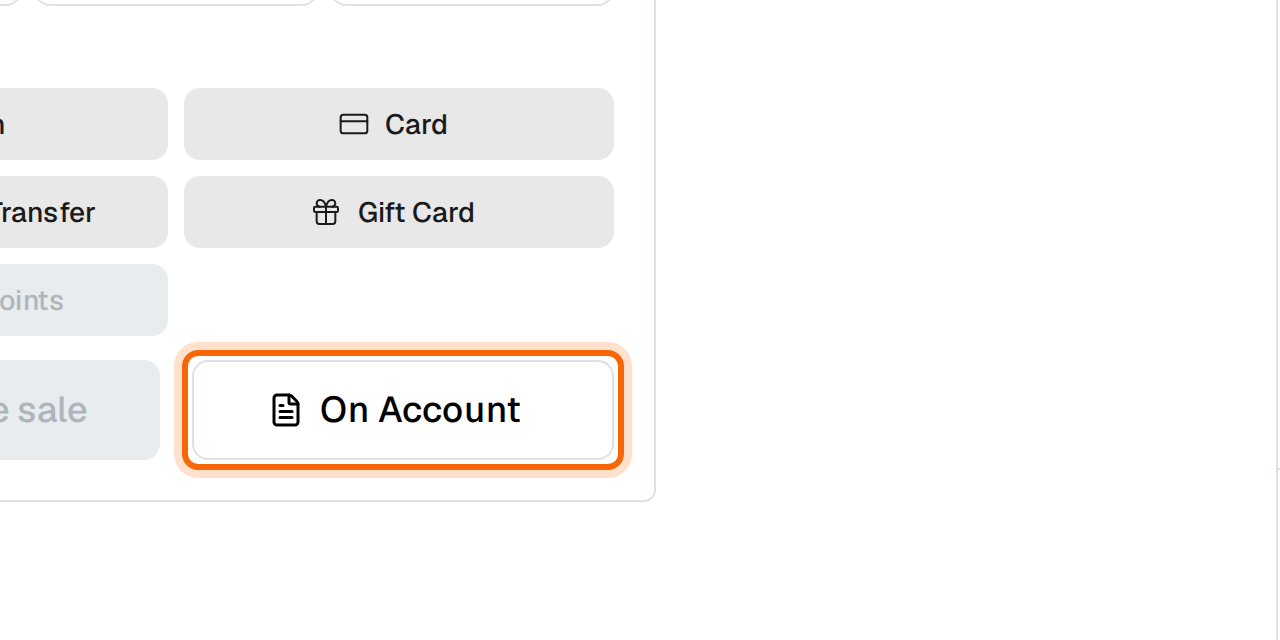
The invoice is created and posted, and its PDF opens so you can print it or hand it over. The products leave stock as for any sale. The customer pays the invoice later — see How do I record a customer payment?
Find the invoice later
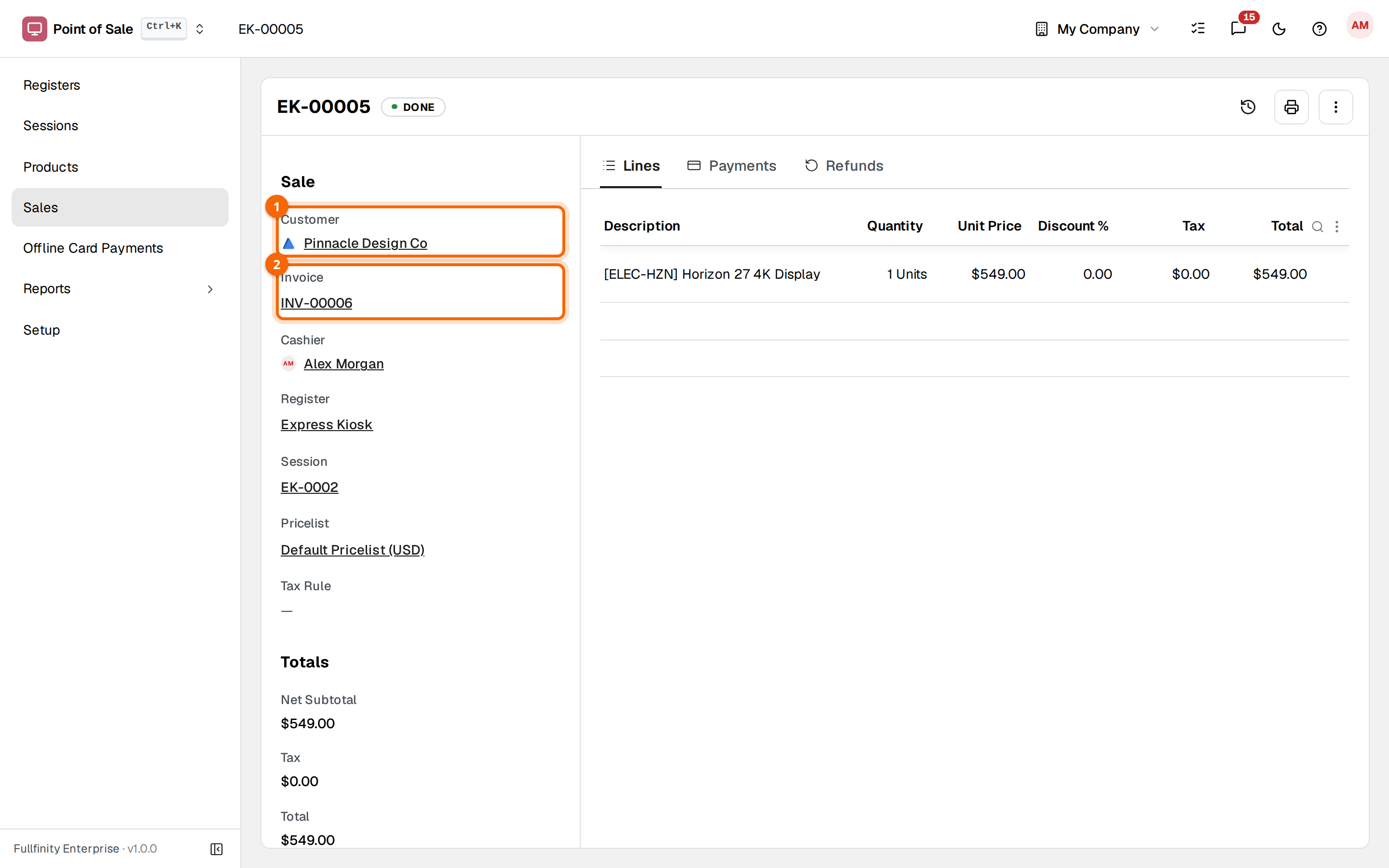
Open the sale in Point of Sale → Sales. Its Invoice links to the customer invoice.
Part on account, part paid
A tender type of the Customer Account kind lets the customer pay part of a sale now and put the rest on their account: enter the amount to put on account and click that button, then take the rest as usual. That part is added to what the customer owes you, without a separate invoice.
Deliveries: book the sale when the receipt prints
For delivery rounds and van sales, switch on Print Before Payment on the register's Payments & Accounting tab. On that register Pay becomes Print & Commit: the customer must be chosen, and clicking it books the sale as an invoice and prints the receipt so the customer can check the goods. Then, under Collect payment, click Cash if they pay now, or On Account to leave the invoice open. Cash collected this way pays the invoice when the shift closes.