How do I hire an applicant?
Turn the chosen candidate into an employee with one click, then finish their employee record.
When a candidate accepts your offer, hire them from their applicant record. Nothing has to be typed twice.
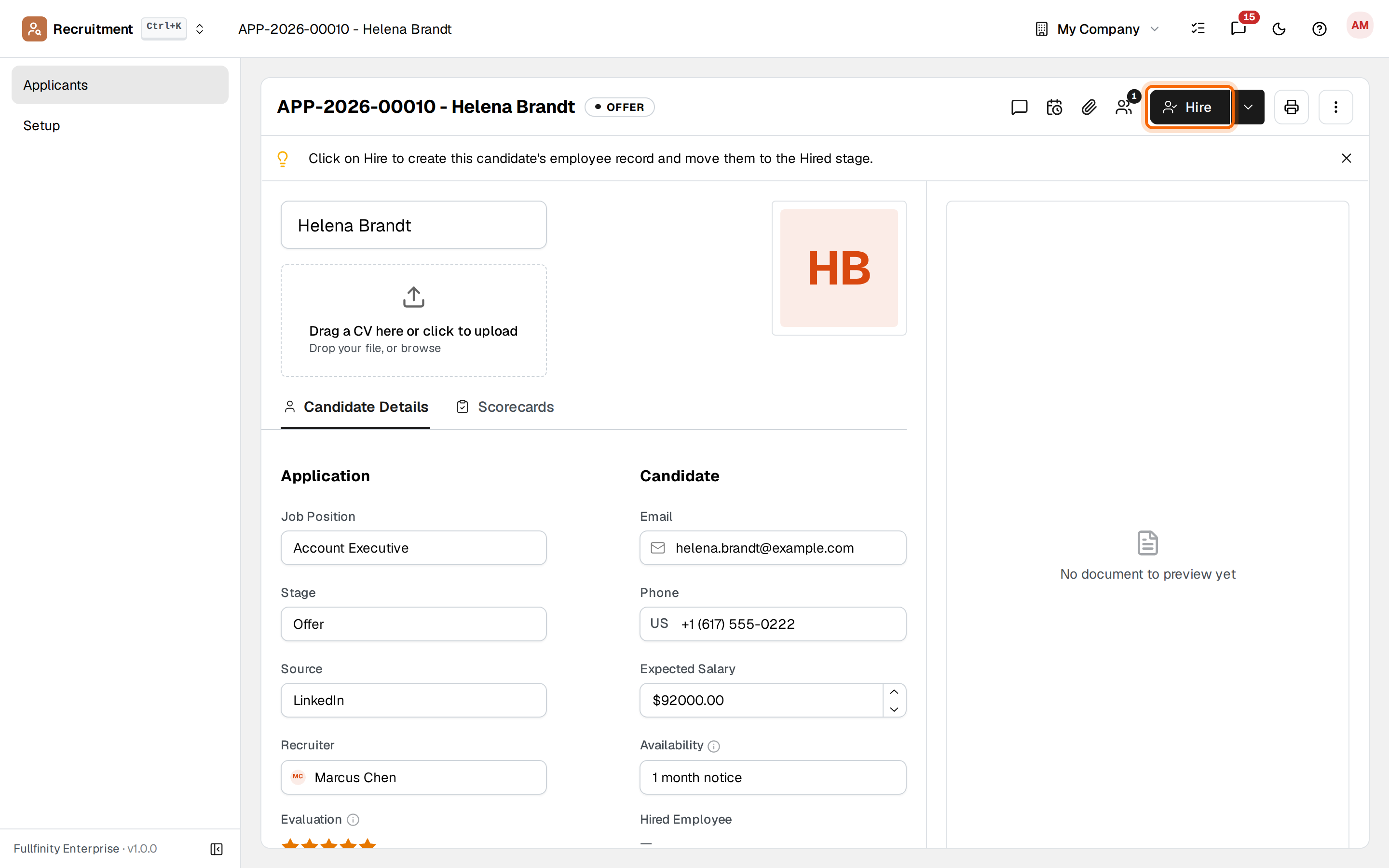
Open the applicant and click Hire.
What happens
- An employee is created with the applicant's name, their email as the Work Email, and the job position — in the position's department.
- The new employee record opens, so you can finish it: manager, working schedule, start date. See How do I add an employee?
- The applicant moves to the Hired stage, and Hired Employee on the applicant links to the new record. The Hire, Schedule Interview and Request Scorecards buttons disappear — a candidate is hired once.
➡️ Next: set up their pay — How do I set up an employee's contract?
Was this article helpful?