How do I set up an employee's contract?
Record an employee's wage, working schedule and salary breakdown, and run the contract so payroll pays them.
Payroll pays everyone with a running contract. The contract holds what you agreed: the wage, the hours, the salary structure, and the employee's own amounts for it.
Go to Employees → Contracts and click New (or open one).
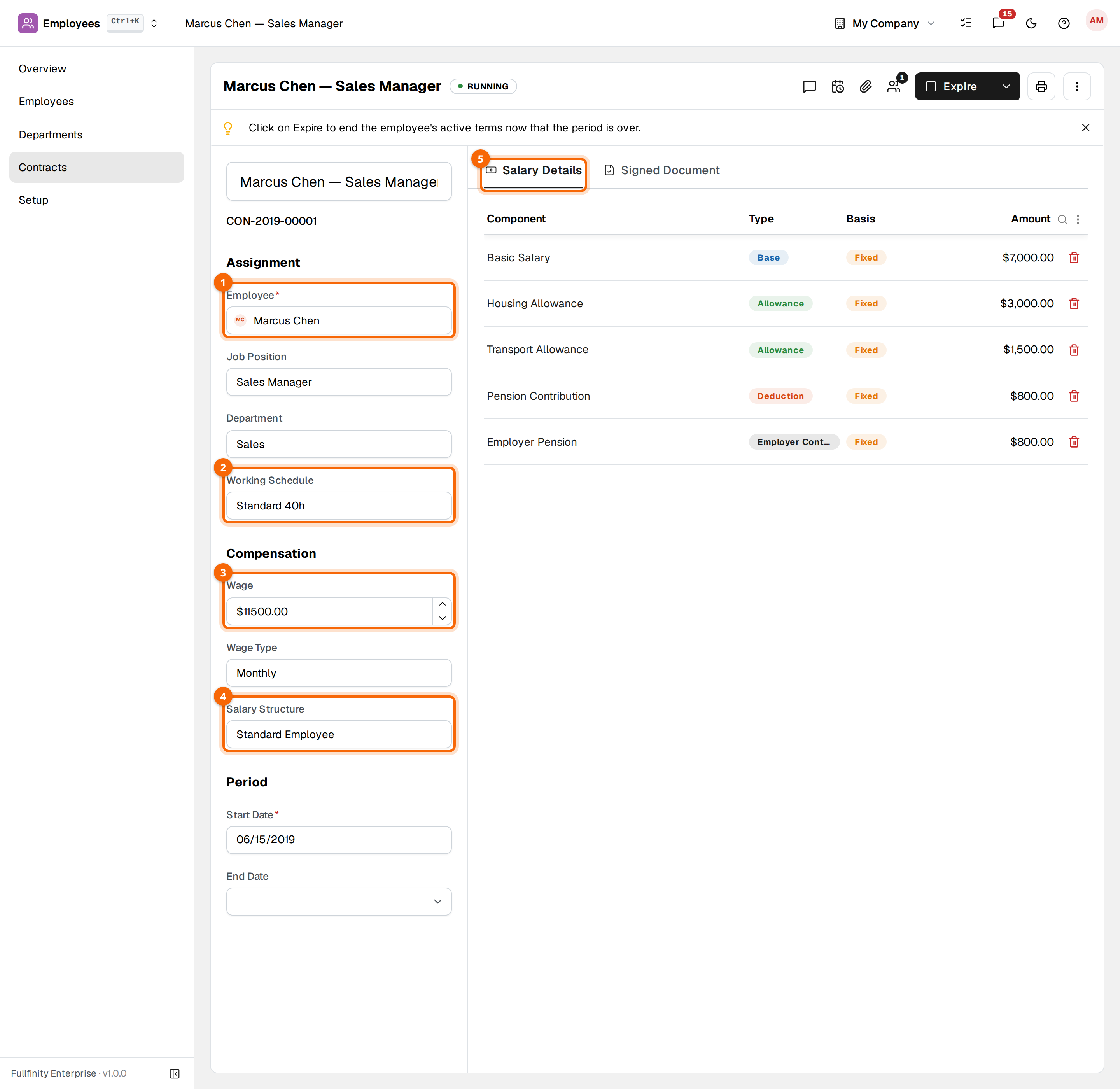
- Employee — who it is for. Give it a title at the top, such as Marcus Chen — Sales Manager, and set the Job Position and Department.
- Working Schedule — their hours. It decides their working days, their hourly rate and when they are on overtime.
- Wage — their pay, and its Wage Type: Monthly, Annual or Hourly.
- Salary Structure — which recipe their payslips use.
- Salary Details — picking the structure lists its components here. Type this employee's amount for each Fixed one (their basic salary, their housing allowance); the others are worked out from the wage and can't be typed over.
Set the Start Date, and an End Date for a fixed-term contract. Attach the signed copy on the Signed Document tab, and print the contract with the printer icon. Click Save.
Run the contract
A new contract is a Draft. When it takes effect, click Run.
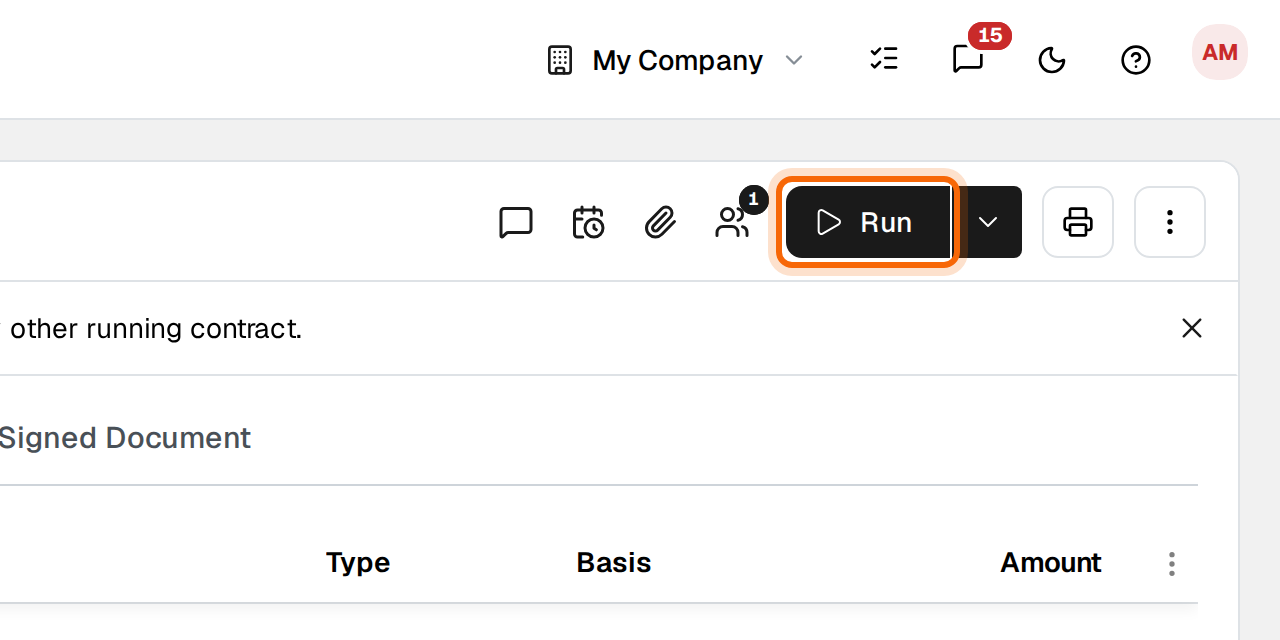
- It becomes Running — the one payroll uses. A person has one running contract: running a new one sets the old one to Expired.
- The employee's job position, department and working schedule are updated from it.
- Expire ends a running contract; Cancel drops one that isn't going ahead.
➡️ Next: How do I run payroll for a month?
Was this article helpful?