How do I set up Quality?
Turn on Quality, choose where goods are held for inspection, and organise inspectors into teams.
Quality checks goods at the points you choose — as they arrive from a vendor, or as a work order is finished — and holds what fails. You decide what to check with control points; checks are then created for you whenever goods reach one.
1. Turn it on
Go to Inventory → Setup, switch on Quality Control and click Save. The Quality app appears on the home screen.
2. Choose where goods wait for inspection
Incoming goods are inspected while they sit in a control location, and the check runs when they are moved out of it. The simplest set-up is a three-step reception:
- Open the warehouse (Inventory → Setup → Warehouses).
- On the Shipments tab, set Incoming Shipments to Three-Step. Goods are then received into an input area, moved to a Quality Control location, and only then put into stock.
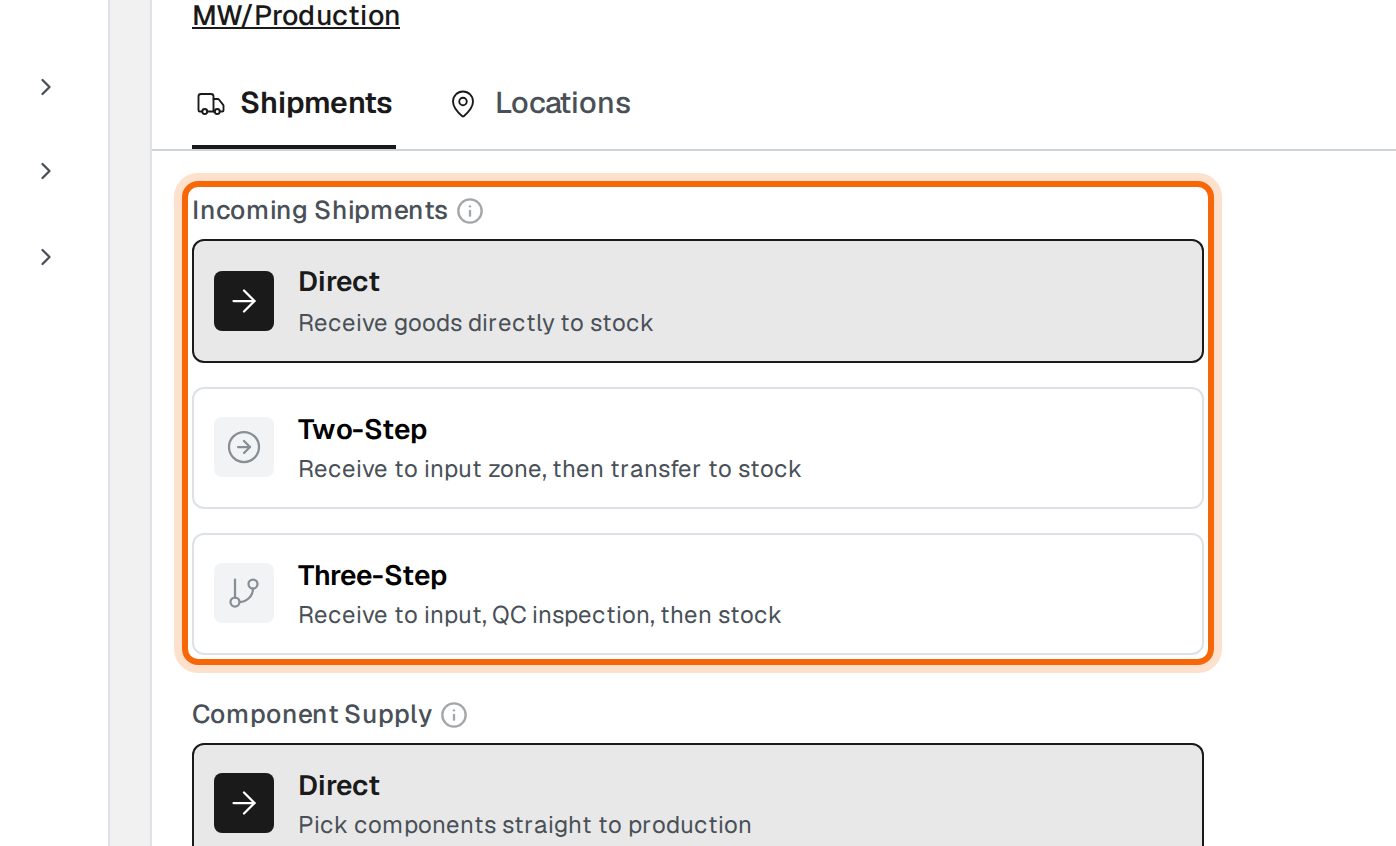
Any other location goods pass through can be a control location too — you choose it on the control point. See How do I receive or ship in two or three steps?
3. Teams and who can decide
- Quality → Quality Teams groups the people who inspect and investigate. A Quality Team is ready to use; add more if different people handle electronics and furniture, say. Each control point and alert names a team.
- Anyone with Inventory access can record a check. Releasing a failed check anyway — an override — needs the Quality Manager role. See How do I add users and choose what they can access?
To check quality during production too, switch on Manufacturing Quality in Manufacturing → Setup. See How do I check quality during manufacturing?
➡️ Next: How do I decide what gets inspected?