How do I make a bill for one variant, a kit, or by-products?
Give one variant its own recipe, sell a bundle as a kit, and record the useful extras a run produces.
A bill of materials usually covers every variant of a product and builds one thing. Three variations cover the rest.
A bill for one variant
When products have variants (switched on in the Products settings), a bill shows a Product Variant field. Leave it on All Variants for a bill every variant shares, or choose a variant to give that one its own components. A manufacturing order for that variant picks its own bill first.
A kit
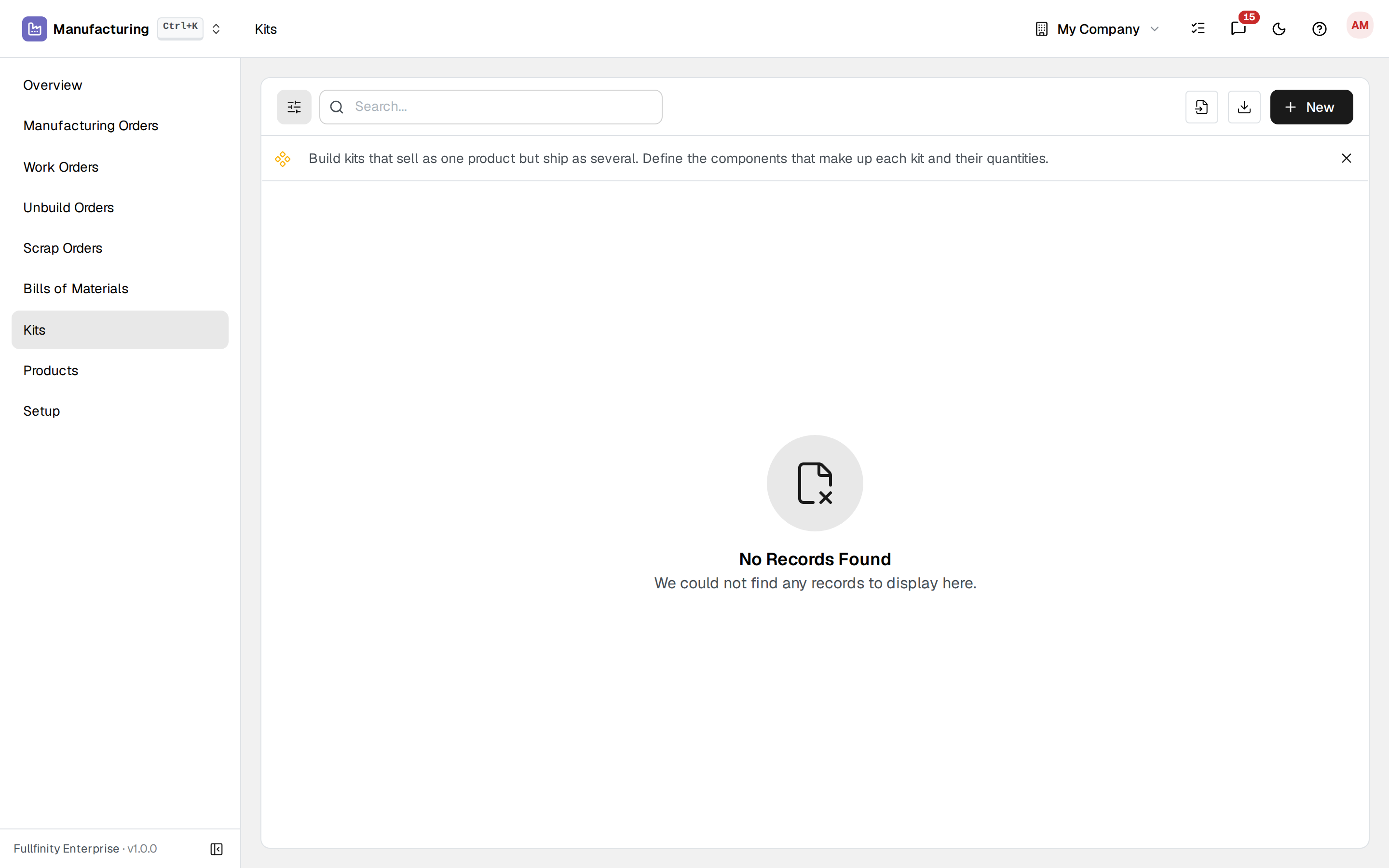
A kit is a bundle you sell as one product but never build — at delivery it is picked as its separate components. Kits are listed under Manufacturing → Kits, and you set one up by ticking Is a Kit on the product. A kit can't be manufactured or unbuilt. See How do I sell products as kits?
By-products
A by-product is something useful a run produces besides the main product — offcuts, a second grade. Switch on By-Products in Manufacturing → Setup first.
- On the bill's Components tab, add the by-product as a line with the quantity one batch produces.
- Switch on By-Product for that line.
- Set its Cost Share (%) — the part of the run's cost it carries. The main product carries the rest.
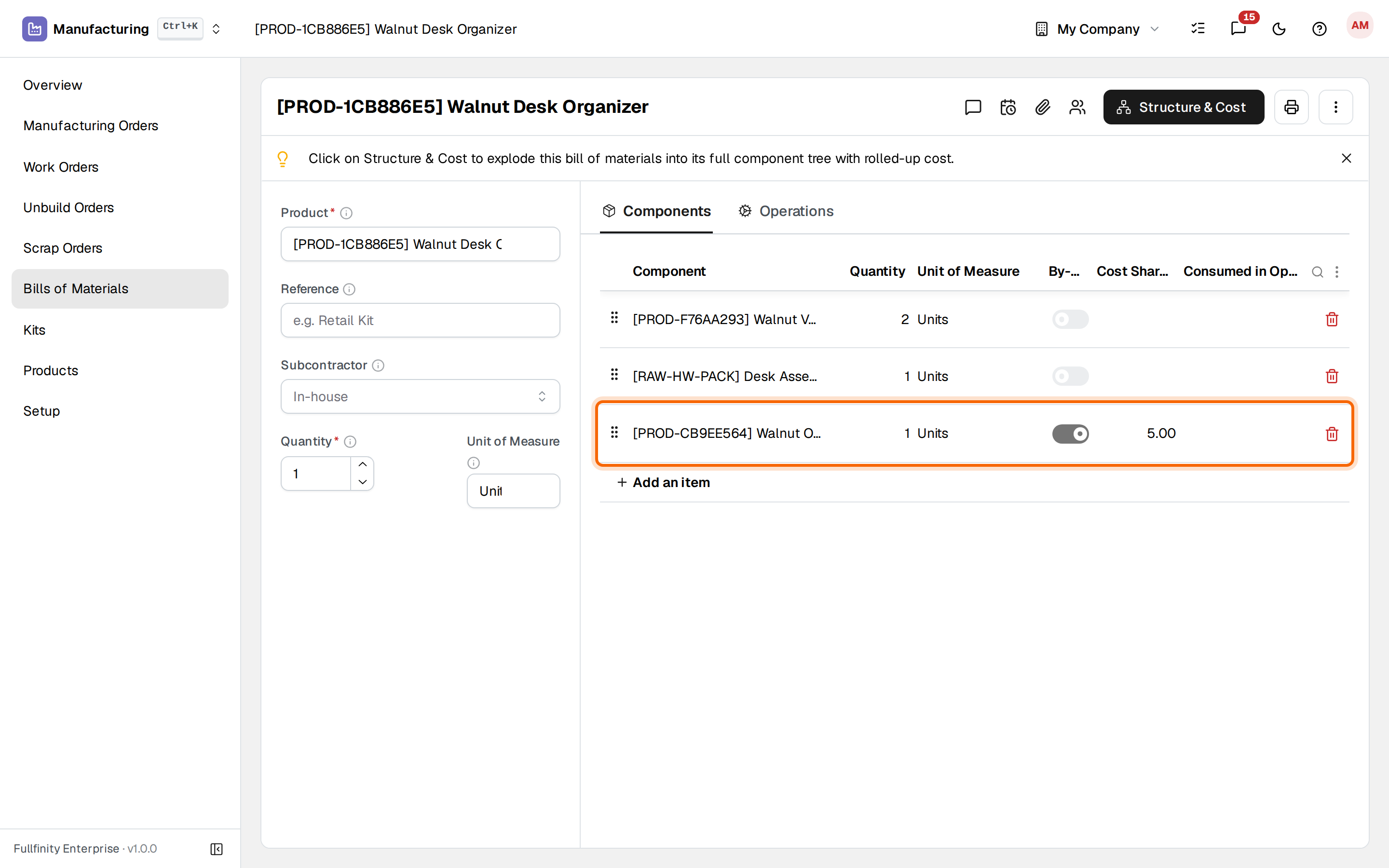
When the order is produced, the by-product goes into stock beside the main product, valued at its share of the cost. It is not consumed and never shows as a component to pick.