How do I create a bill of materials?
List the components, and how many of each, that go into one product you make.
A bill of materials is the recipe for a product you make: which components go into it, and how many. Every manufacturing order follows one.
- Go to Manufacturing → Bills of Materials and click New.
- Choose the Product (1) this bill makes.
- Set the Quantity (2) the bill makes and its Unit of Measure. Most bills make 1 Units; a batch recipe might make 20 Units.
- On the Components tab (3), click Add an item for each component and enter how many the batch uses.
- Click Save.
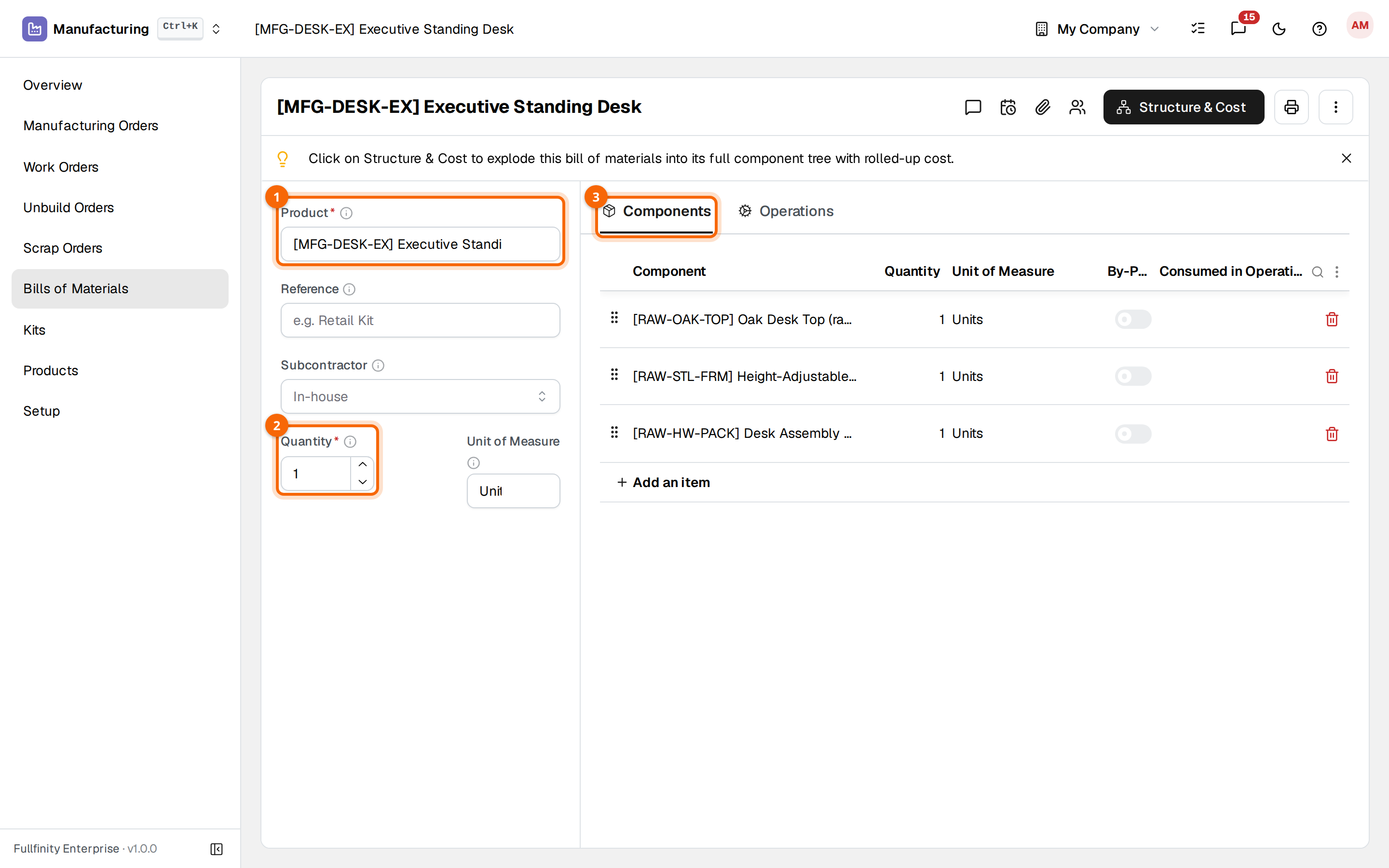
Drag the handle at the start of a component's row to change the order the components are listed in.
Several bills for one product
Give each bill a Reference (e.g. Recycled steel) so you can tell them apart. The first one in the list is used unless you choose another on the manufacturing order.
From the product
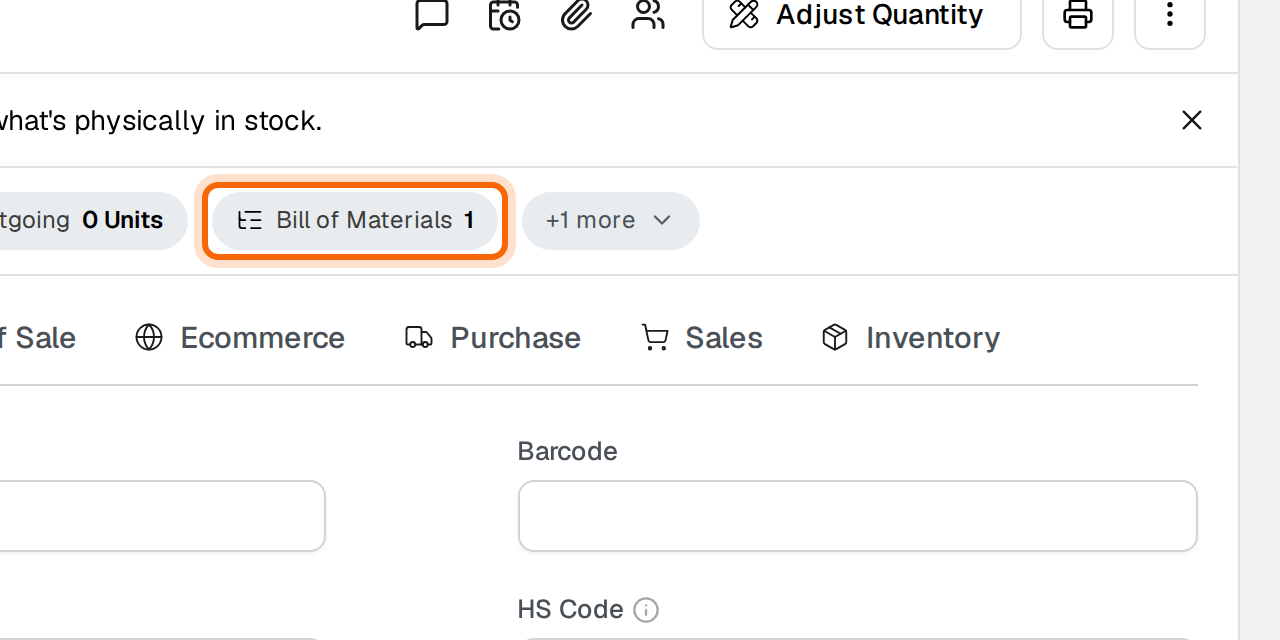
On a product's form, the Bill of Materials button opens its bills, or lets you create the first one.
Related: How do I add operations and work instructions to a bill of materials?
Was this article helpful?