How do I invoice a sales order (ordered vs delivered quantities)?
Create the invoice for a confirmed order, and choose whether you bill what was ordered or only what was delivered.
Once an order is confirmed you bill the customer from the order itself. What the invoice contains depends on the order's invoice policy.
Ordered or delivered quantities?
- Ordered Quantities — you can invoice everything on the order straight after confirming it.
- Delivered Quantities — you can only invoice what has been delivered. Ship half the order, and you can invoice half.
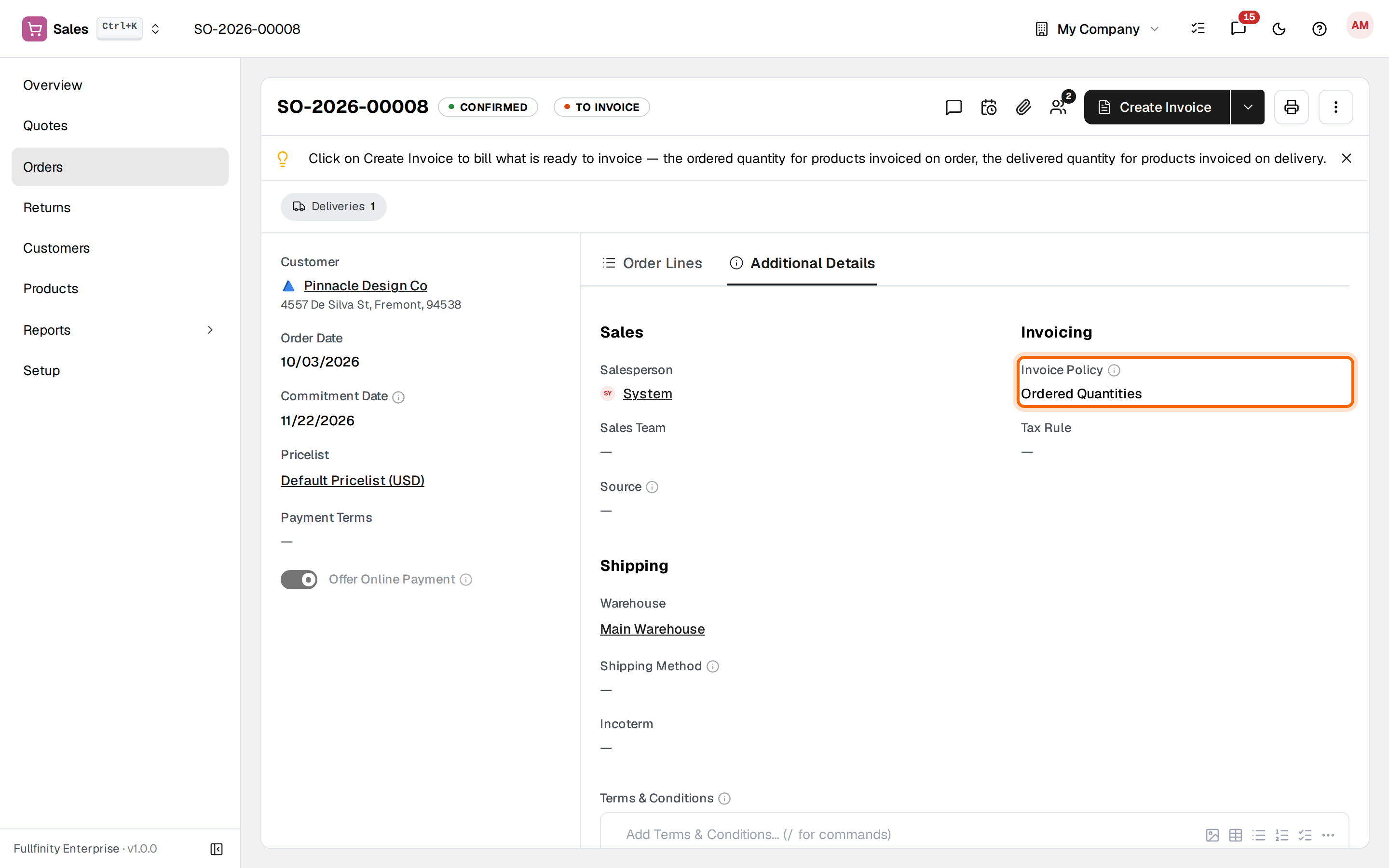
The policy comes from Invoicing Policy in Sales → Setup. You can change it per order on the Additional Details tab, under Invoice Policy, while it is still a quote; after confirming it is shown there read-only.
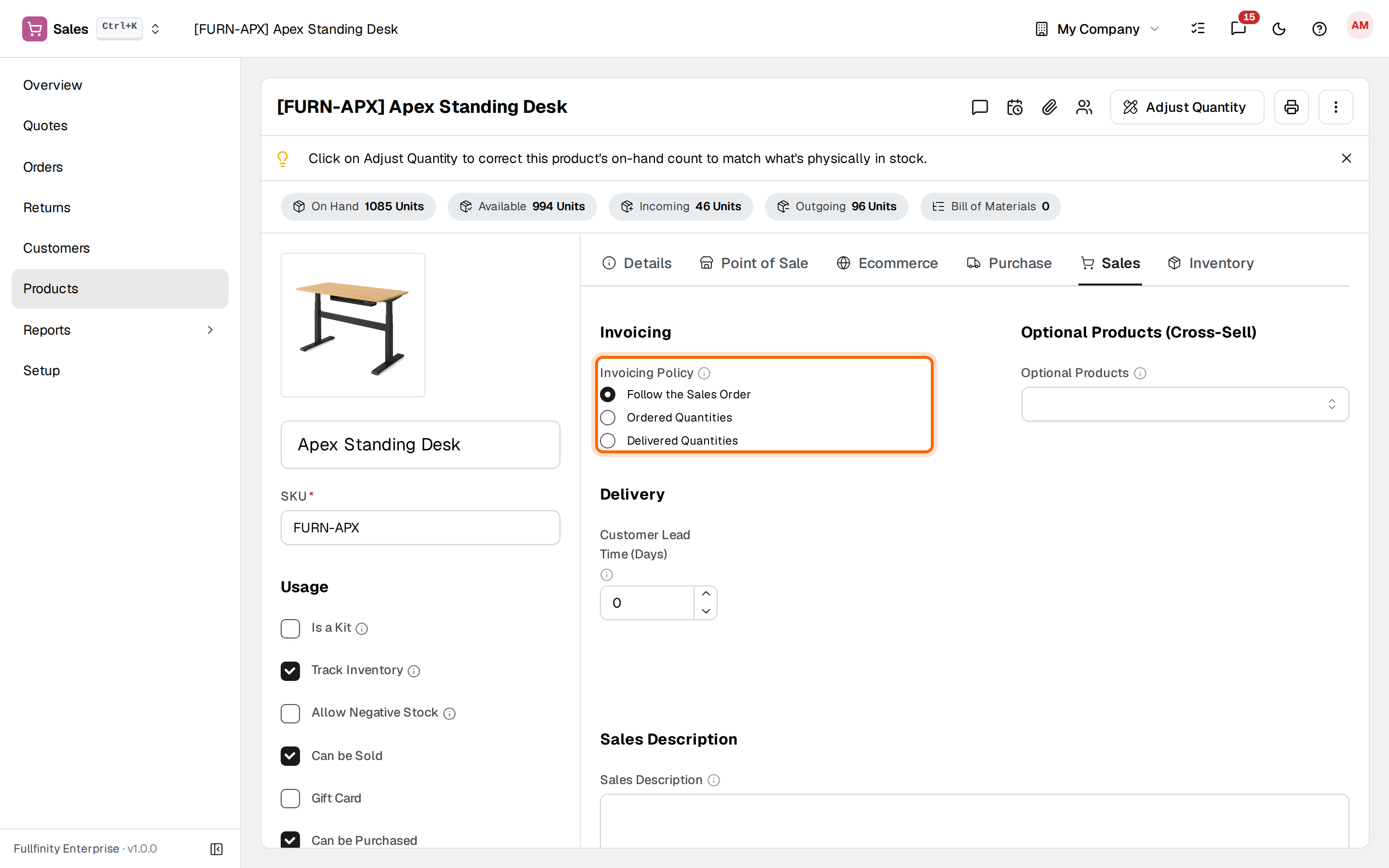
A product can also decide for itself. On a product's Sales tab, Invoicing Policy is Follow the Sales Order by default; set it to Ordered Quantities or Delivered Quantities and that product's lines are always billed that way, whatever the order says.
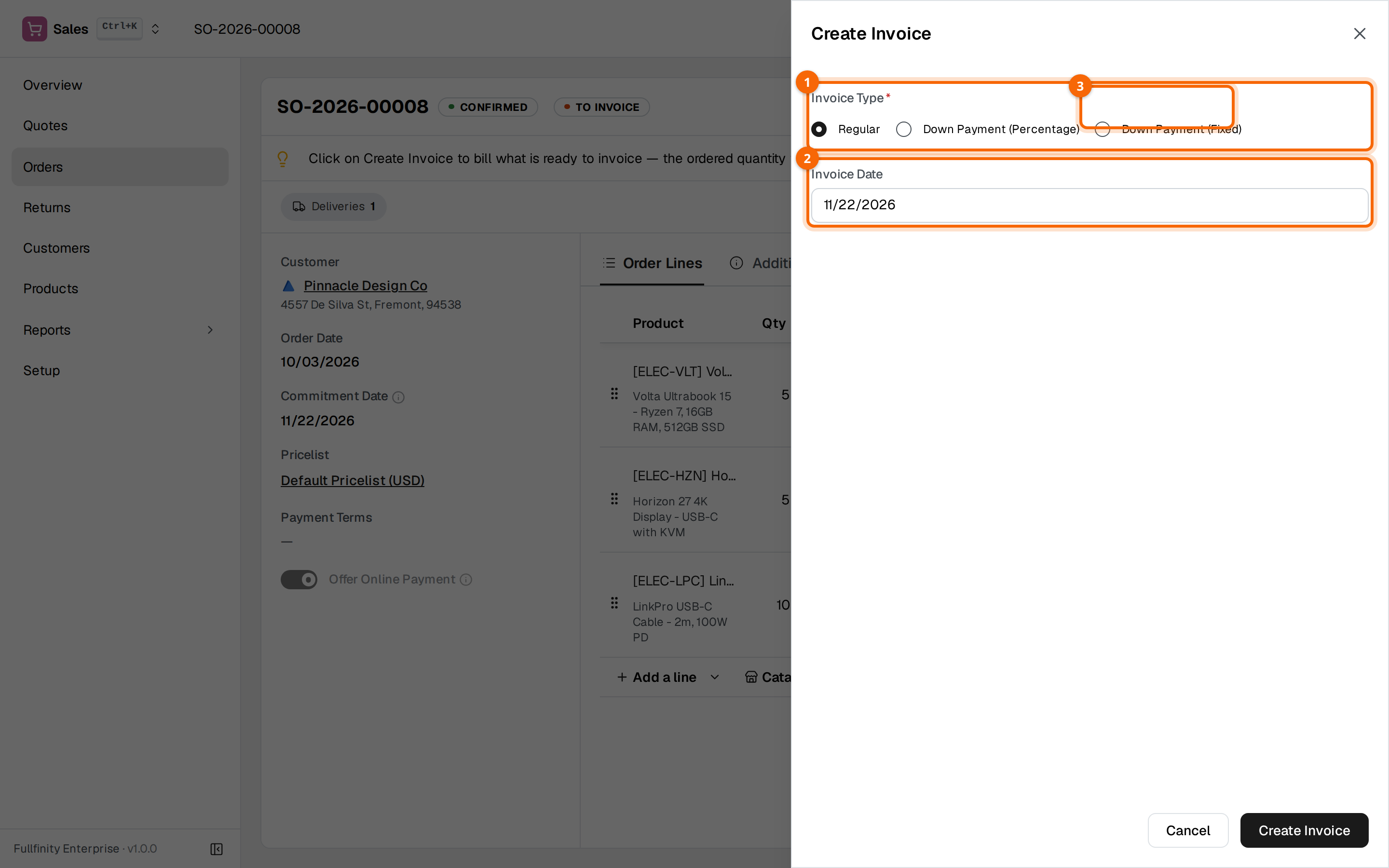
Create the invoice
- Open the order from Sales → Orders. Orders with something to bill show To Invoice.
- Click Create Invoice.
- Leave Invoice Type on Regular, check the Invoice Date and click Create Invoice.
A draft invoice opens with every quantity that is ready to bill and not yet invoiced, along with the order's payment terms, discounts and any down payments to deduct. Check it, then post and send it — see How do I create and send a customer invoice?
See what is left to bill
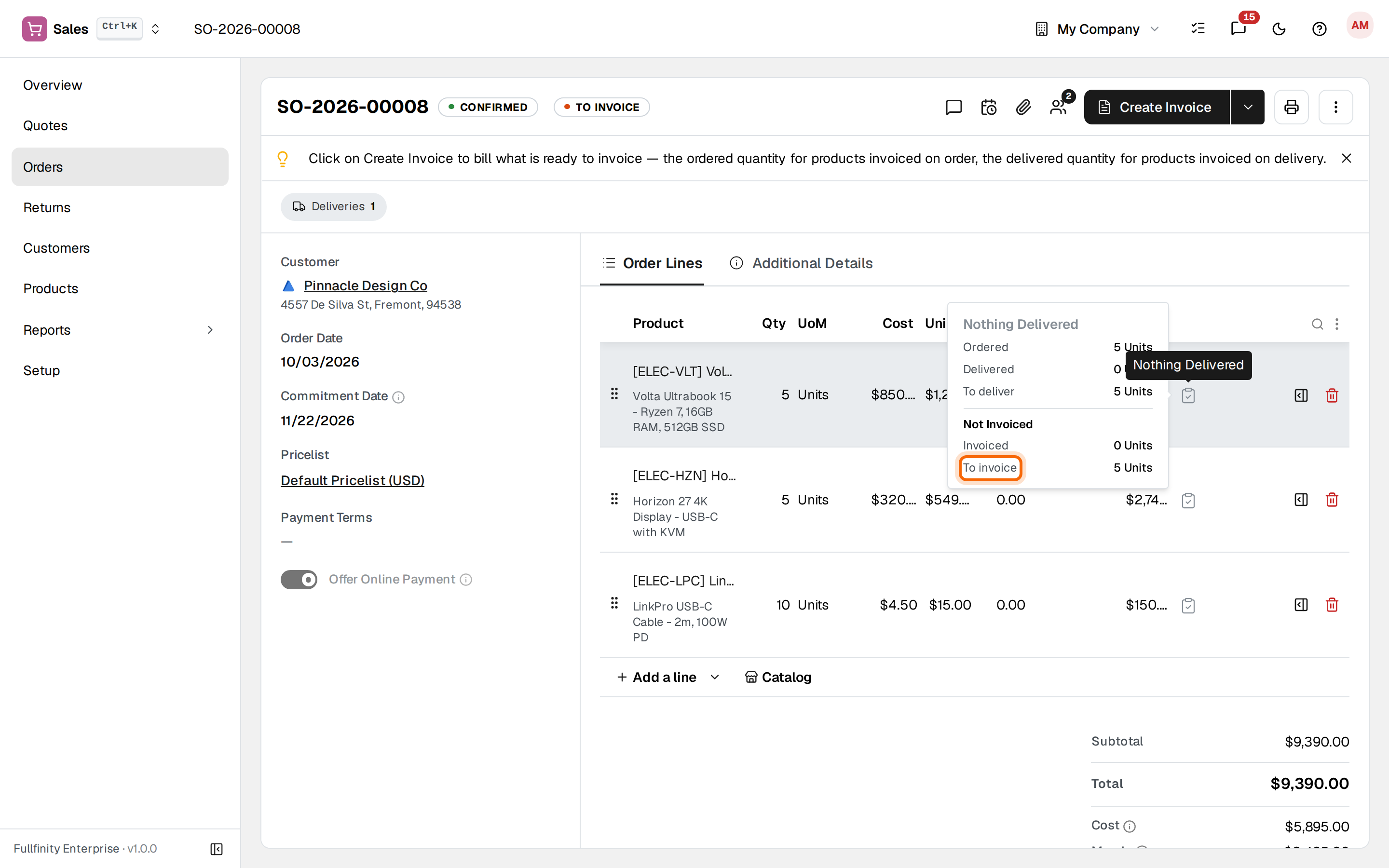
On each line of a confirmed order, click the small clipboard icon to see how much has been ordered, delivered and invoiced, and how much is still To invoice.
The Invoices button at the top of the order opens the invoices already made. When the order shows Fully Invoiced and everything is delivered, click Mark as Done.
Nothing to bill? See Why can't I invoice this order yet?