How do I set up Appointments?
Give your staff working hours, switch online booking on, and set the reminder every booking gets.
Appointments lets customers book time with your team from your website — a consultation, a demo, a fitting. The times offered are worked out from each staff member's working hours and their calendar, so nobody is booked twice.
1. Give each staff member working hours
A staff member is offered for booking only in their working hours. Go to Settings → Users, open the person and choose their Work Schedule under Localization.
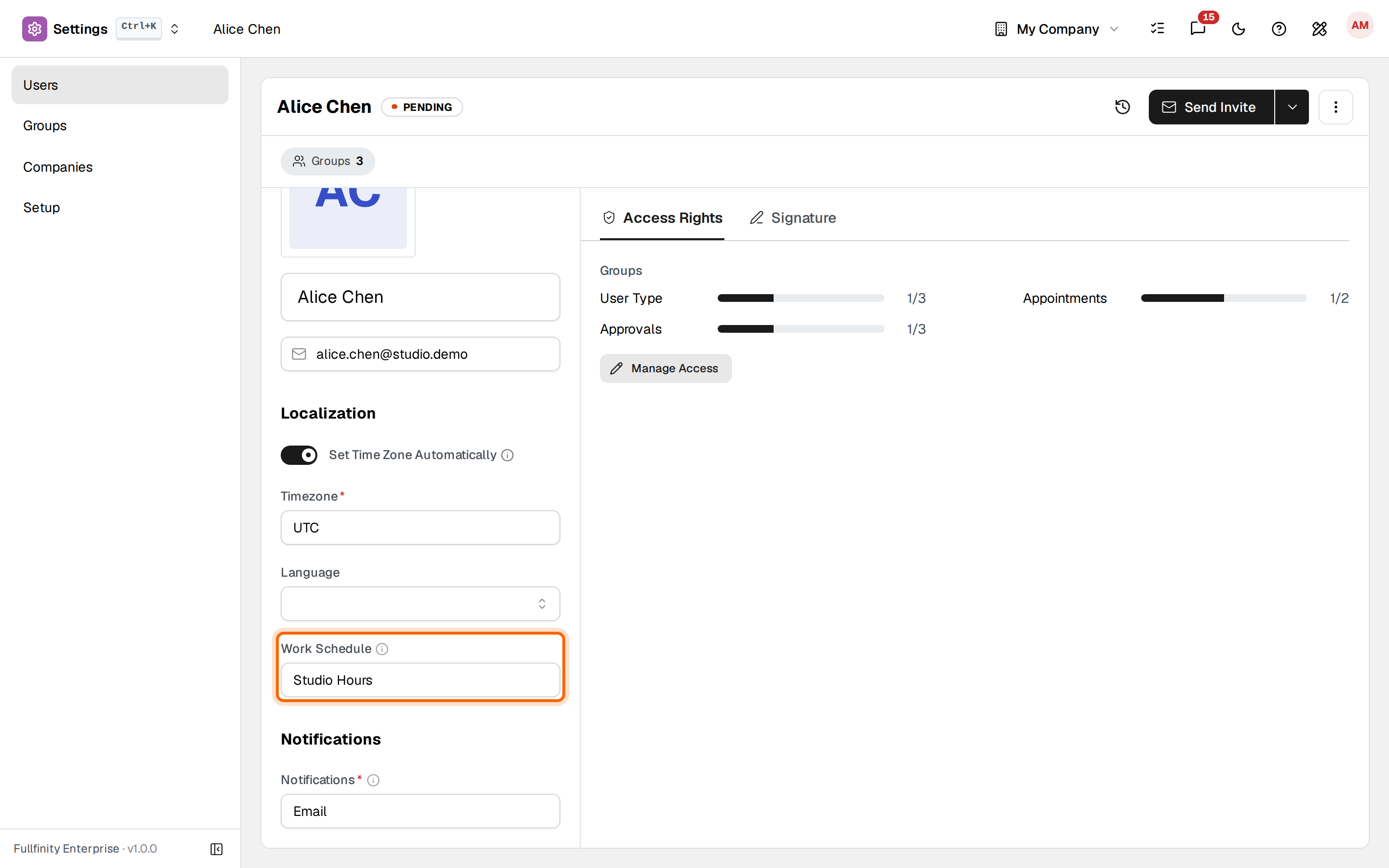
The schedule's holidays are closed too. See How do I set up working hours and public holidays? Their other meetings in Fullfinity, their approved time off, and appointments they already have are always kept free.
2. The settings
Go to Appointments → Setup.
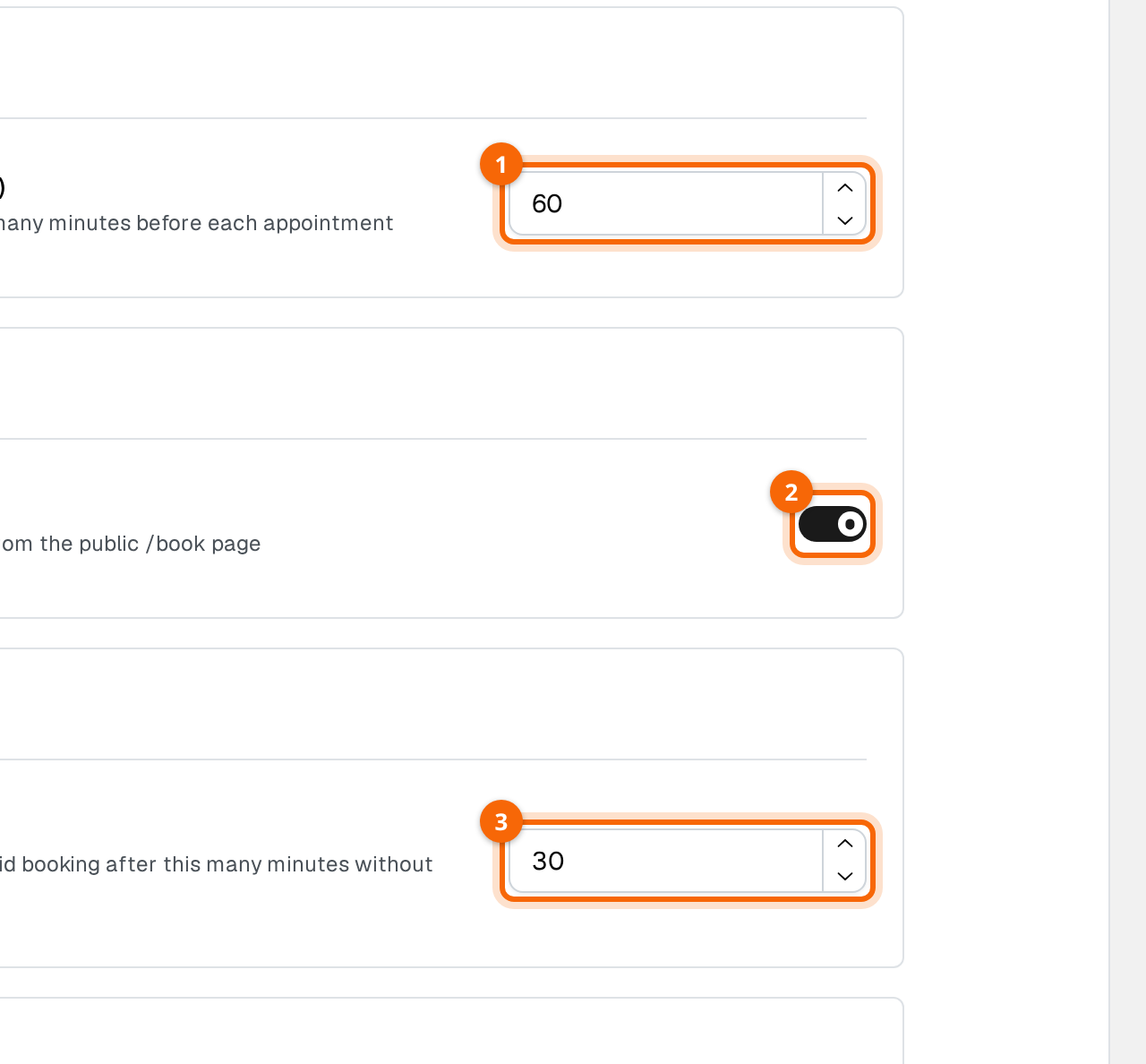
- Reminder Before (minutes) — every confirmed appointment gets a calendar reminder this long before it starts. 0 means none.
- Allow Public Booking — off, the booking pages stay up but say booking is closed, and only your team can book.
- Payment Hold (minutes) — appears when your online shop is installed: how long a slot is held for a customer who has not paid yet (see How do I charge for an appointment?).
Click Save. Then create what customers can book: How do I create a bookable service?