How do I charge for an appointment?
Give a service a price so customers pay online when they book; unpaid bookings are released and cancelled ones refunded.
A service with a price is paid for when it is booked. Payment goes through the same checkout as your online shop.
1. Set the price
Open the service in Appointments → Services and enter its Price. Your company's default sales tax is added at checkout.
2. What the customer does
- They pick a time and enter their details as usual, then click Continue to payment.
- The time is held for them while they pay. The appointment is a Draft, and an order for the service is created in their name.
- Once the payment goes through, the order is confirmed and so is the appointment: it goes in the calendar and they are emailed, as for a free booking. They land back on their booking page.
3. Unpaid bookings are released
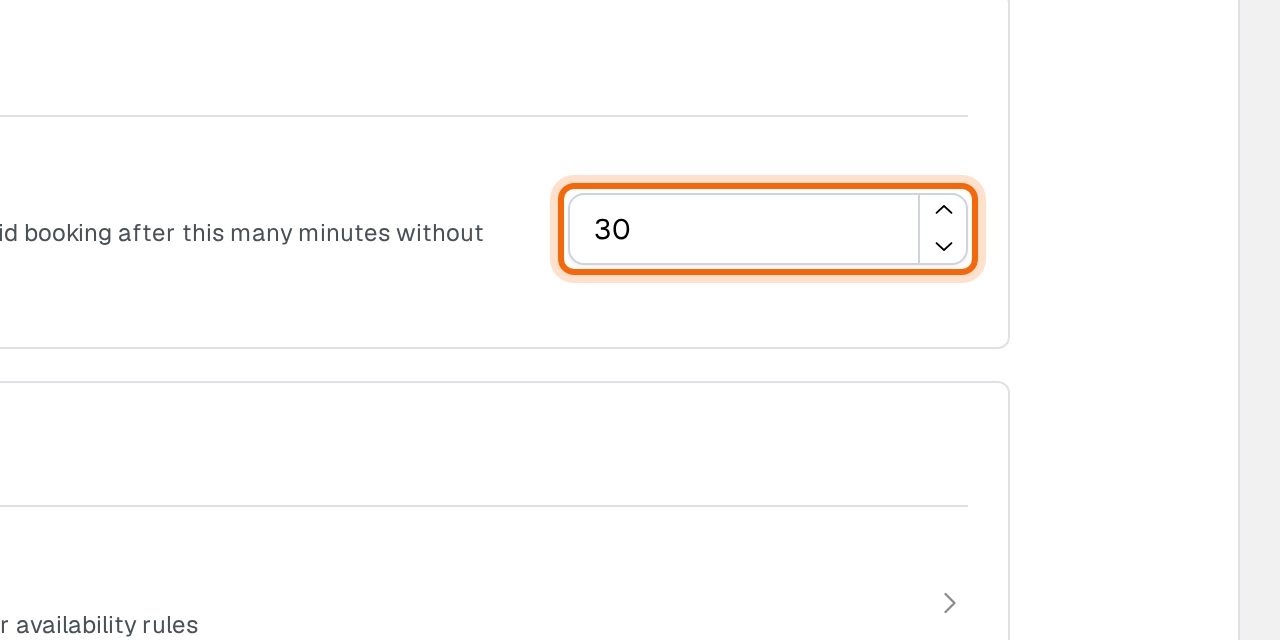
A customer who leaves without paying does not keep the time. After the Payment Hold (minutes) in Appointments → Setup (30 minutes unless you change it), the appointment is cancelled with the reason Payment not completed in time and the time is offered again.
4. Refunds
Cancelling a paid appointment — by the customer from their link, or by you with Cancel — refunds the payment in full through the payment provider.