How do I build an event's agenda, speakers and rooms?
Plan talks on a board, schedule them into rooms with their speakers, and publish them to the event's public agenda.
A conference has an agenda: talks, workshops and breaks, each in a room, given by speakers. You plan them on a board while they are being confirmed, then publish the ones that are ready to the event page.
The Agenda, Speakers and Rooms tabs are on an event whose Has Agenda is switched on, in the panel on the right of the event. It comes from the event's type; an event without a type has it on.
1. Add the rooms
Open the event and go to the Rooms tab. Add each Room with its Capacity and Location (floor or building). For an online stage, tick Virtual and enter its Virtual URL.
2. Add the speakers
Go to Events → Speakers (or the event's Speakers tab) and click New.
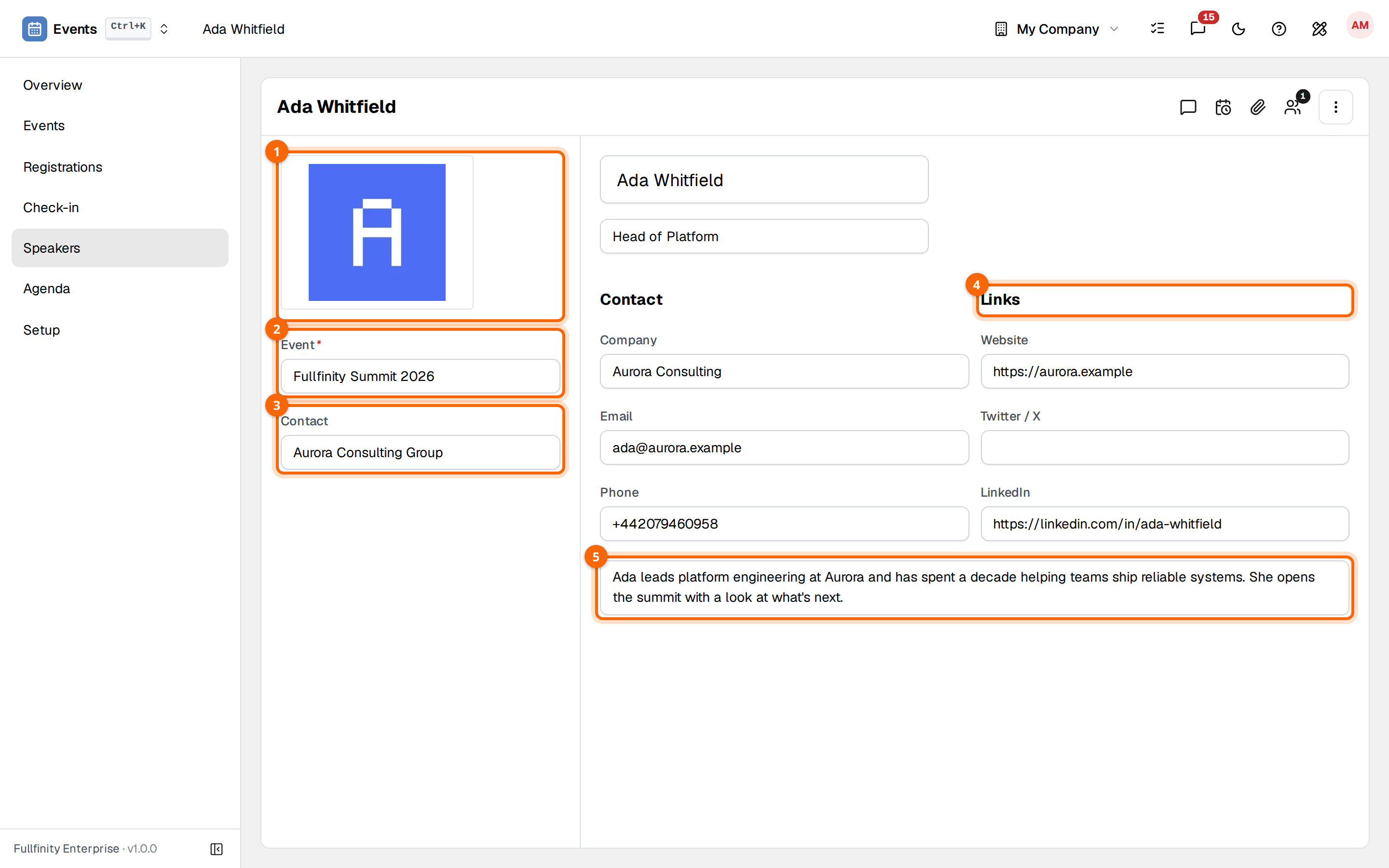
- A photo — shown round on the event page.
- Event — a speaker profile belongs to one event.
- Contact — pick the person's contact, and their name, email and phone are filled in for you.
- Links — Website, Twitter / X and LinkedIn, shown as links under their bio.
- The bio, as it should read on the event page.
3. Plan the talks
Go to Events → Agenda. The board has one column per stage; new talks land in Proposal. Drag a card to the next column as it gets confirmed.
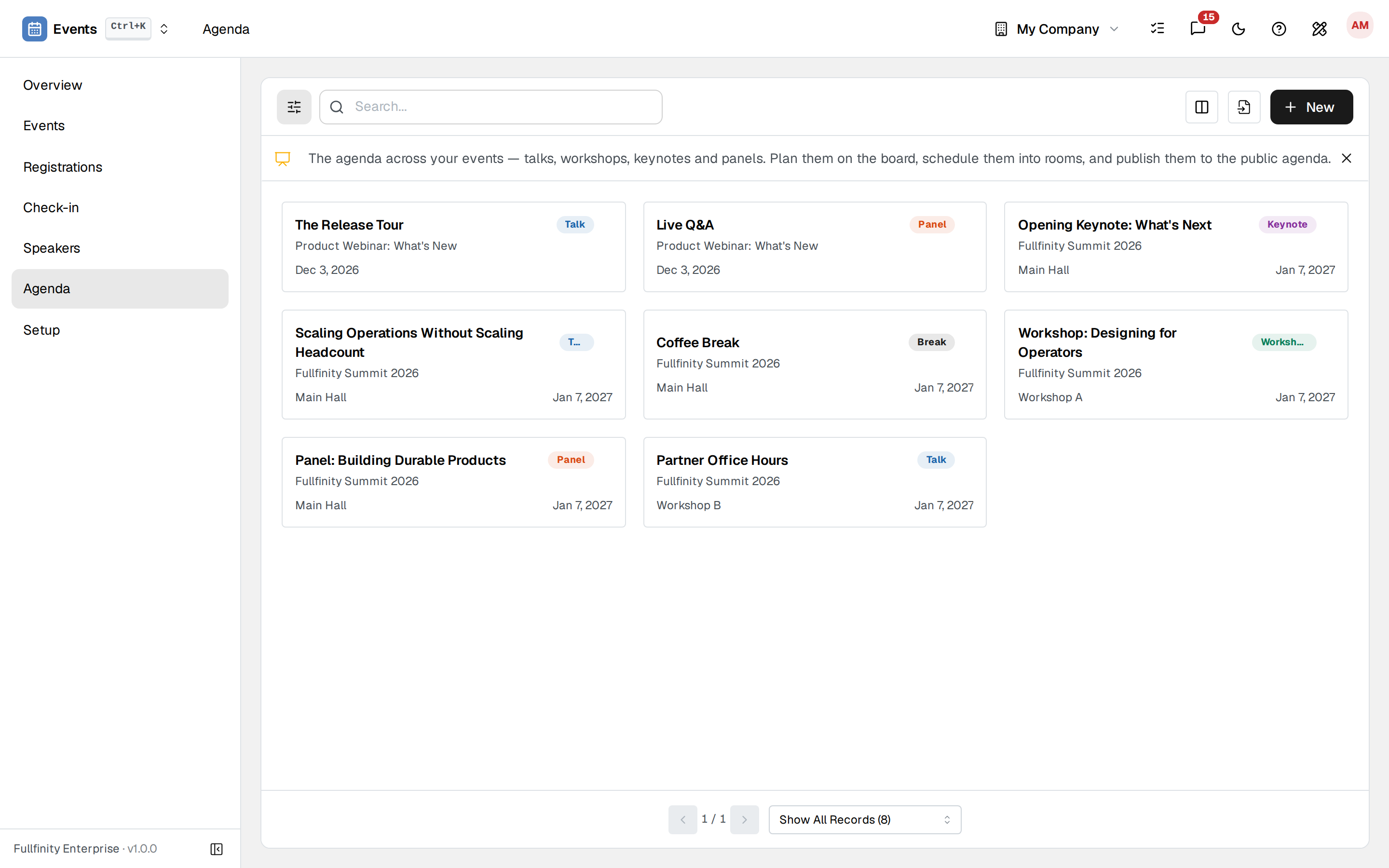
Click New to add a talk:
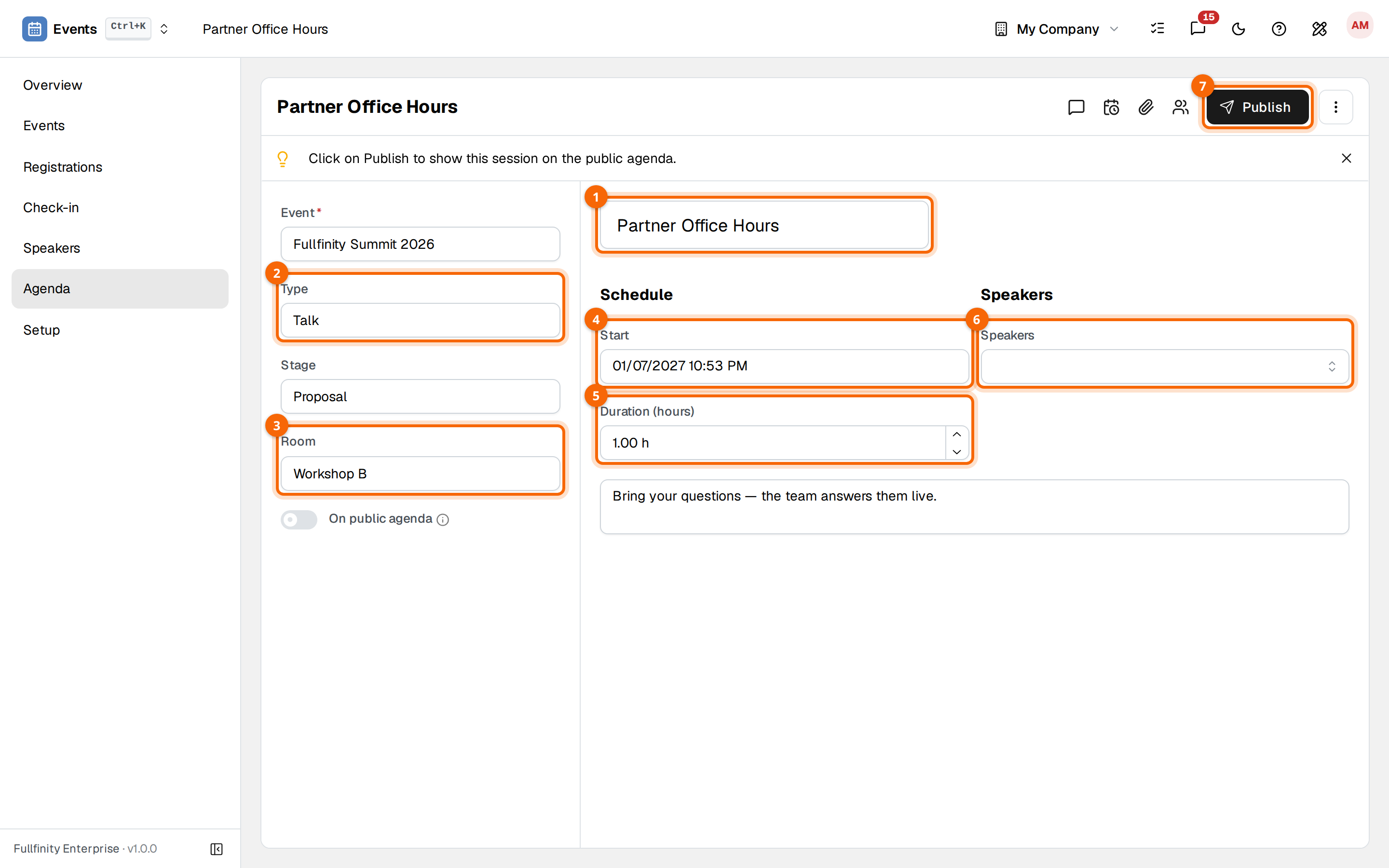
- The title, and its abstract below.
- Type — Keynote, Talk, Workshop, Panel or Break.
- Room — one of the event's rooms.
- Start.
- Duration (hours) — the end is worked out from it.
- Speakers — the event's speakers who give it.
- Publish — puts the talk on the event page. Until then it is only on your board; On public agenda shows which talks are out.
The event page lists the published talks in time order, with their type, abstract and room, and every speaker of the event with their photo and bio. The Calendar view of the agenda shows the talks across the days.
Schedule rooms on the board
With Enterprise, the agenda also has a Board view: one row per room, the talks as bars across the day. Filter it to one event to see all its rooms. Drag a talk along its row to move it, or onto another row to change its room. Two talks can never be put in the same room at the same time.