How do I sell a service that creates a project task?
Set up a service so that confirming its sales order creates the project task the work is logged on.
When you sell work by the hour — consulting, design, installation — the order can set up the work for you: confirming it creates a task, and the hours your team logs on that task are what the customer is billed for.
1. Set up the service
Go to Sales → Products and open (or create) the service. It must not track inventory: leave Track Inventory off. Set its unit of measure to Hours, so the price is a price per hour.
Then choose its Service Tracking:
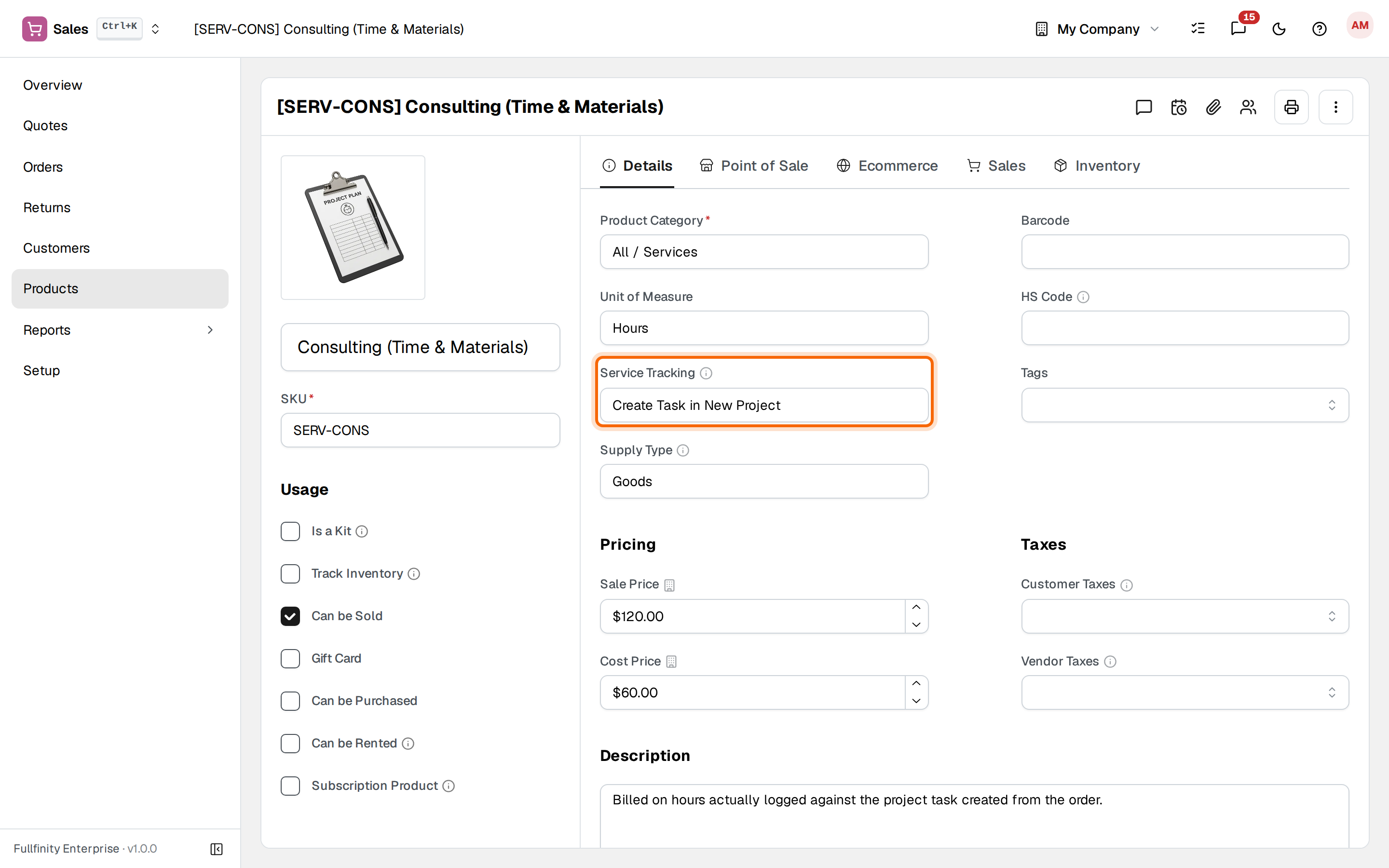
- Create Task in New Project — each order gets its own project, named after the order and the customer, with one task per service line.
- Create Task in Existing Project — the task goes into the project you choose in Default Project, such as a support retainer you run for everyone.
- Manually Set Quantities — no task; you enter what was delivered yourself.
Click Save.
2. Sell it
Create the quote as usual, with the hours you expect as the quantity — see How do I create and send a quote? When you click Confirm, the task is created. A service line added to an order after it is confirmed gets its task too.
3. Find the work
The new project appears in Projects → Projects, already In Progress. The task and the project each have a Sales Order button that takes you back to the order.
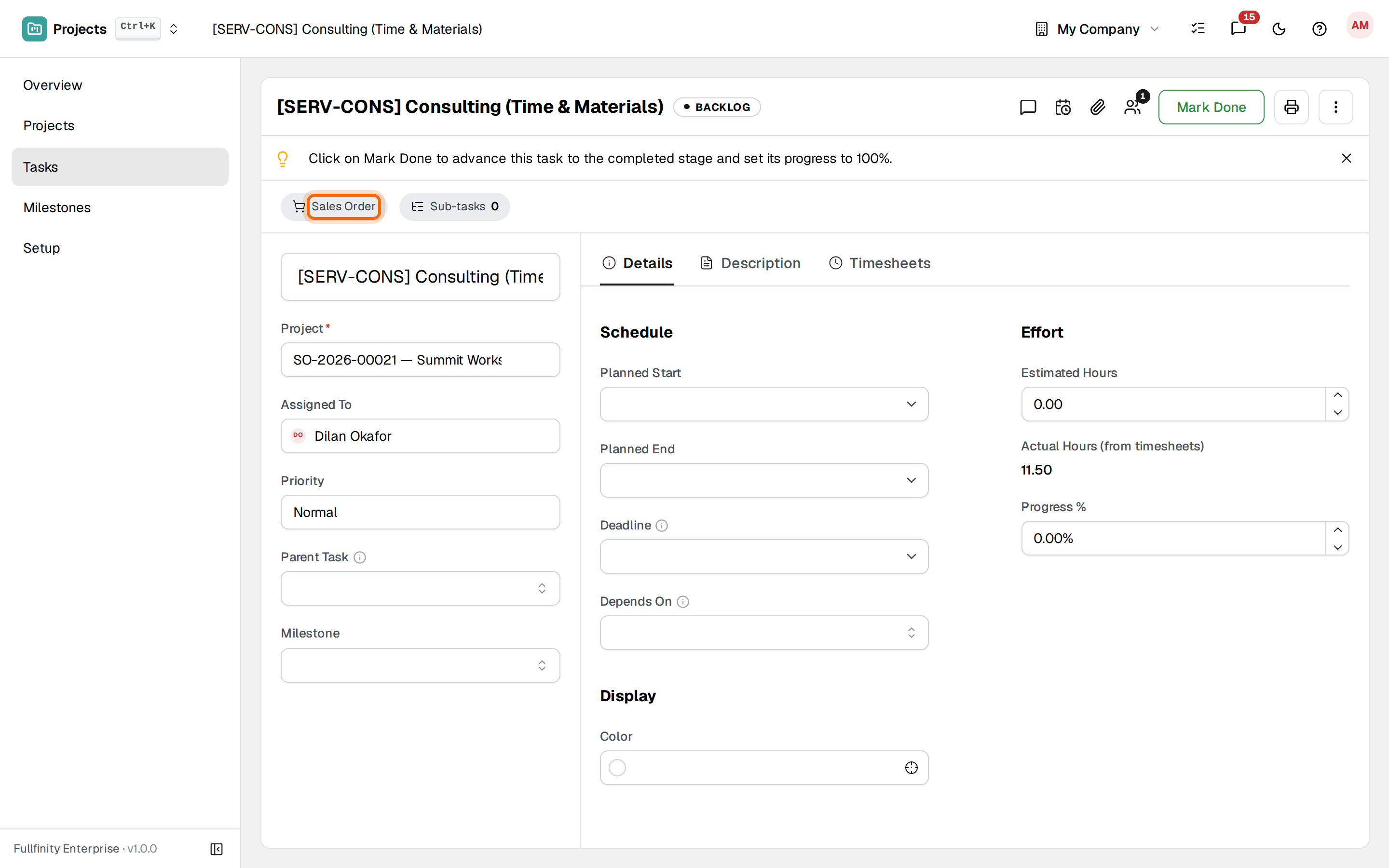
Assign the task and log time on it as usual. To bill it, see How do I invoice the time spent on a project?