How do I record a return, damage or a lost item?
Record what came back with Return Items — all at once or in parts — with its condition, a damage charge, or a unit that will not come back.
When the customer brings the items back, open the rental (Rental → Rentals; the Out on Rent filter lists those still out) and click Return Items.
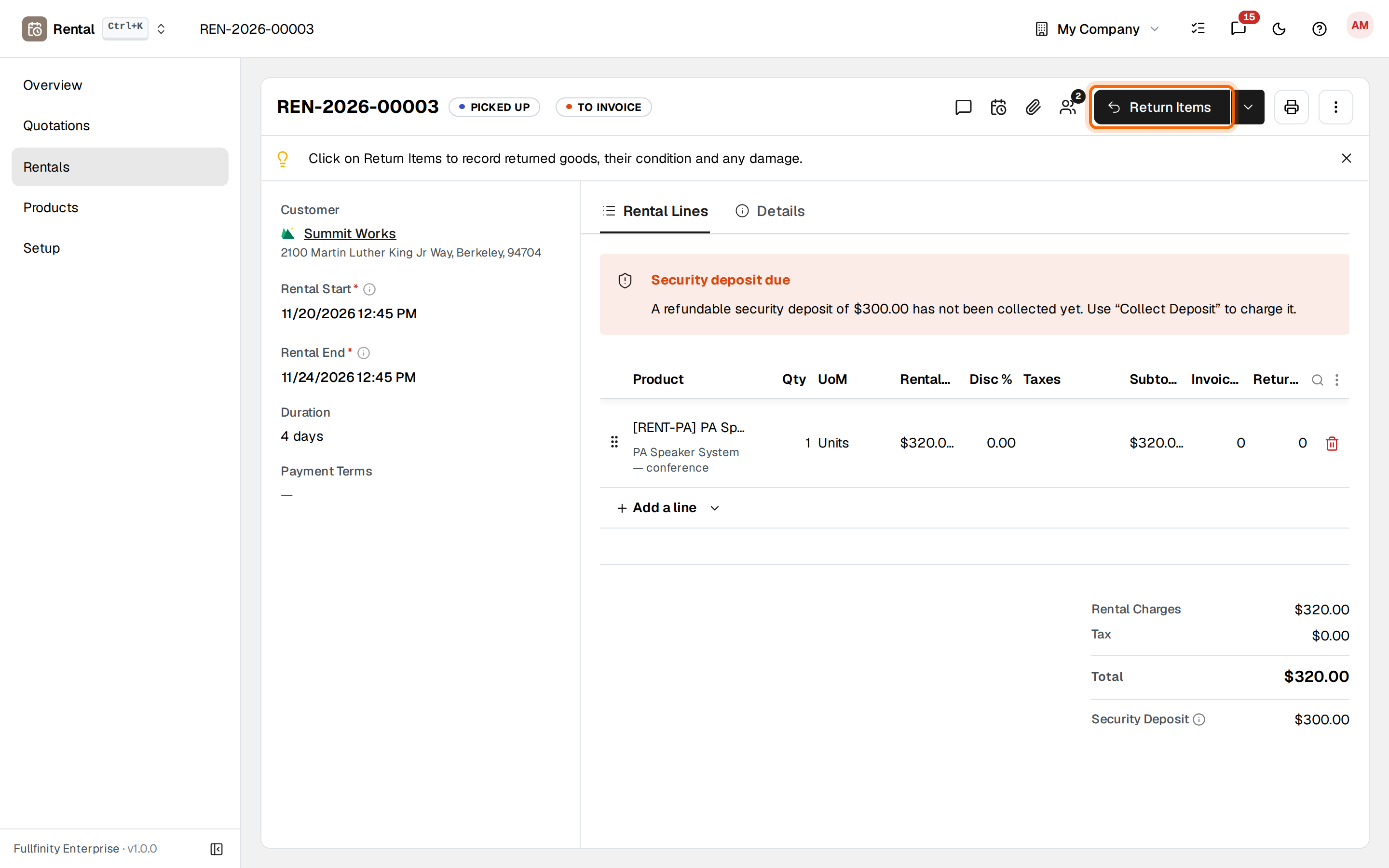
The Return Items window lists everything still out, with each row filled in as fully returned in good condition. Change what is different:
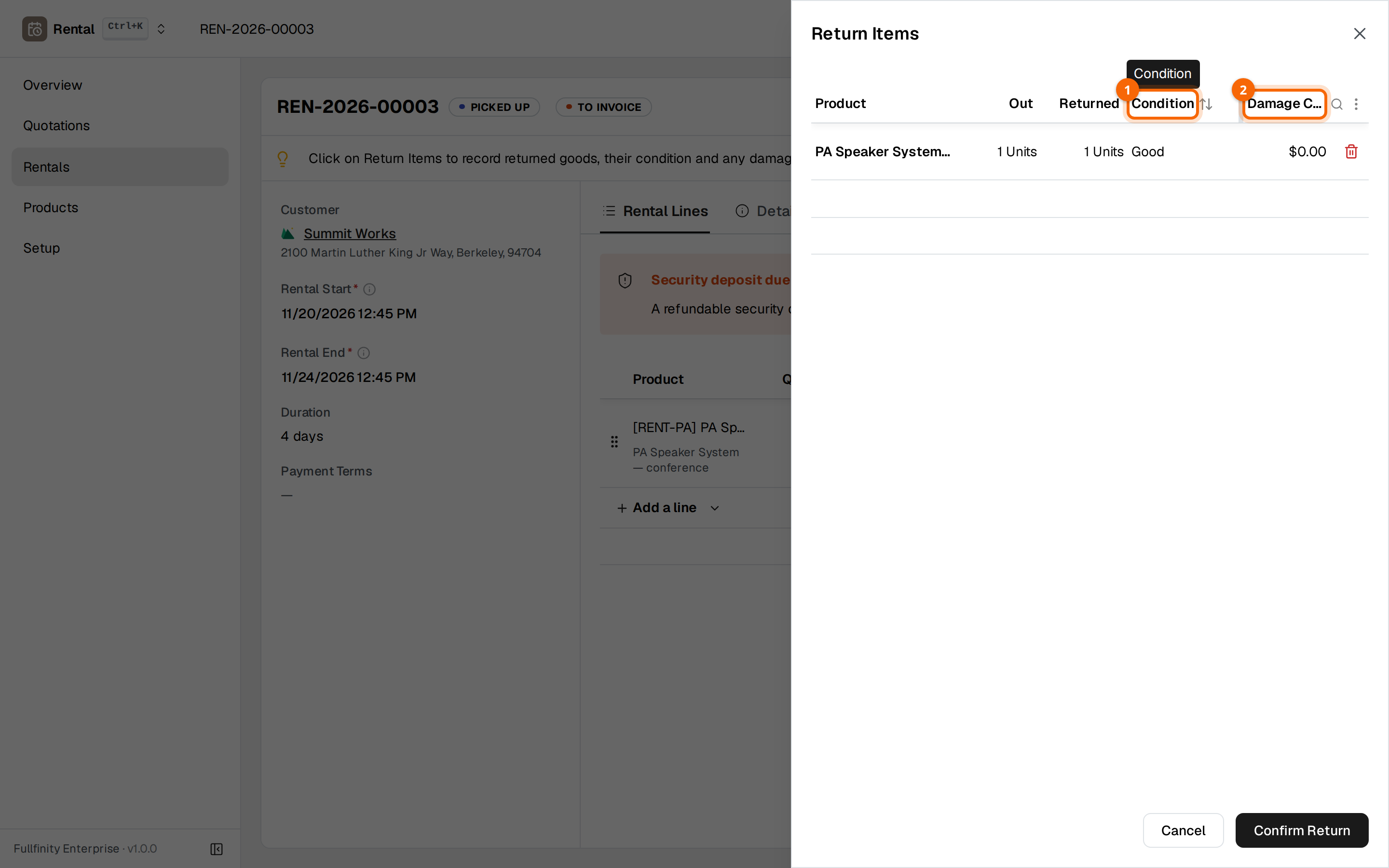
- Returned — how many came back now. Out shows how many are still with the customer. Return fewer to record a partial return; the rest stay out and you record them later the same way.
- Condition — Good, Damaged or Lost.
- Damage Charge — what to charge the customer for damage or for a lost unit.
Click Confirm Return. Once everything is back, the rental becomes Returned and its units are free for the next customer.
What each condition does
- Damaged — the unit is back, and the Damage Charge is added to the rental as Damage Charges, to be invoiced.
- Lost — the unit won't come back. It is taken off your Units for Rent (and, with Inventory, written off from stock), and the Damage Charge is what you bill the customer for it.
If the items came back after the Rental End, the late fee is added when you confirm the return — see How are late returns charged?
➡️ Next: How do I invoice a rental?
Was this article helpful?