How are late returns charged?
How overdue rentals are flagged, how the late fee is worked out each day and at return, and where to find what is overdue.
A rental is overdue when its Rental End has passed and items are still out. Every unit still out costs a late fee for each day — or part of a day — it is late.
How much?
- The product's Late Fee / Day, if it has one.
- Otherwise the Late Fee % of Daily Rate from Rental → Setup, applied to the product's price for one day.
For example, two scaffold towers with a Late Fee / Day of 20.00, four days late, cost 160.00.
When is it added?
The late fee is brought up to date every day while items are out, and again when you record the return, so a late return is always charged up to the moment it came back. Units returned in a partial return stop counting from that moment; the ones still out carry on.
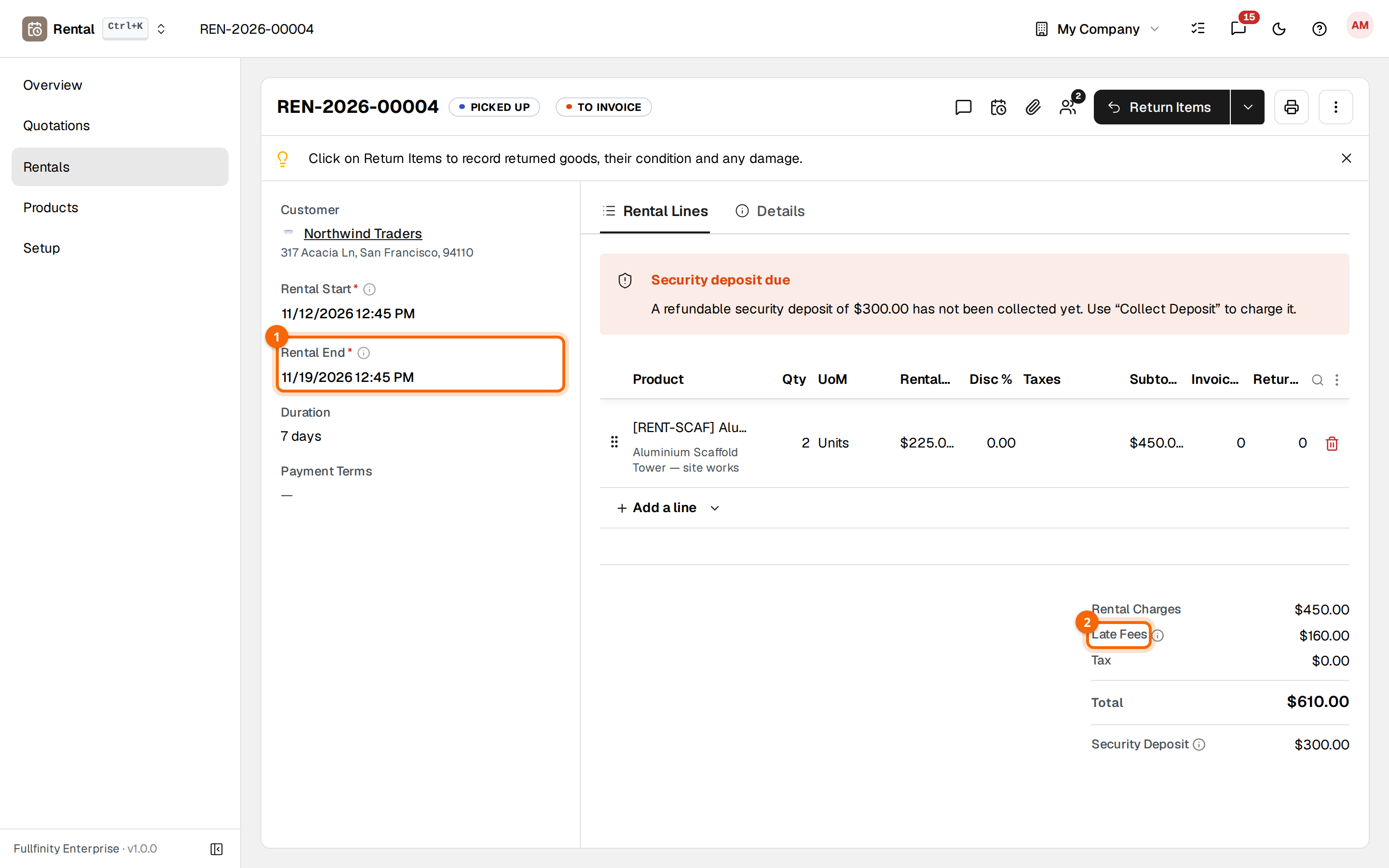
- Rental End — the date the items were due back.
- Late Fees — the late fee so far, shown under the rental's charges and included in its Total. It is not taxed.
Finding overdue rentals
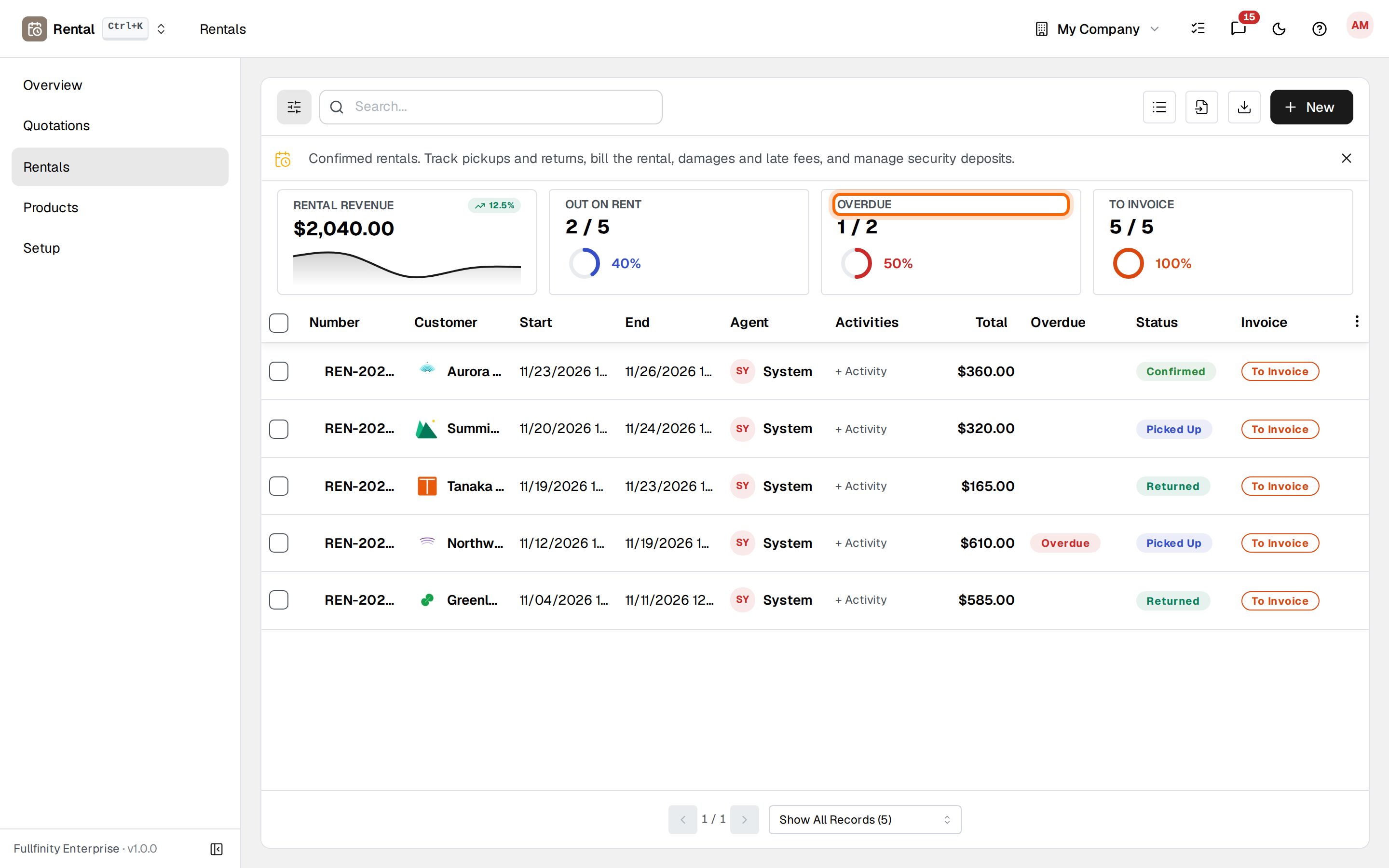
On Rental → Rentals, overdue rentals carry an Overdue label, and the Overdue card at the top (or the Overdue filter) lists only them.
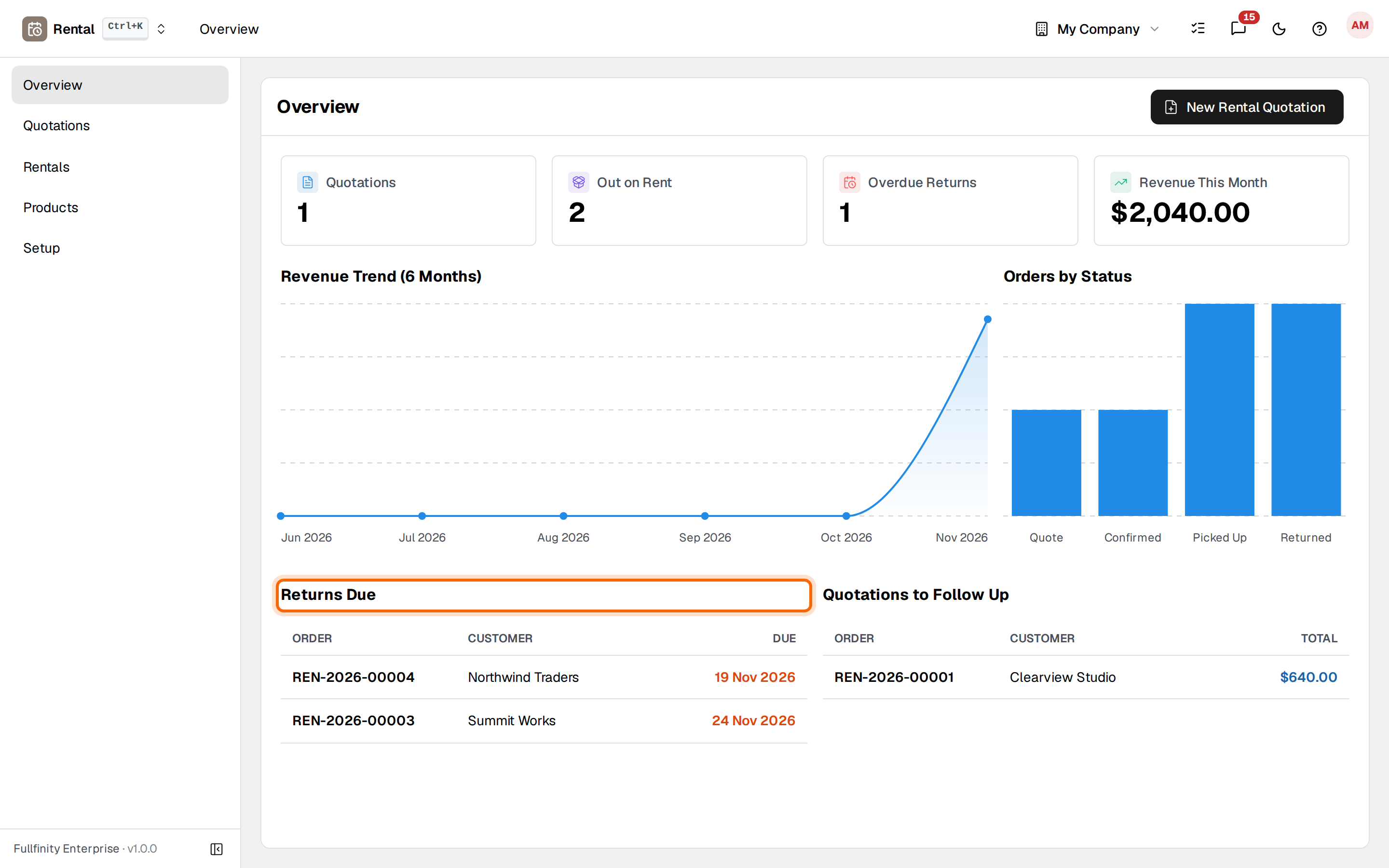
The Overview lists the rentals due back soon under Returns Due, so you can remind customers before they are late.