How do I use my country's tax rules in payroll?
Apply your country's payroll package, or build your own tax tables and use them in a salary structure.
Income tax and social contributions follow each country's rules. Fullfinity has payroll packages for the UAE, Bahrain, Saudi Arabia, Singapore and India, each with a salary structure and the tax tables it uses. Without one, payroll pays exactly what your own salary structures say, with no tax worked out for you.
Apply your country's package
Go to Payroll → Setup (Payroll Managers only).
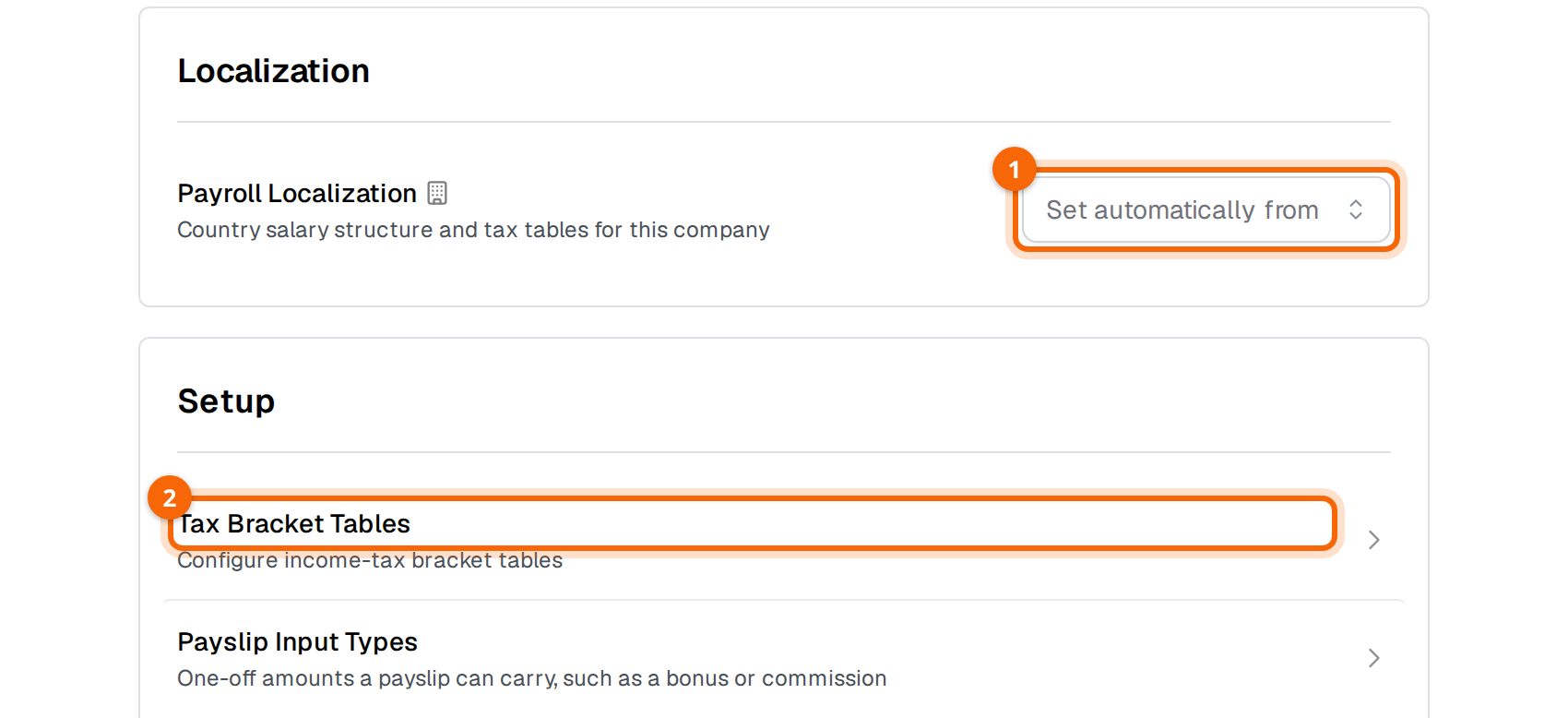
- Choose your country in Payroll Localization and click Save. The package is installed and the app reloads with its salary structure and tax tables. If your company's country was set when Payroll was installed, its package was applied then.
- Tax Bracket Tables lists the tables you have.
Build your own tax table
In Tax Bracket Tables, click New:
- Table — its name, such as Income Tax 2026.
- Code — a short name without spaces, such as income_tax. A formula uses it as income_tax(gross).
- Mode — Progressive (each band's rate applies to the part of the amount inside that band — most income taxes) or Piecewise (the band the whole amount falls in has its own formula).
- One row per band: From, To (0 for no upper limit) and Rate %.
Then add a Deduction component to your salary structure with the amount type Bracket, pick the table, and say which amount it applies to — or use the table's code in a formula. See How do I set up a salary structure?
Was this article helpful?