How do I correct a payslip that is already locked?
Cancel the locked payslip, reset it to draft, fix it and lock it again — anything already paid is kept.
A locked payslip is a record of what was paid, so it can't be edited or deleted. To change one, you cancel it and redo it.
- Open the payslip from Payroll → Payslips and click Cancel.
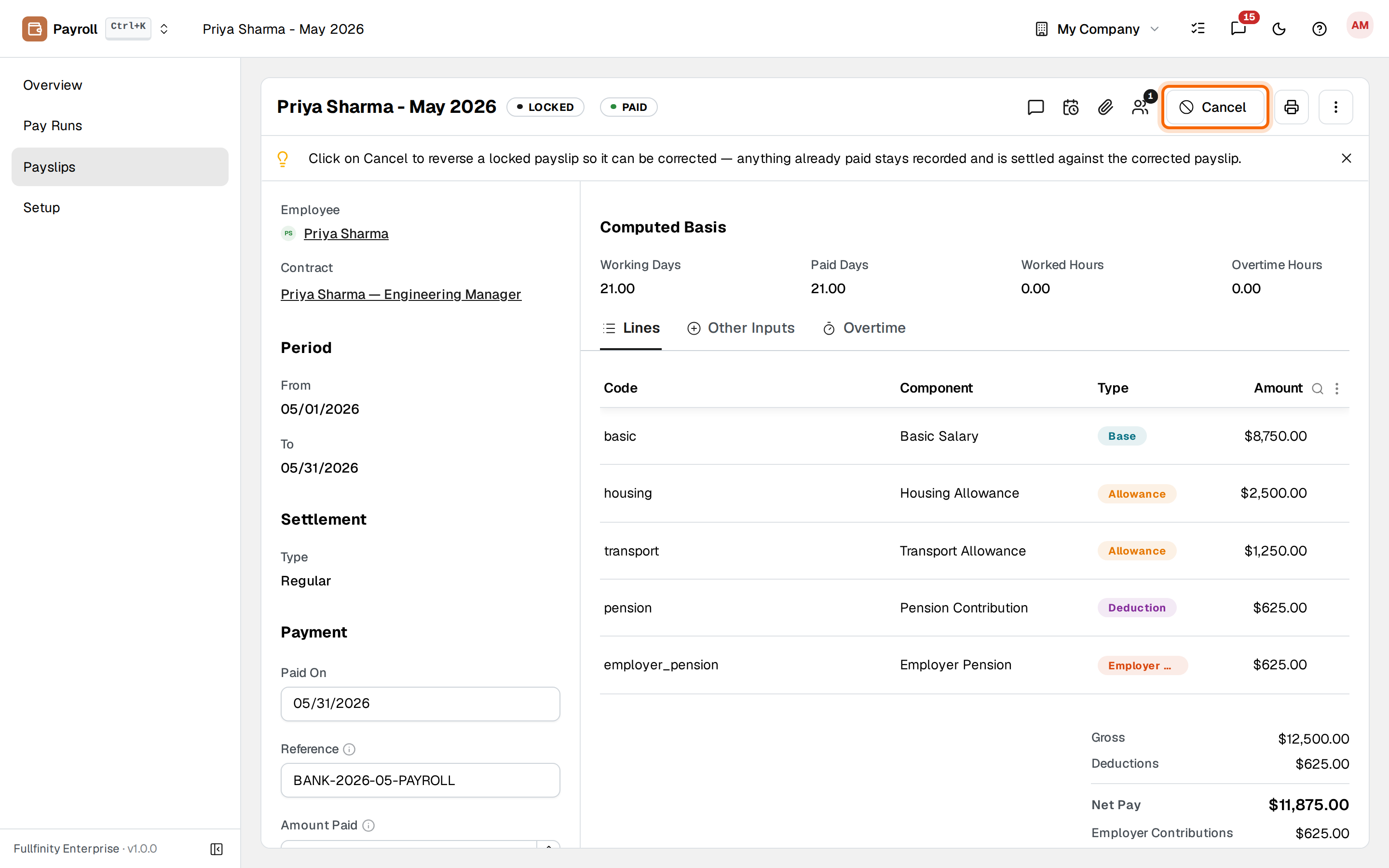
- The payslip becomes Cancelled. Whatever locking did is undone — for example, leave days paid out are given back to the balance.
- Click Reset to Draft. Fix the cause — the contract, an attendance, an overtime claim, an input — then click Compute.
- Check it and click Lock again.
Money already paid is not undone: the Amount Paid stays on the payslip and counts against the corrected figures. If the new net pay is higher, the difference shows as Outstanding — pay it as usual. See How do I record that employees have been paid?
Was this article helpful?