How do customers open tickets by email?
Give a team an email address; every new email to it becomes a ticket on that team, and the customer's replies land on the same ticket.
Most customers ask for help by email. Give each team an address, such as [email protected] or [email protected], and every new email to it becomes a ticket on that team — with the sender as the customer, the subject as the ticket's subject and the email as its first message.
Give the team an address
- Open Helpdesk → Teams and open the team.
- In Email Alias, type the part of the address before the @ — support for [email protected].
- Save.
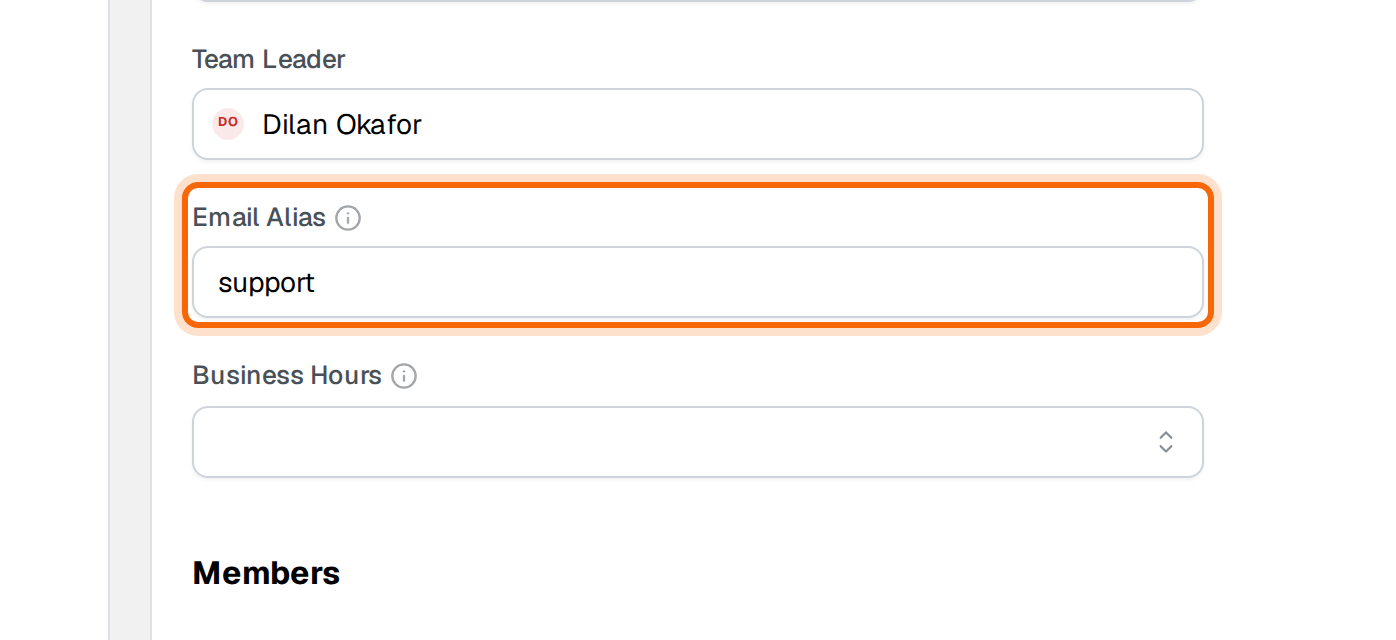
That is all: from now on an email whose To or Cc is support@… creates a ticket on this team. Each team needs its own alias. Clearing the alias stops the team receiving email.
What happens when an email arrives
Fullfinity checks the mailbox every few minutes (Fetch Now on the incoming mail server checks straight away). For each new email it:
- finds the customer by the sender's address, or creates a contact for them;
- creates the ticket on the team, with Channel set to Email, and keeps the email's attachments on it;
- assigns it by the team's Assignment Method (see How are new tickets assigned automatically?);
- sends the customer an acknowledgement, if that is switched on (below).
When you answer with Send Message on the ticket, the customer receives your answer by email. Their reply comes back onto the same ticket instead of creating a new one.
Acknowledge every email ticket
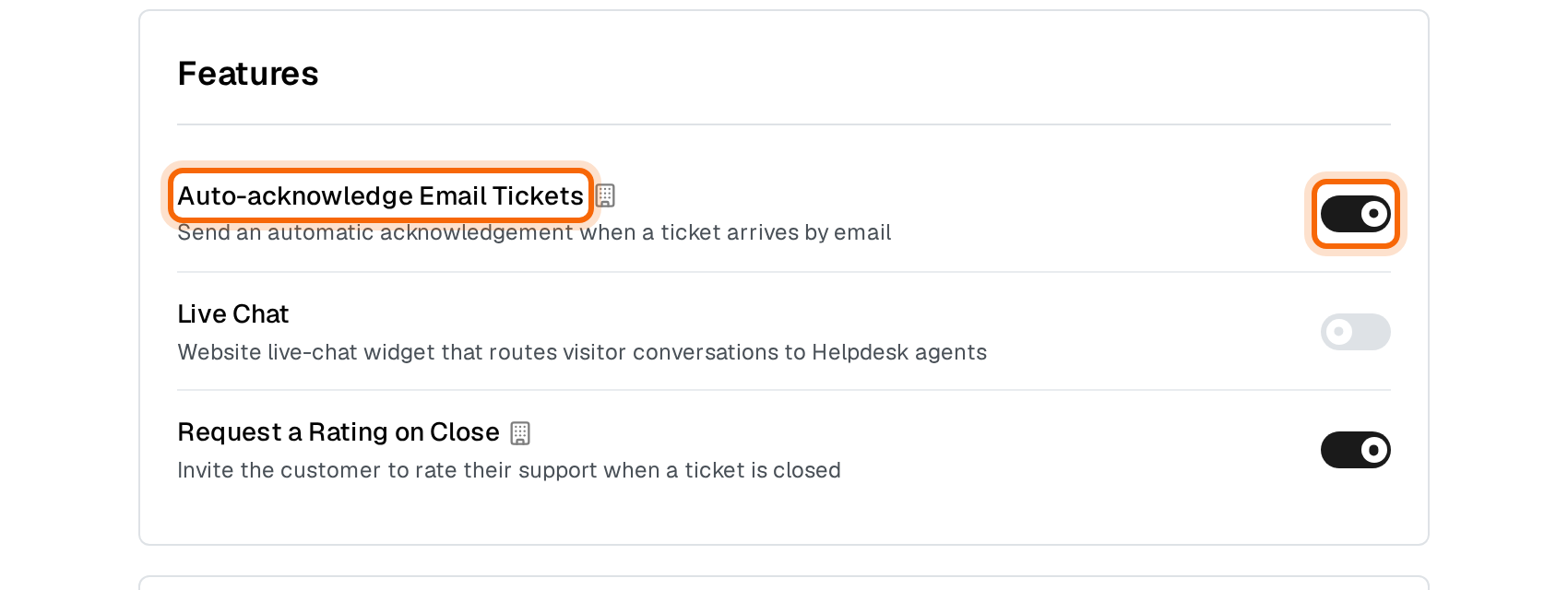
Under Helpdesk → Setup, Auto-acknowledge Email Tickets (on by default) emails the customer straight away: Thanks for contacting support — we've received your request and logged it as a ticket. It appears in the ticket's messages too.
If an email you expected didn't turn into a ticket, see Why didn't an email become a ticket?