How do I cancel or correct a posted journal entry?
Take a manual journal entry out of your books with Cancel Entry, then reset it to draft to fix and post it again.
A posted journal entry is locked. To take it back out of your books, cancel it; to fix it, cancel it, reset it to draft, correct it and post it again. There is no separate reversing entry: cancelling removes the entry's effect from every report.
1. Cancel the entry
- Open the entry from Accounting → Journal Entries.
- Click the arrow beside the main button and choose Cancel Entry.
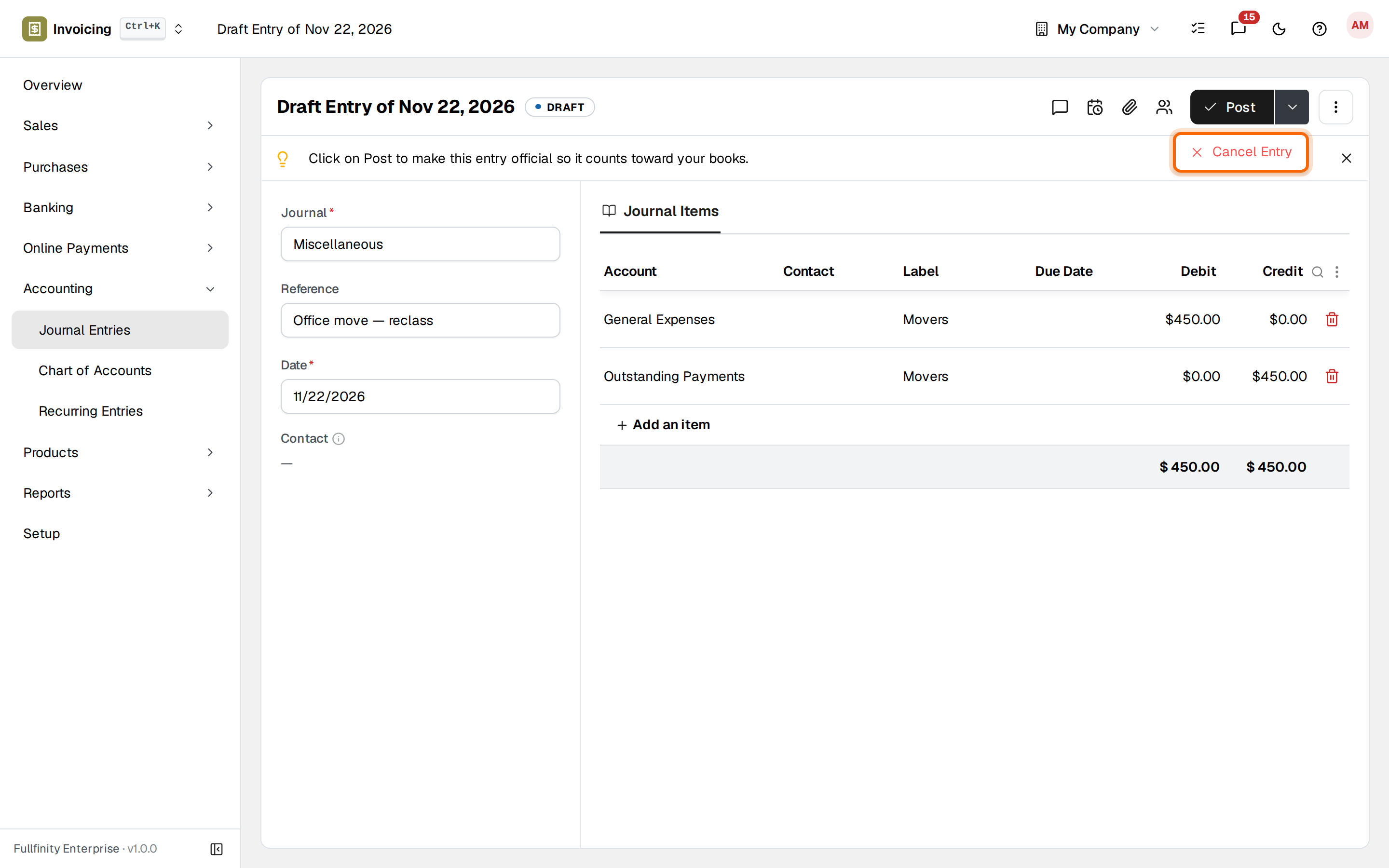
The entry shows Cancelled and no longer counts in any report. It keeps its number, so the gap in the sequence is explained.
2. Correct it and post it again
- On the cancelled entry, click Reset to Draft.
- Fix the date, accounts or amounts.
- Click Post.
Was this article helpful?