How do I keep an employee's record up to date?
Change an employee's status, skills, private details and documents, and archive the record when someone leaves.
An employee record changes as the person's job does: a new manager, a skill certified, a leave of absence, a resignation. Everything is edited on the same form.
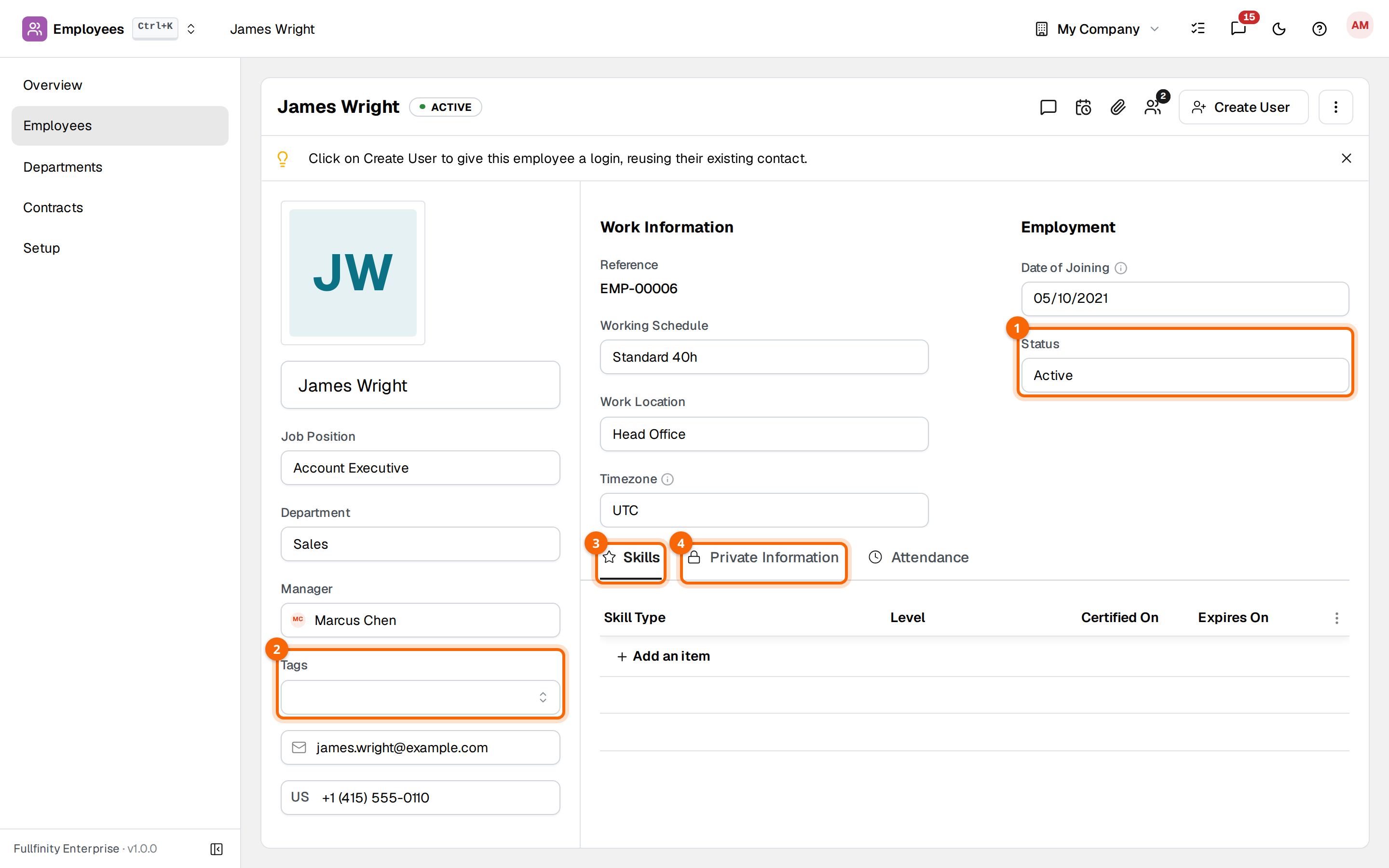
- Status — where they are in their employment: Active, On Leave, Notice Period or Offboarded. The Overview screen counts people on leave and on notice so you can see who needs attention.
- Tags — labels to group and filter employees.
- Skills — click Add an item to record a Skill Type and Level, with Certified On and Expires On dates for certifications.
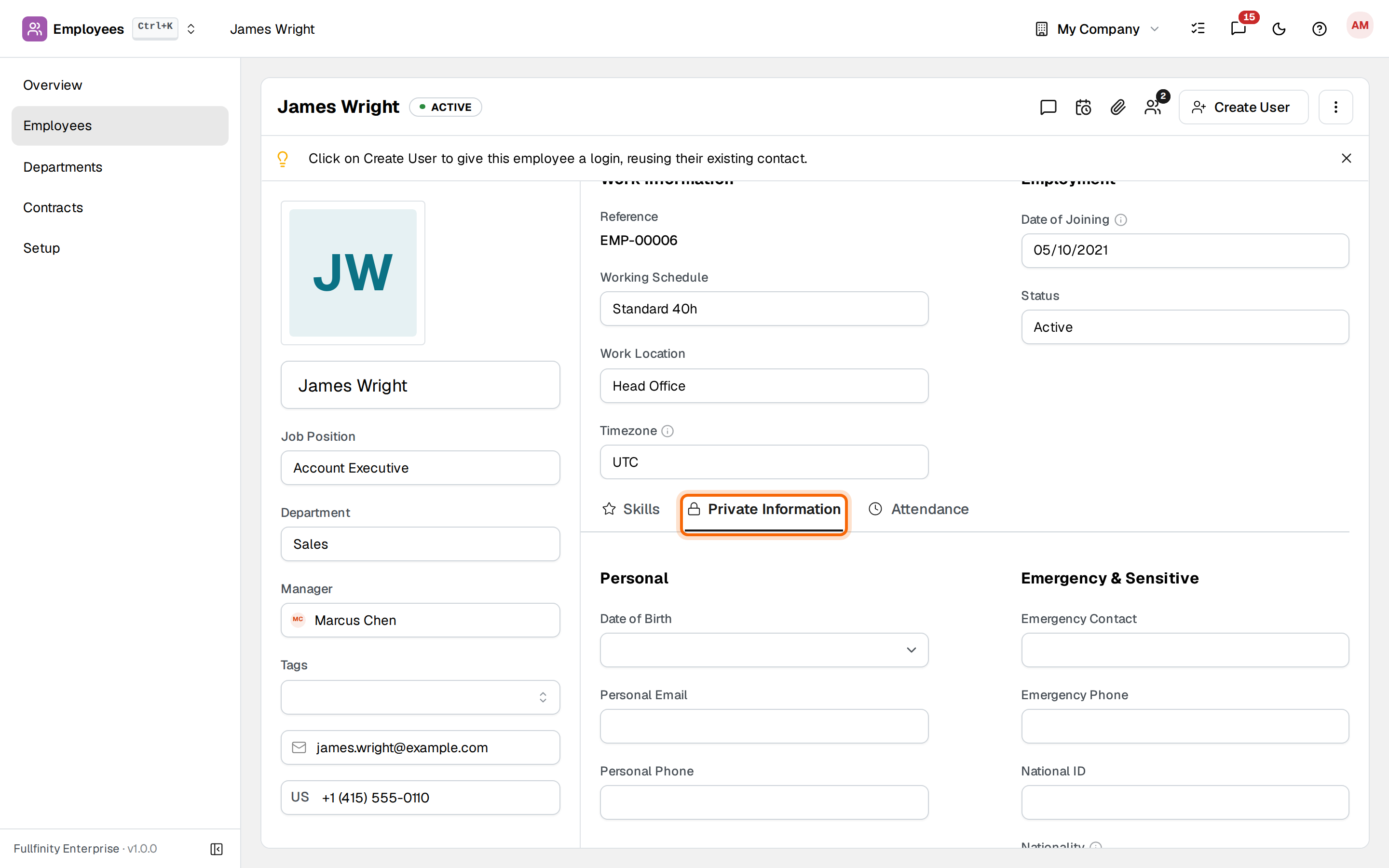
- Private Information — date of birth, personal contact details, emergency contact, national ID, nationality and bank account.
Documents and notes
Attach a contract, ID scan or certificate with the paperclip icon at the top of the record, and keep notes in its messages. Changes to the record are logged there too, so you can see who changed what. See How do I discuss a record with my team?
When someone leaves
- Set their Status to Notice Period while they work their notice, then Offboarded.
- Once they have gone, archive the record: open the three-dot menu at the top right and choose Archive. An archived employee disappears from lists and pickers, but their history — time off, expense reports — stays intact. You can restore them the same way.
➡️ Related: How do I give an employee a login?
Was this article helpful?