How do I stop customers ordering items that are out of stock?
Switch on stock management so the shop refuses items you can't ship, and allow pre-orders where you want them.
By default your shop takes orders whatever your stock. Switch on stock management and it checks what's available before a shopper can buy.
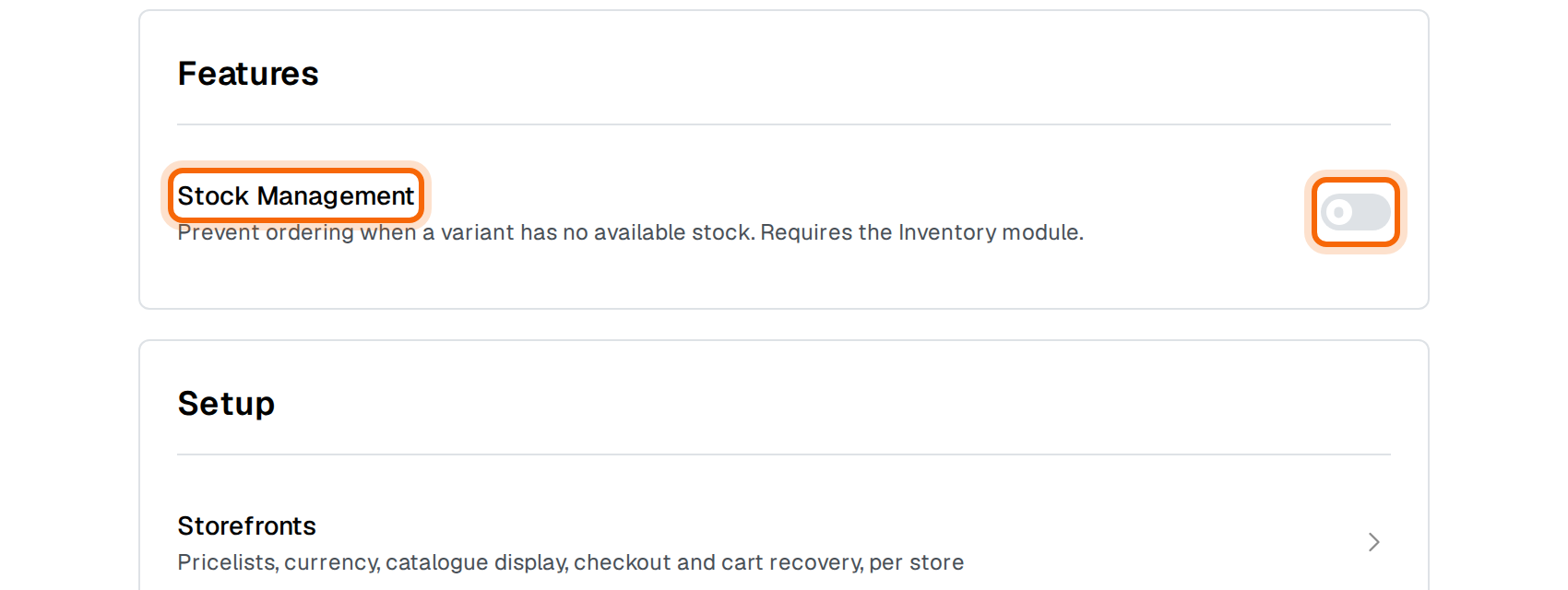
Switch on stock management
Go to Ecommerce → Setup and switch on Stock Management, then save. It needs the Inventory app, and applies to all your storefronts.
What shoppers see
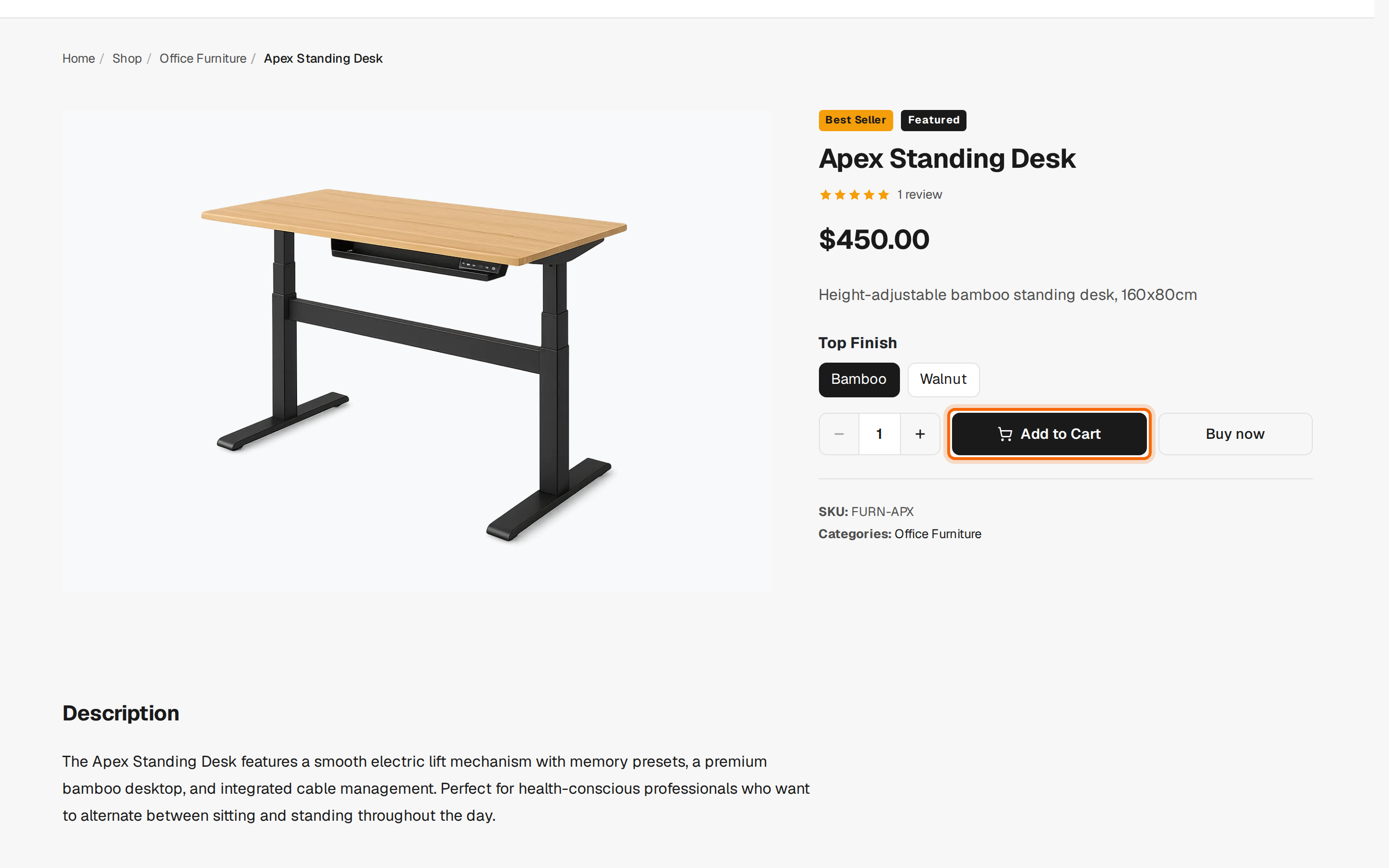
While an item can be bought, its page shows the Add to Cart button as usual:
With stock management on:
- A product with nothing available shows an Out of Stock button instead of Add to Cart.
- On a product with several variants, a variant that's out of stock is greyed out and marked (Out of stock).
- The quantity a shopper can choose is capped at what you have available.
The shop doesn't display stock counts — only whether an item can be bought. Out-of-stock products stay listed, so shoppers can still find them.
"Available" means stock on hand that isn't already reserved for other orders.
Allow pre-orders for some products
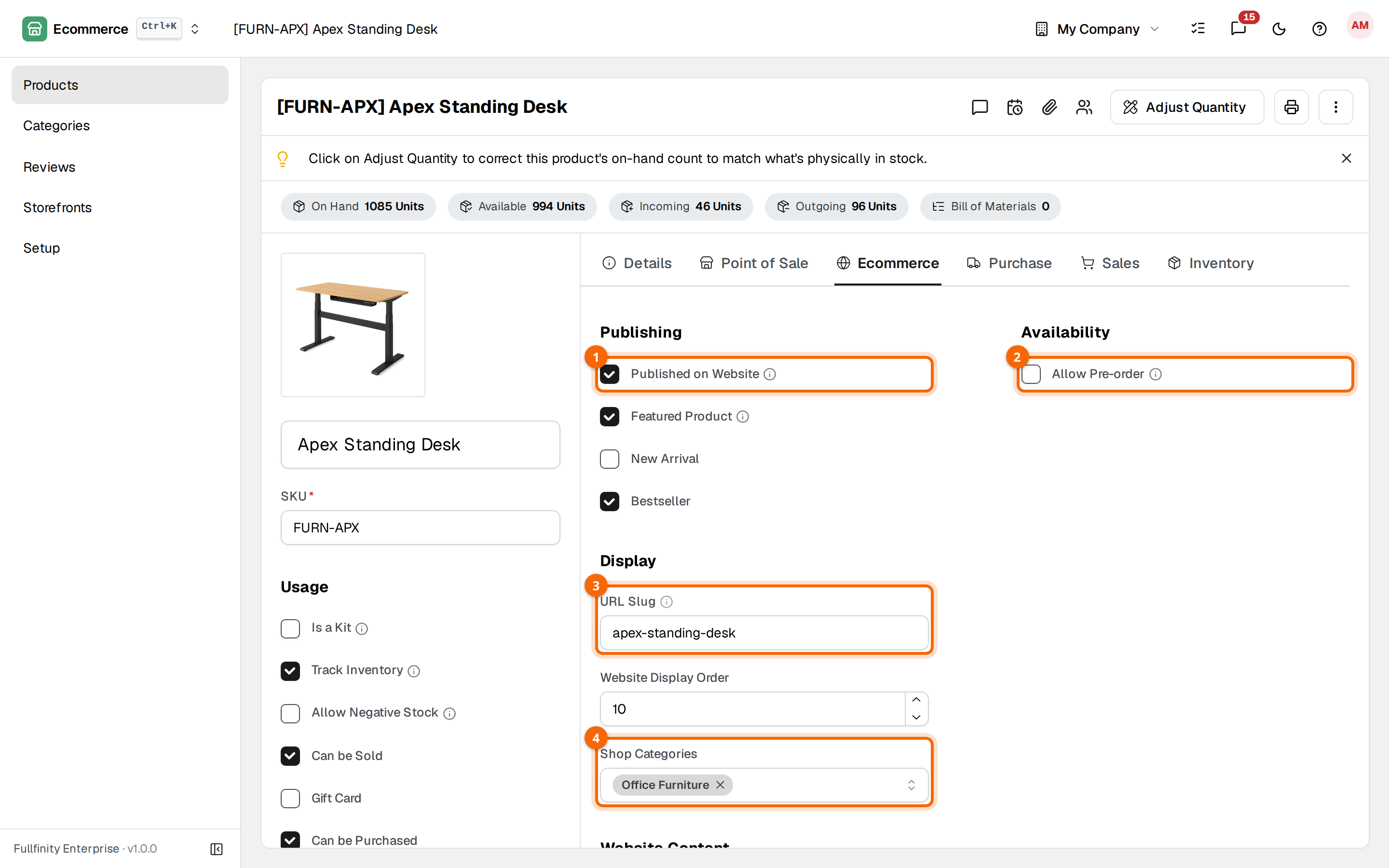
To keep selling a product while it's out of stock, open it from Ecommerce → Products, go to its Ecommerce tab and tick Allow Pre-order. Shoppers can then buy it and see This item is available for pre-order.
You can also allow pre-orders for a single variant from that variant's form. A variant can add pre-ordering for itself but can't turn off a pre-order the product allows.