How do I redirect an old web address?
Send visitors and search engines from a moved or deleted page's address to the right one.
When you rename a page, move it, or replace an old site, people still arrive at the old address from bookmarks and search results. A redirect sends them straight on to the new page instead of an error.
Add a redirect
Go to Website → Redirects and click New.
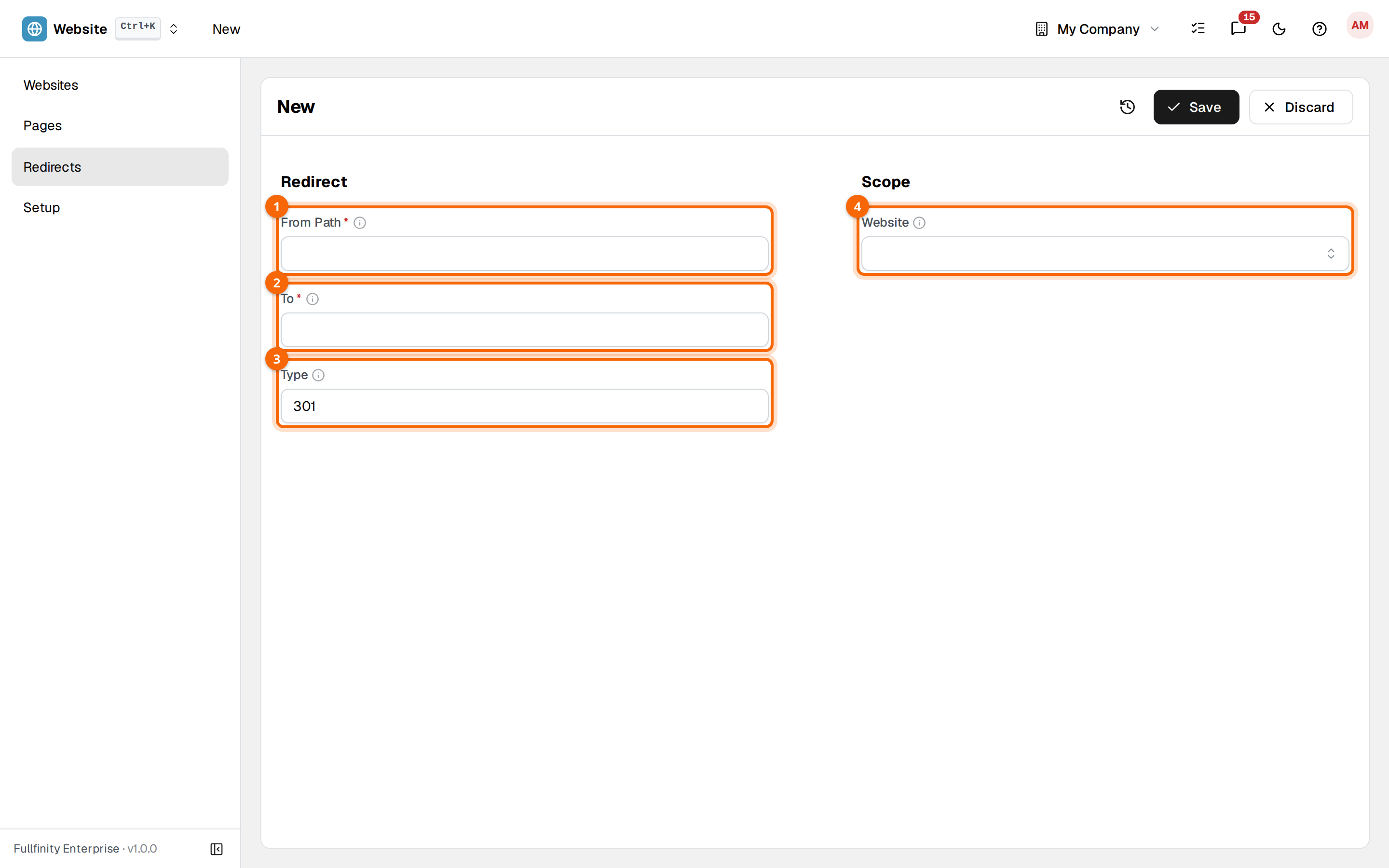
- From Path — the old address, for example /old-page (the leading slash is optional).
- To — where to send visitors: another path such as /new-page, or a full address such as https://example.com/page.
- Type — 301 for a permanent move (search engines move the old page's ranking to the new one) or 302 for a temporary one.
- Website — leave it empty to apply the redirect on all your websites, or pick one. A redirect for a specific website takes priority over an all-sites one with the same path.
Save. The redirect works straight away, and is checked before any page — so it also works for an address that still has a page.
Pause or remove a redirect
The Redirects list can be edited in place. Switch off Active on a row to pause it without losing it.
Was this article helpful?