How do I reuse a document as a template?
Save a request's PDF, roles and fields as a template, and start new requests from it.
If you send the same document again and again — an NDA, an offer letter — prepare it once as a template. A new request from it already has the PDF, the roles and every field in place; you only add the signers.
Make a template
- From a request: open a draft or completed request and click Save as Template. The template keeps the PDF, roles, fields, signing order and message — not the signers or anything they filled in.
- From scratch: go to Sign → Templates, click New, upload the PDF and click Prepare.
Use it
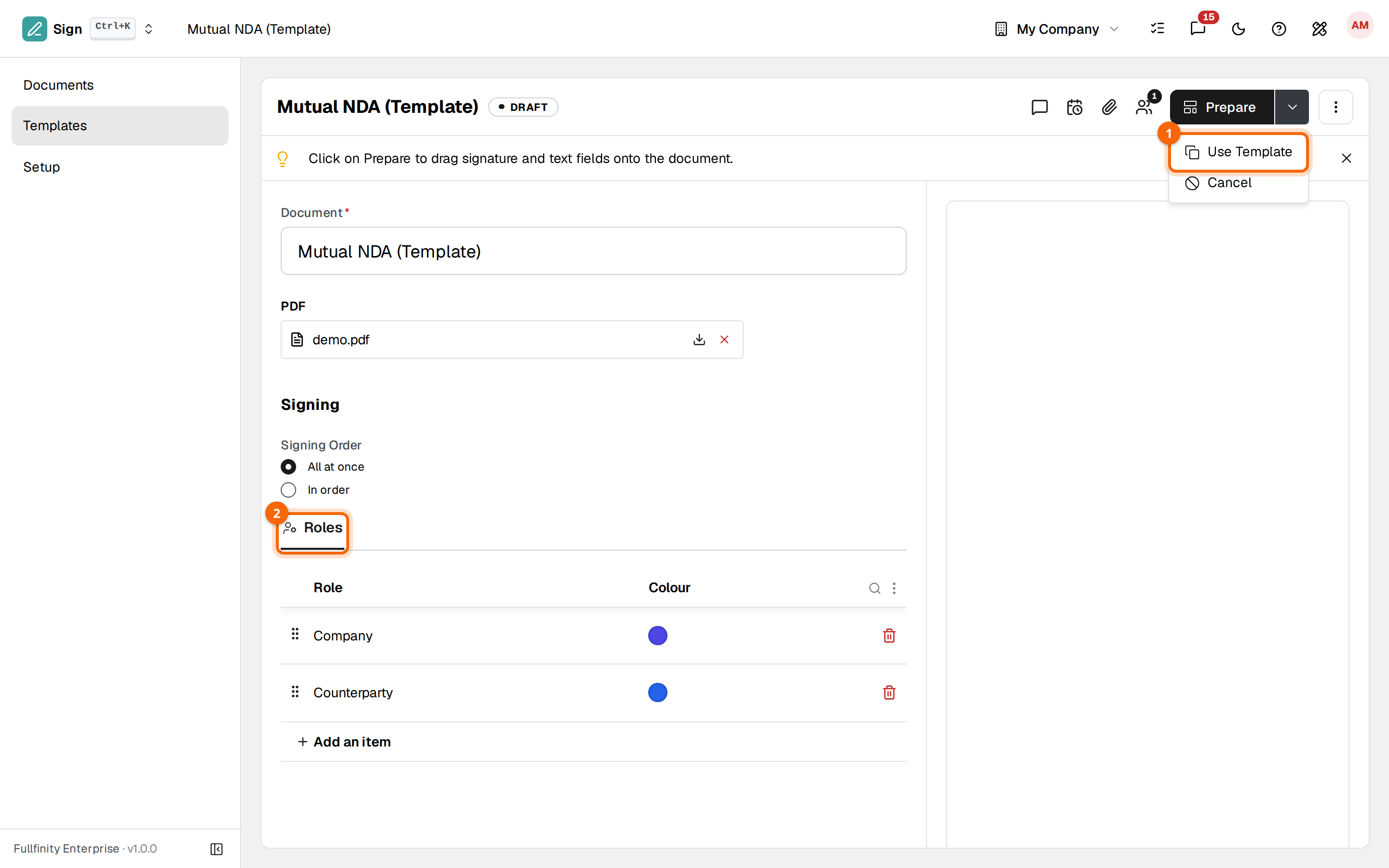
- Go to Sign → Templates and open the template.
- Click Use Template. A new draft request opens.
- Add the signers on the Signers tab and click Send.
Was this article helpful?