Where is the signed document, and how do I show it is genuine?
Find the finished PDF, its certificate of completion and the fingerprints that show it hasn't been changed.
When the last signer finishes, Fullfinity builds the final document: the original PDF with every signature, initial, text and tick stamped where it was placed, followed by a certificate page.
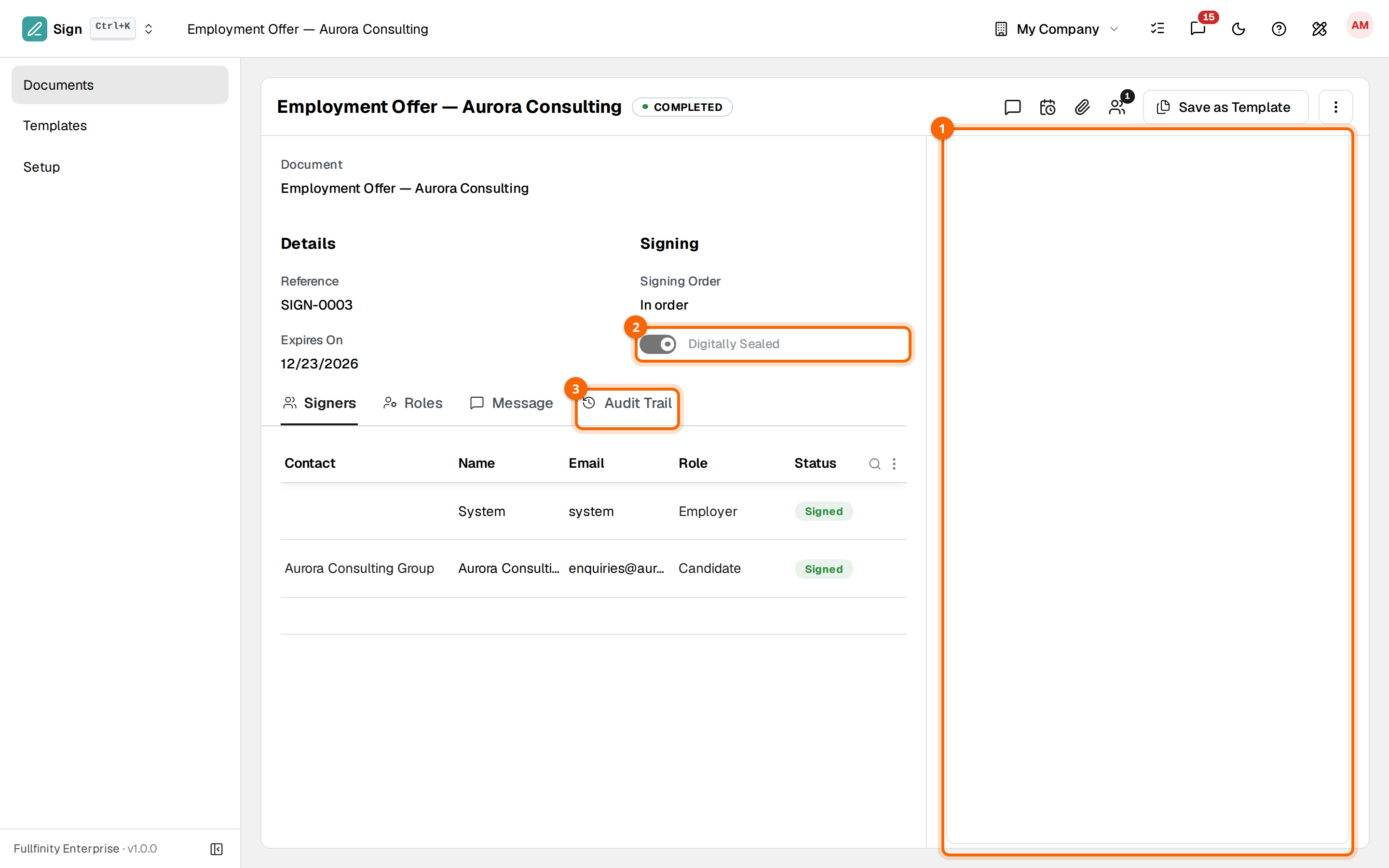
Open the request from Sign → Documents (the Completed filter lists them). The signed PDF replaces the original on the right; download or print it from there.
The certificate
The last page lists each signer — name, email, role, when they signed, from which IP address and browser, how they were identified (email link, or email plus a verification code) and that they accepted the consent statement — and every event from sending to completion.
Proof it hasn't been changed
- Digitally Sealed — the PDF carries a digital seal. A PDF reader shows the seal as valid, and as broken if anyone edits the file afterwards.
- On the Audit Trail tab, Original SHA-256 and Signed SHA-256 are fingerprints of the file before and after signing. Anyone can compute a file's SHA-256 and compare it.
The signed document is private: signers reach it only through their own link, and people in your company through the request itself.