What happens when the register goes offline?
Keep selling for cash when the connection drops, let sales sync when it comes back, and reconcile card payments taken offline.
An open register keeps working without a connection. It sells from the products and prices it last loaded, and sends the sales to the server as soon as it is back online.
The badge at the top right tells you which mode you're in:

- Online — everything works.
- Offline — sales are kept on this device. A yellow to sync badge counts the sales waiting to be sent.
What works offline
- Ringing up sales and taking cash, cheques and other payments you record by hand.
- Printing receipts.
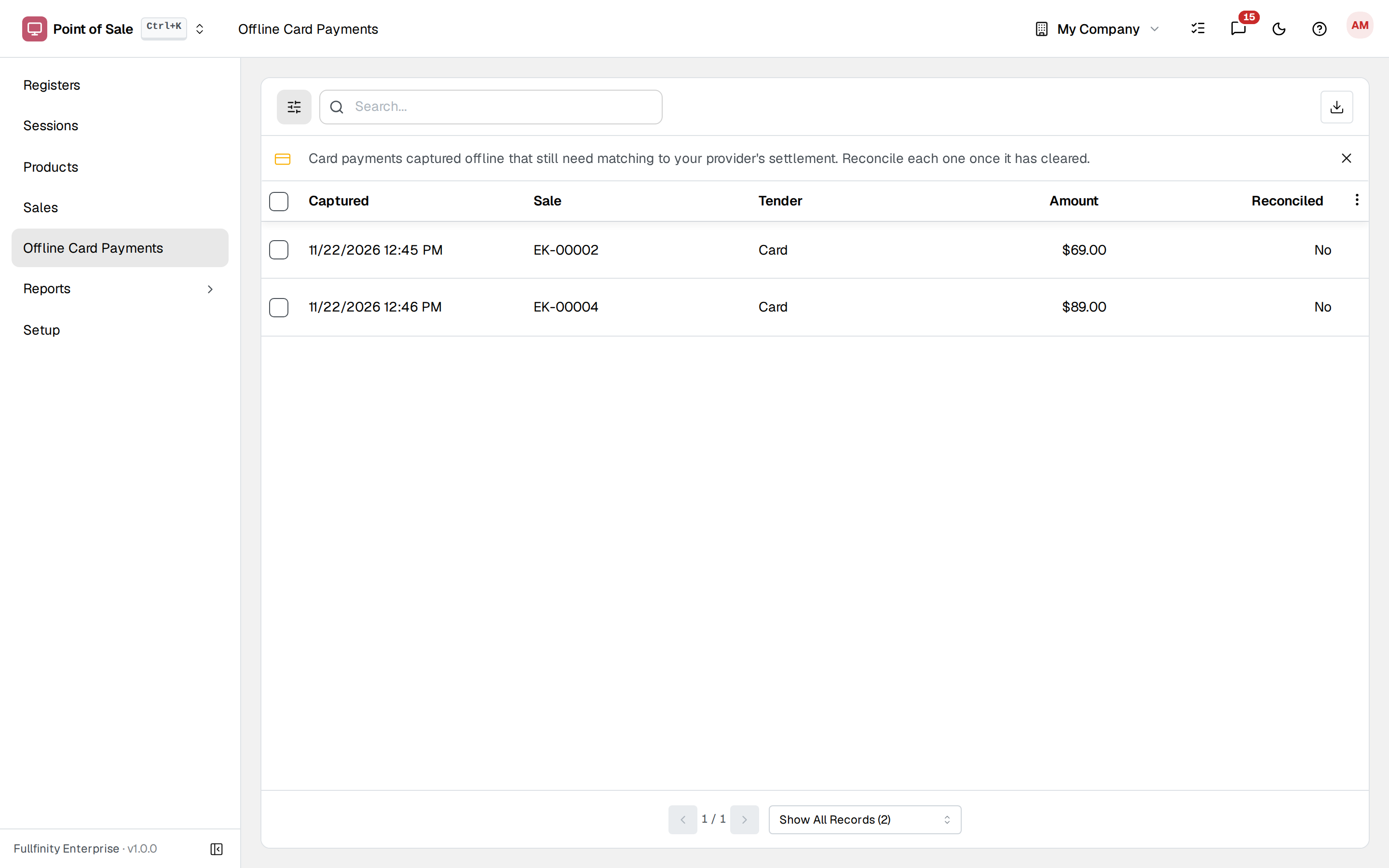
- Card and QR payments only if the register allows Allow Offline Card/QR (on its Hardware tab): run the card on a standalone terminal and the register records it. These payments are listed under Point of Sale → Offline Card Payments to check against your provider.
Prices are the ones loaded when the register last had a connection. A customer with their own agreed prices is charged shelf prices offline, and the register warns you.
What needs a connection
Opening and closing the register, leaving it, refunds and sales history, adding a customer, promotion codes, gift cards and loyalty points, on-account sales, cash paid in and out, and the X report. Their buttons are greyed out offline.
When a sale can't be sent
If the server refuses a sale when it syncs — for example a customer was required and none was chosen — a red Retry sync button appears. Fix the cause and click it. Discard rejected in the menu beside it throws those sales away; use it only once you have dealt with them another way.
Reconcile offline card payments
Go to Point of Sale → Offline Card Payments. It lists the card and QR payments taken offline that haven't been matched yet.
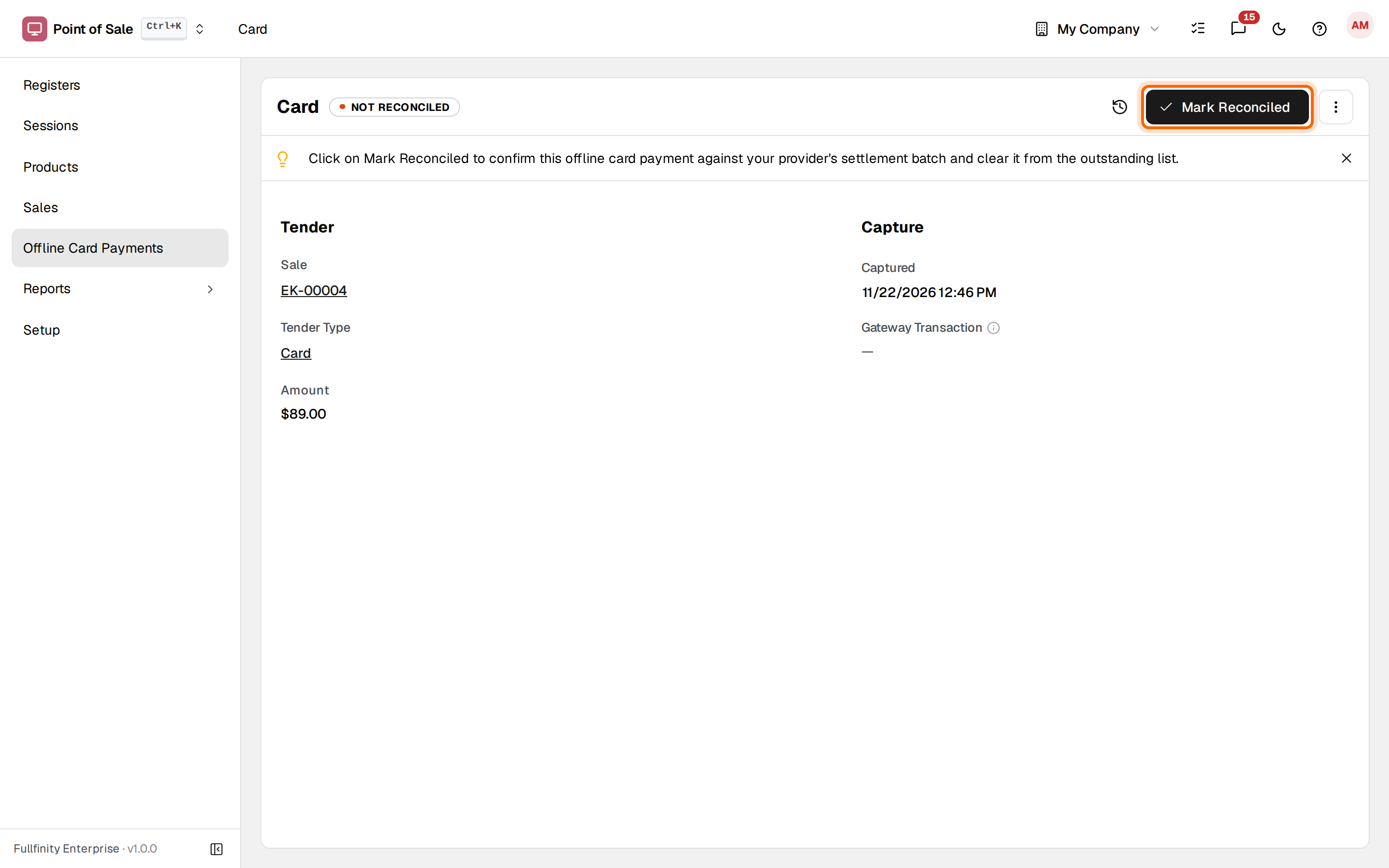
Check each one against your provider's settlement, open it and click Mark Reconciled. Reopen undoes it if you matched one by mistake.