How do employees swap shifts?
An employee offers a shift, a colleague claims it, and the planner approves the hand-over.
When someone can't work a shift they were given, they can find their own cover — you only approve it.
- The employee opens their published shift and clicks Offer for Swap, with an optional note on why.
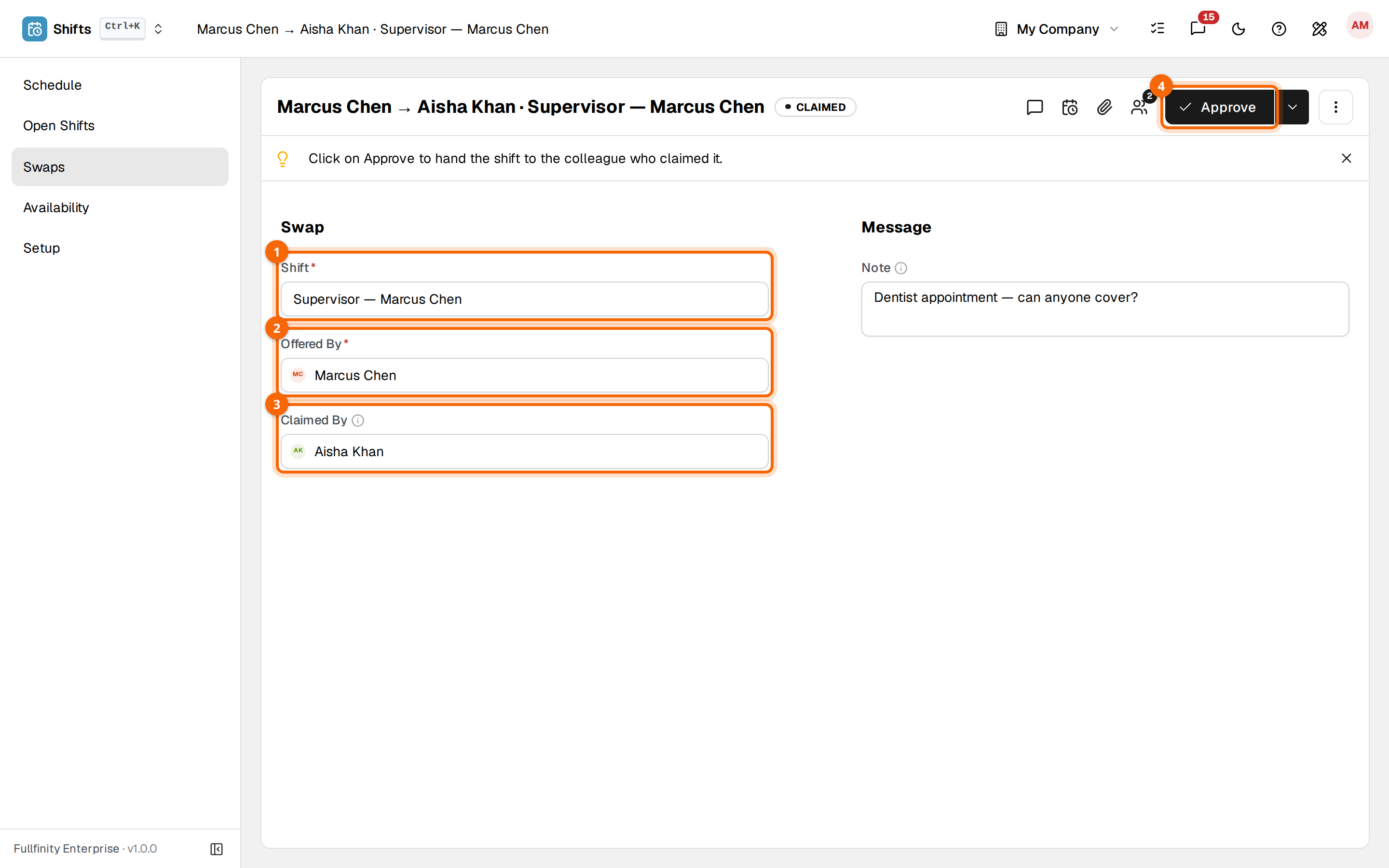
- Colleagues see the offer in Shifts → Swaps. One of them opens it and clicks Claim this Shift. The swap becomes Claimed.
- You open the swap and click Approve. The shift moves to the colleague. Decline turns it down, and the shift stays where it was.
A colleague can't claim a shift that clashes with their own schedule, time off or unavailability. Swaps need Shift Swaps on in Setup.
Was this article helpful?