How do employees bid for open shifts?
Publish a shift with nobody on it, let employees bid, and accept a bid to fill it.
When you have a shift to fill but no one in mind, publish it open and let employees volunteer.
- On the board, create the shift in the Open Shifts row (or leave its Employee empty), and publish it.
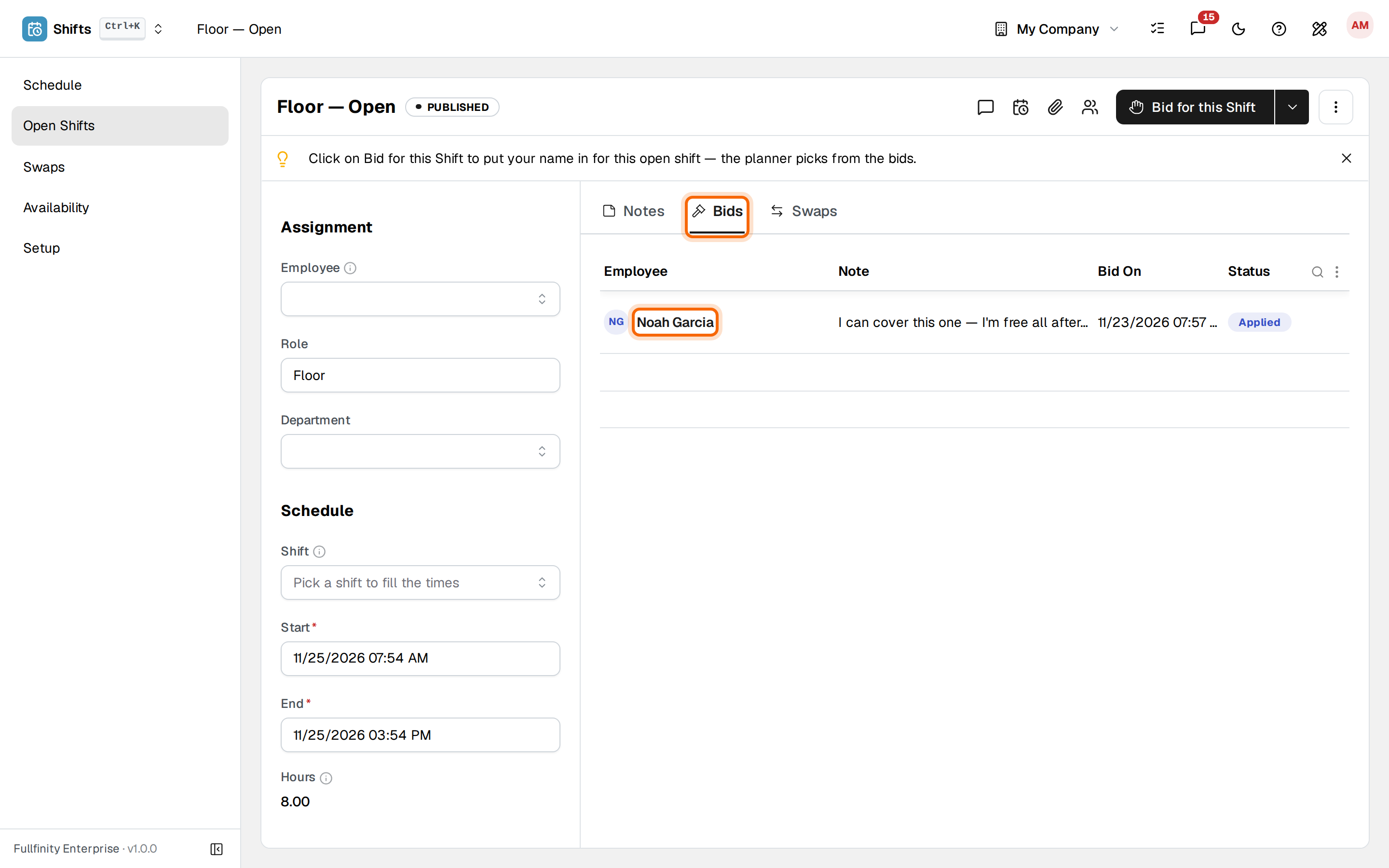
- Employees see it in Shifts → Open Shifts. They open it and click Bid for this Shift; they can add a note.
- The shift's Bids tab lists who bid. Open a bid and click Accept: the shift is given to that employee and the other bids are declined. Decline turns one bid down.
An employee can bid on a shift once, and not on one that clashes with their own shifts, time off or unavailability. Bidding needs Shift Bidding on in Setup, and the employee's login linked to their employee record.
Was this article helpful?