How does Rental work with my warehouse stock?
With Inventory installed, rented items move to an On Rent location while they are out and back to stock when returned, and availability can follow your warehouse stock.
Rented items are still yours while the customer has them. With Inventory, Fullfinity keeps them in your stock the whole time, just in a different place:
- Pick Up moves the items from the warehouse's stock to its On Rent Location. It is still your stock, so nothing is sold and your stock value doesn't change.
- Return Items moves what came back from On Rent Location back to stock.
- A unit returned as Lost is written off out of On Rent Location at its cost, like any scrapped item.
Each warehouse has its own On Rent Location, shown on the warehouse.
Which warehouse?
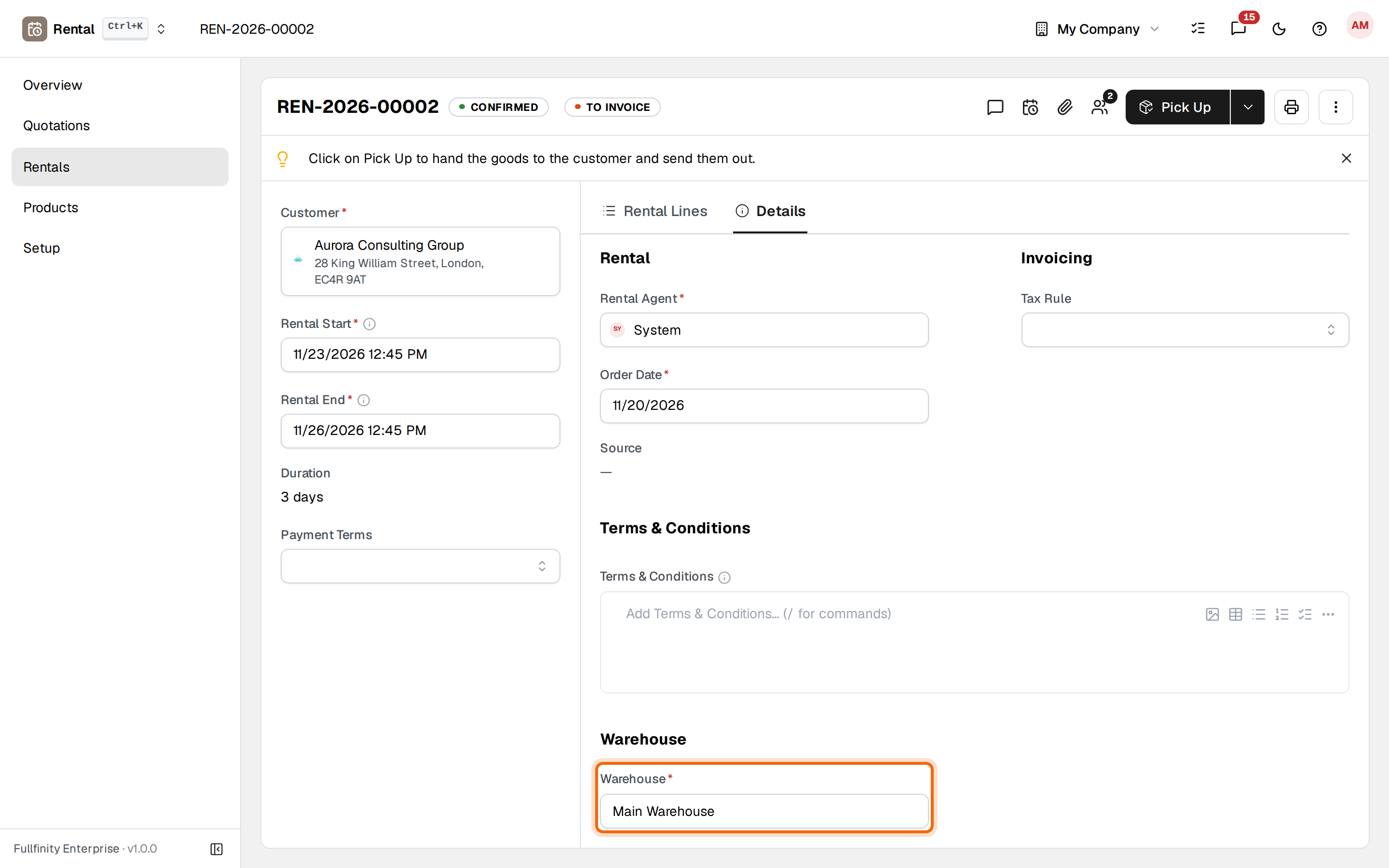
A rental ships from and returns to the Warehouse on its Details tab. It is shown when you use more than one warehouse.
Serial and lot numbers
For products tracked by serial or lot number, Pick Up opens a stock transfer with units already suggested. The warehouse confirms or changes which units go out and validates it; that completes the pickup. The rental's Transfers button opens those transfers. When you record the return, the Return Items window shows one row per unit or lot out, so you record each by its number. See How do I track lots and serial numbers?
What counts as available
By default, the units free to rent are the product's Units for Rent, less what other rentals have reserved for the same dates. If you rent and sell from the same stock, switch on Manage Rental Stock in Warehouse in Rental → Setup: availability is then counted from the stock actually in your warehouses (including what is on rent and coming back).