How do I set up a product for rent?
Mark a product as rentable, set its prices per hour, day, week or month, its deposit and late fee, and how many units you own.
Any product can be rented out. You give it a price for each rental period you offer, and Fullfinity works out the cheapest price for whatever dates a customer asks for.
Go to Rental → Products and open the product, or click New.
1. Mark it as rentable
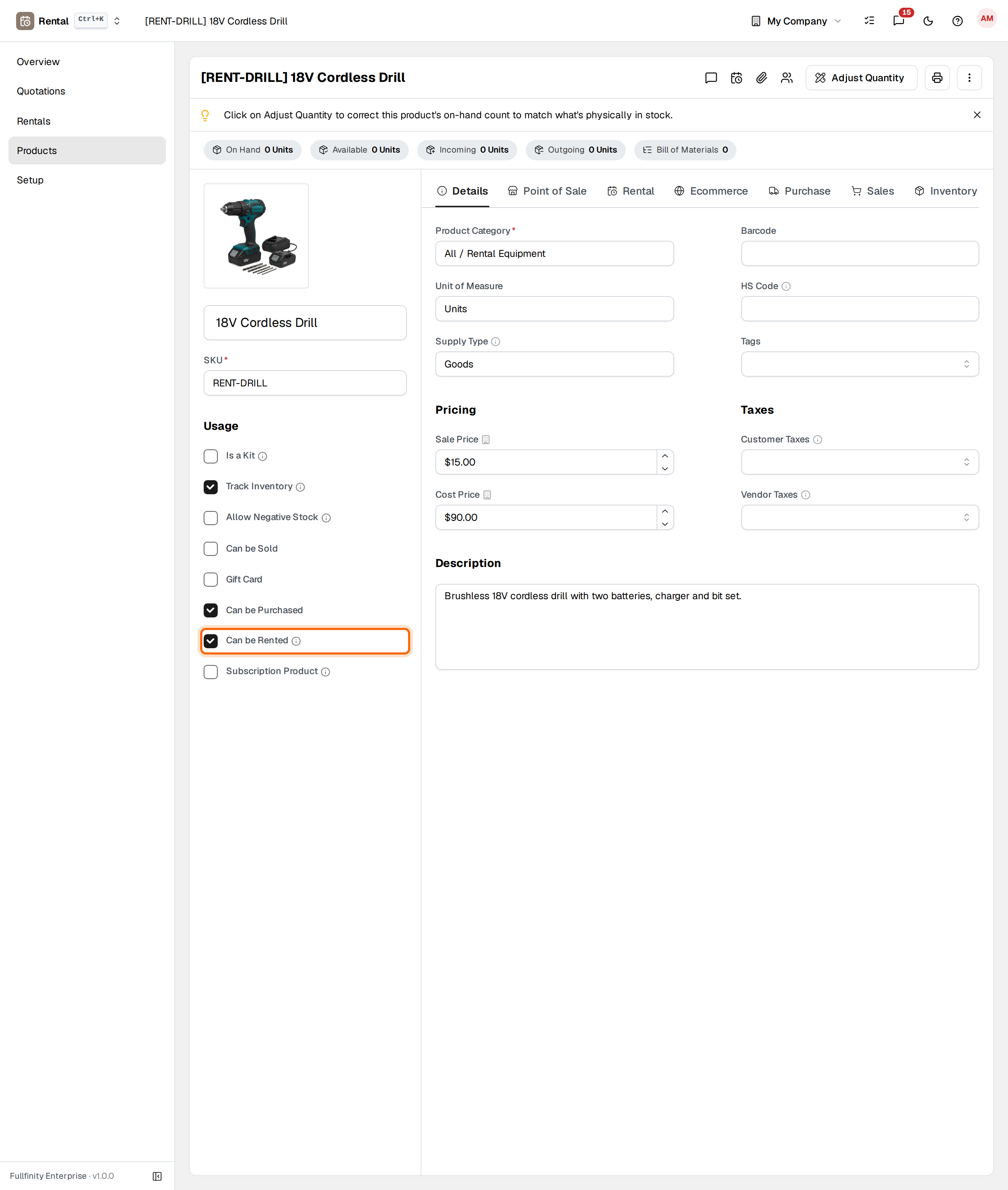
Tick Can be Rented in the panel on the left. A Rental tab appears.
2. Fill in the Rental tab
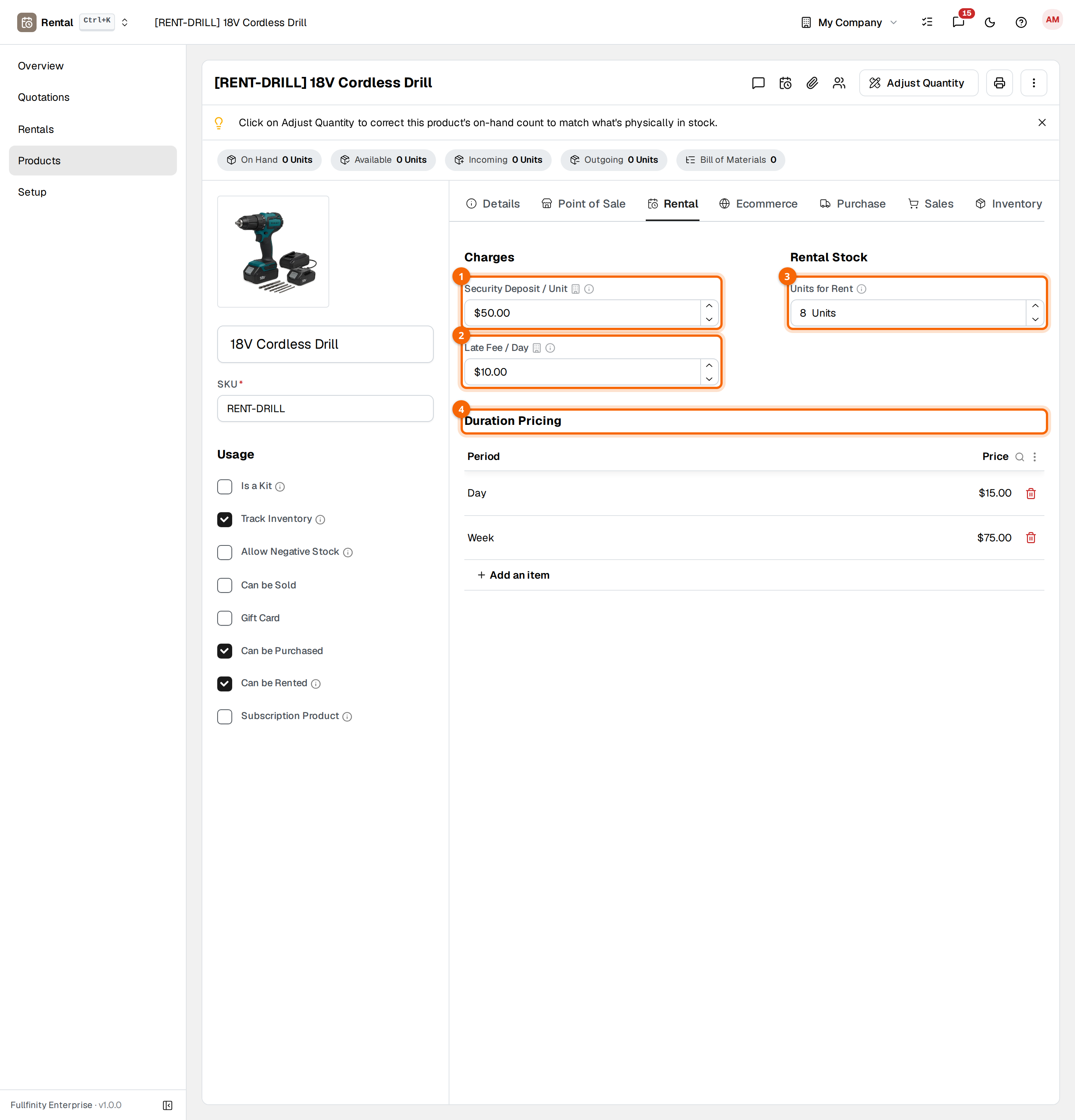
- Security Deposit / Unit — the refundable deposit you hold for each unit while it is out. Leave it at 0 for no deposit.
- Late Fee / Day — what each unit costs for every day it comes back late. Leave it at 0 to use the Late Fee % of Daily Rate from Rental settings.
- Units for Rent — how many of this item you own and can rent out at the same time. Rentals can't be confirmed for more than are free on their dates.
- Duration Pricing — click Add an item for each period you rent by: choose the Period (Hour, Day, Week or Month) and its Price for one unit.
Click Save.
How the price is worked out
For a rental's dates, Fullfinity picks the cheapest mix of your periods that covers them. With Day at 15.00 and Week at 75.00, a 3-day rental costs 45.00, while a 6-day rental costs 75.00 — one week is cheaper than six days. A part of an hour counts as a whole hour.
Was this article helpful?