What happens when a quote passes its expiration date?
Find quotes past their expiration date, extend them, or cancel the ones you no longer want to honour.
Every quote has an Expiration date — the last day your offer is valid. It is printed on the quote and in the email you send. Passing it doesn't change the quote's status or lock it: the quote stays open as Quote or Sent until you decide what to do with it.
Find quotes that have passed their date
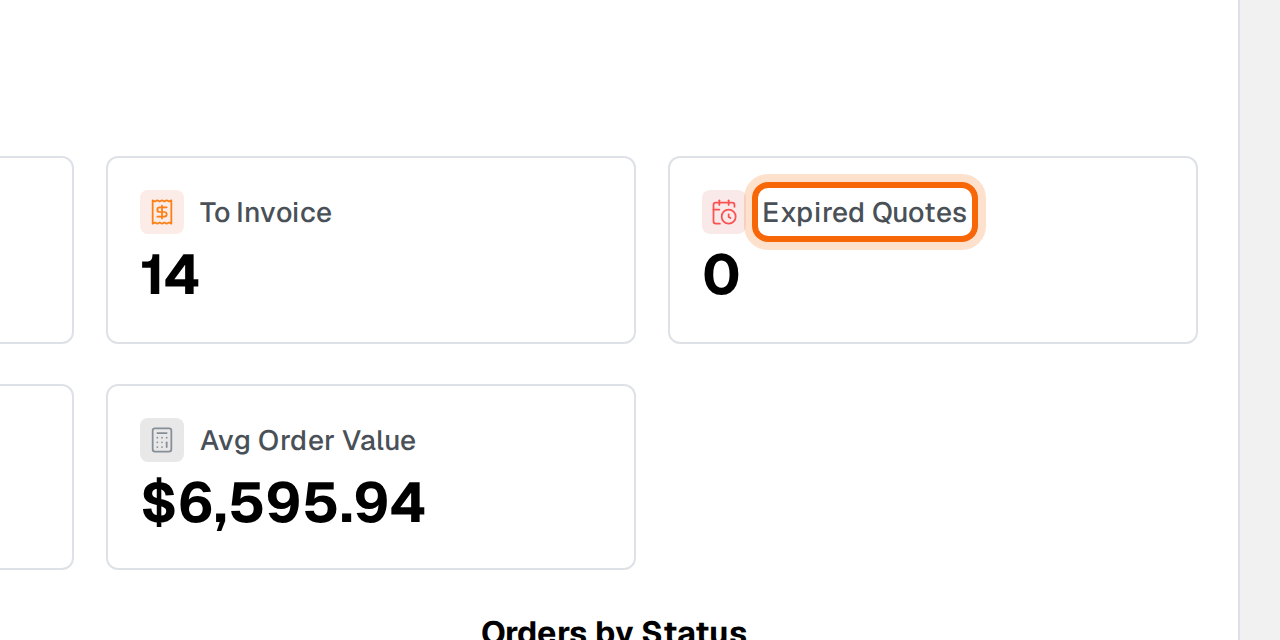
On Sales → Overview, the Expired Quotes card counts open quotes whose expiration date has passed. Click it to list them.
Extend a quote
- Open the quote.
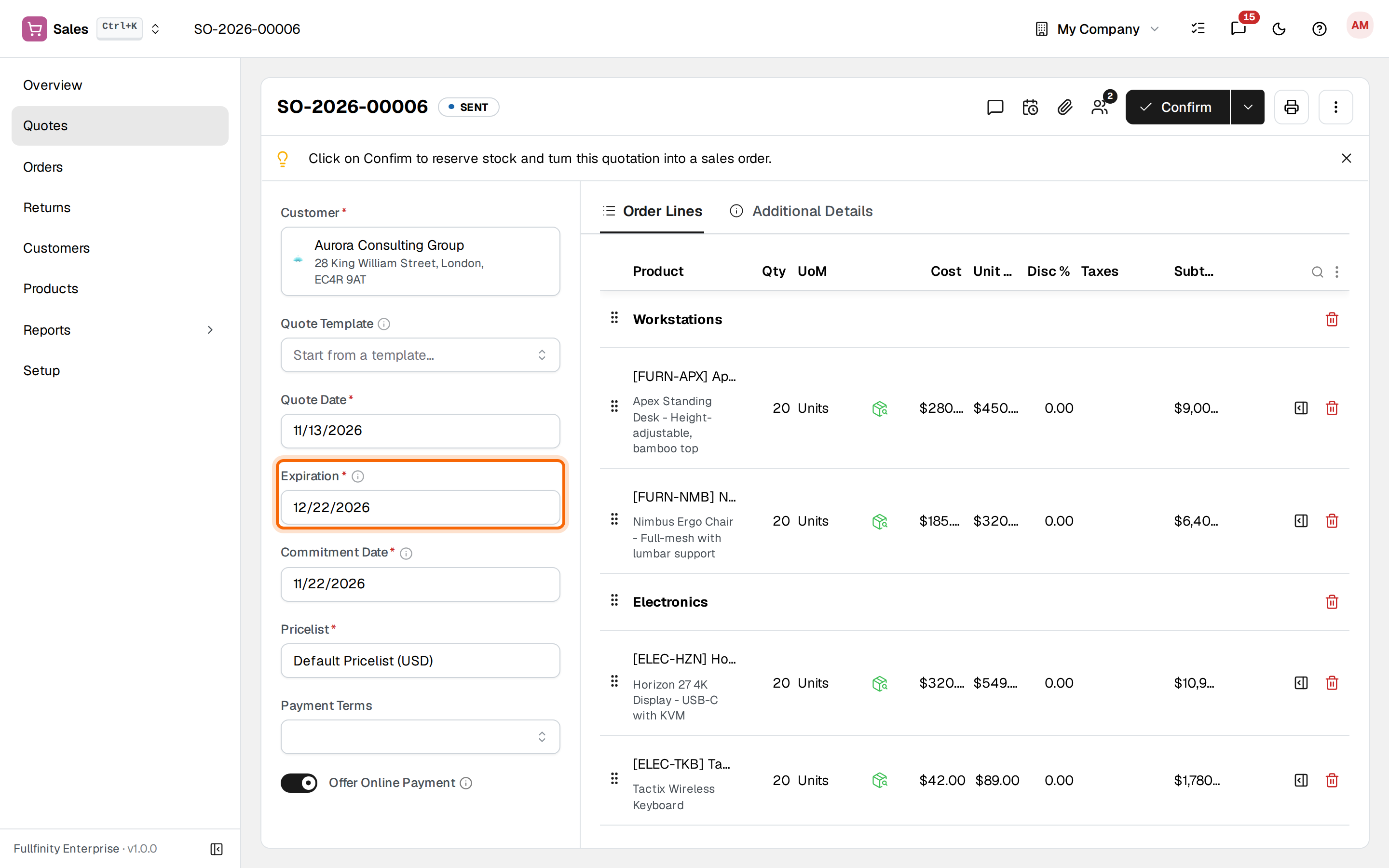
- Set a new Expiration date. Check the prices are still right while you're there.
- Click Save, then click the arrow next to Confirm and choose Send to email the customer the updated quote.
Withdraw a quote
Once the expiration date has passed, the customer can no longer accept the quote online: Accept & Sign and Accept & Pay are no longer offered. You can still confirm it yourself if they agree to it another way. If you no longer want to honour it, click the arrow next to Confirm and choose Cancel. The quote becomes Cancelled; if the customer comes back later, open it and click Reset to Draft to reopen it as a quote, then update and resend it.