How do I post expenses and pay employees back?
Book an approved report in the accounts, then record the payment to the employee so what they are owed is cleared.
Once a report is approved, accounting does two things: posts it, so the expenses count in your books, and reimburses the employee.
1. Post the report
Open the approved report and click Post to GL.
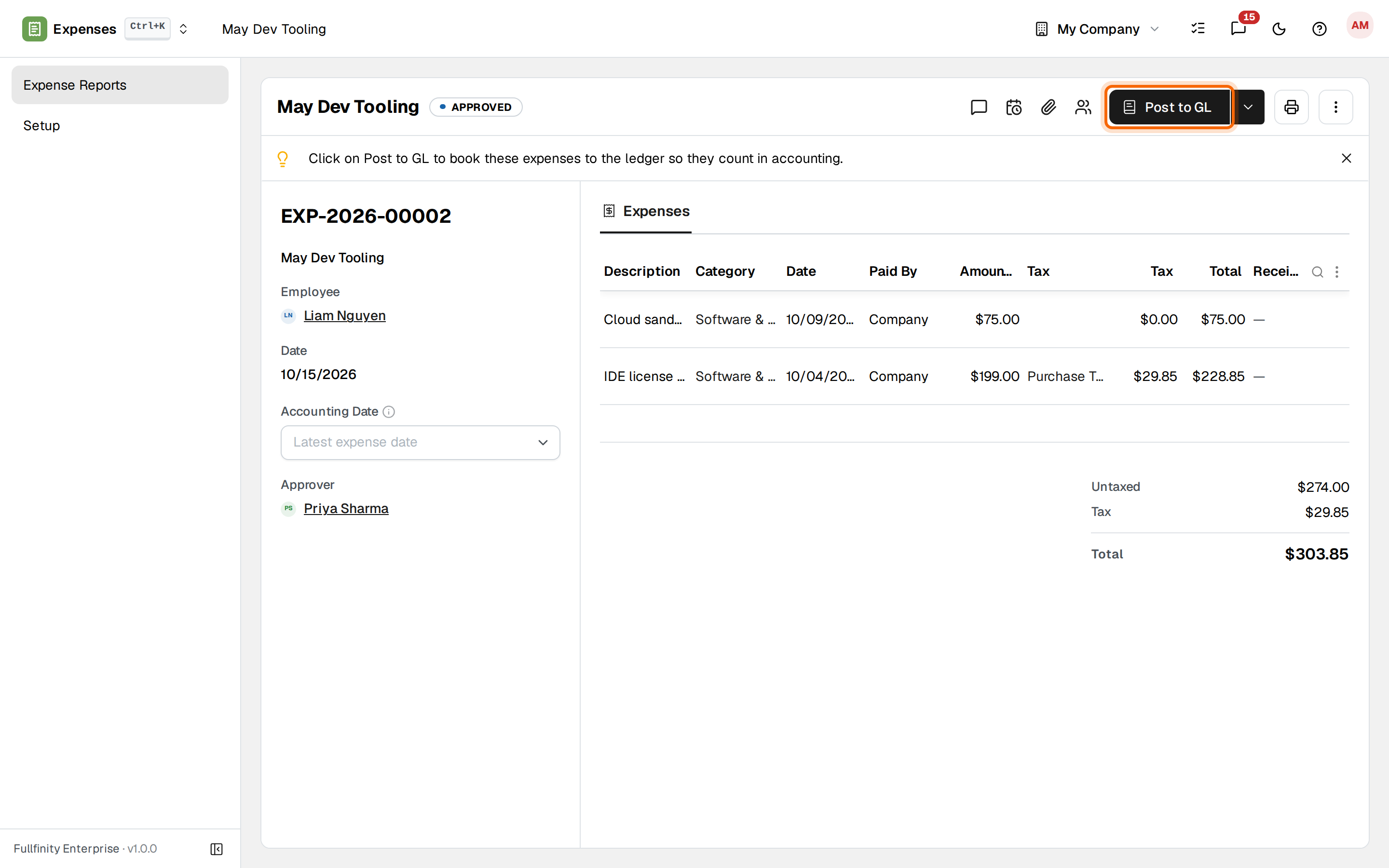
A journal entry is posted in your Expense Journal: each expense to its category's account, the reclaimable tax to the tax account (so it is on your tax return), and what the employee paid as a debt owed to them. The status becomes Posted and a Journal Entry button opens the entry.
The entry is dated on the report's Accounting Date. Leave that empty and it is the date of the latest expense, so costs land in the period they were spent, not when the claim was filed.
2. Reimburse the employee
Pay the employee by your usual means, then open the posted report — the To Reimburse filter lists them all — and click Reimburse.
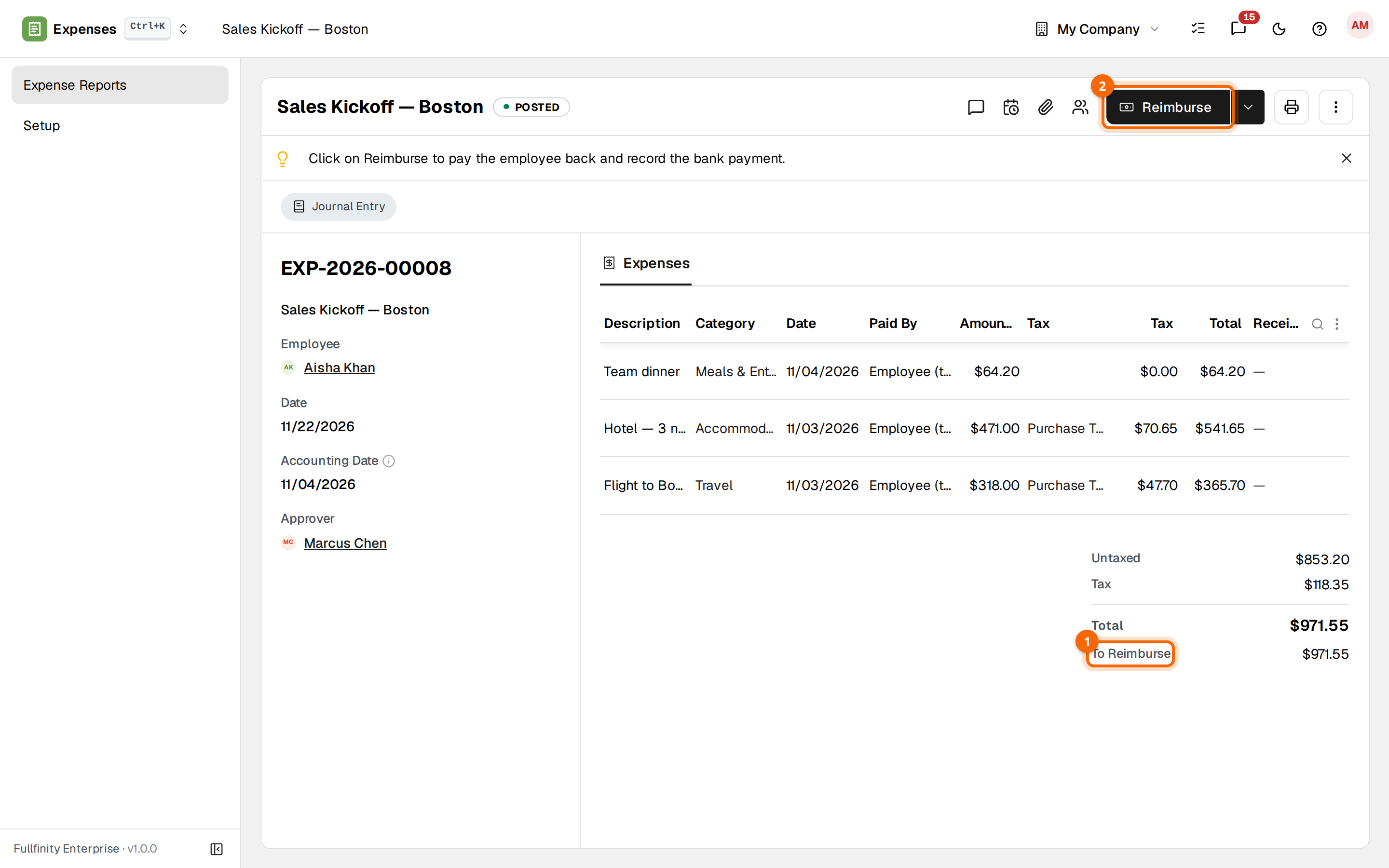
- To Reimburse — what the employee paid themselves. Expenses paid by the company aren't included.
- Reimburse — records a payment of that amount from the Reimbursement Journal, dated today, and matches it against what the employee was owed.
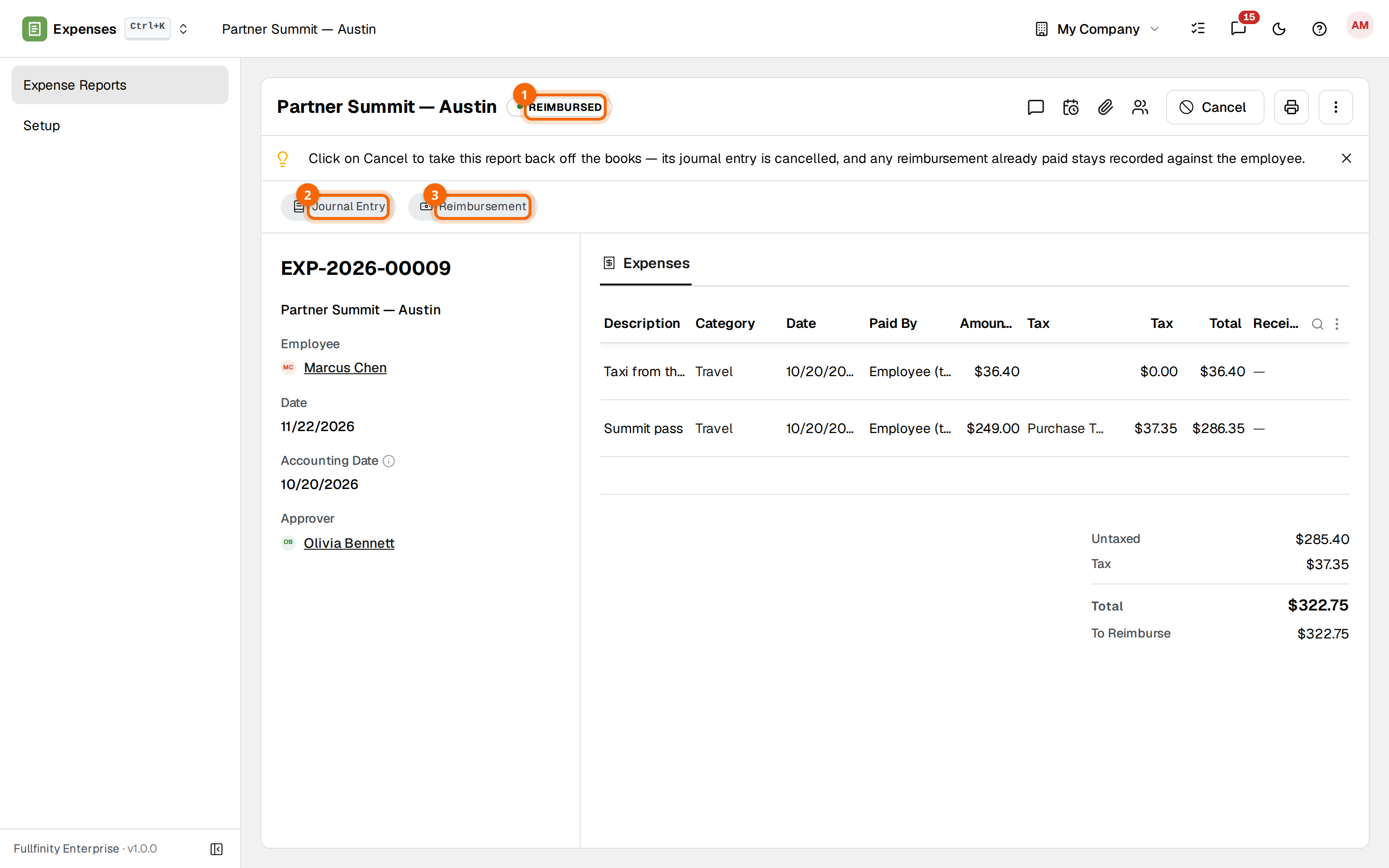
The status becomes Reimbursed. The Journal Entry and Reimbursement buttons open the two entries.
➡️ Related: How do I correct an expense report that is already posted?