How do I moderate product reviews?
Approve, reject or take down the reviews shoppers leave on your products, and reply to them.
Shoppers can rate and review your products. With moderation on, each new review waits for you to approve it before it appears in your shop.
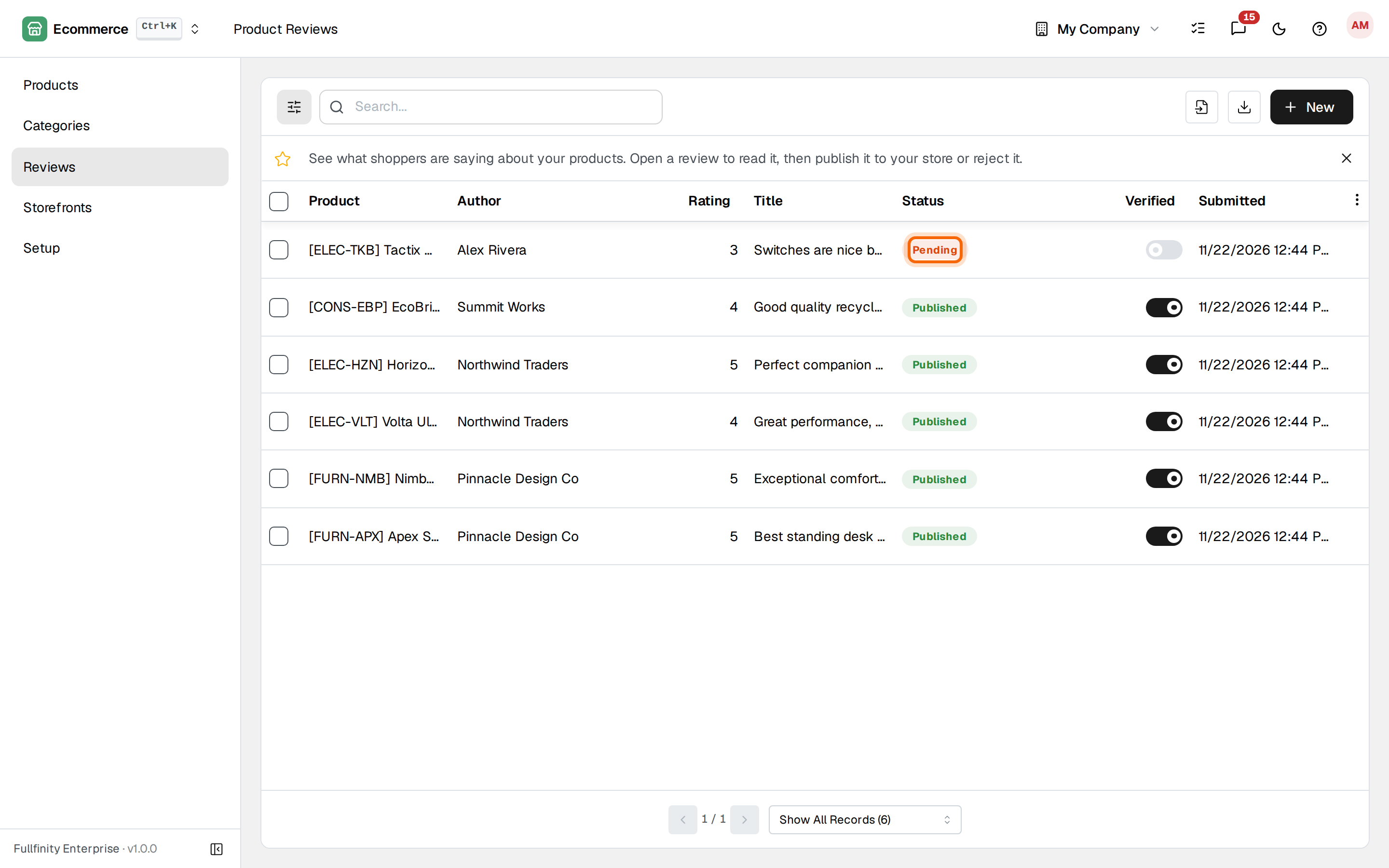
1. Find the reviews waiting for you
Go to Ecommerce → Reviews. New reviews have the status Pending; use the Pending filter to see only those. A Verified switch shows reviews from customers who actually bought the product.
2. Publish or reject a review
Open the review to read it.
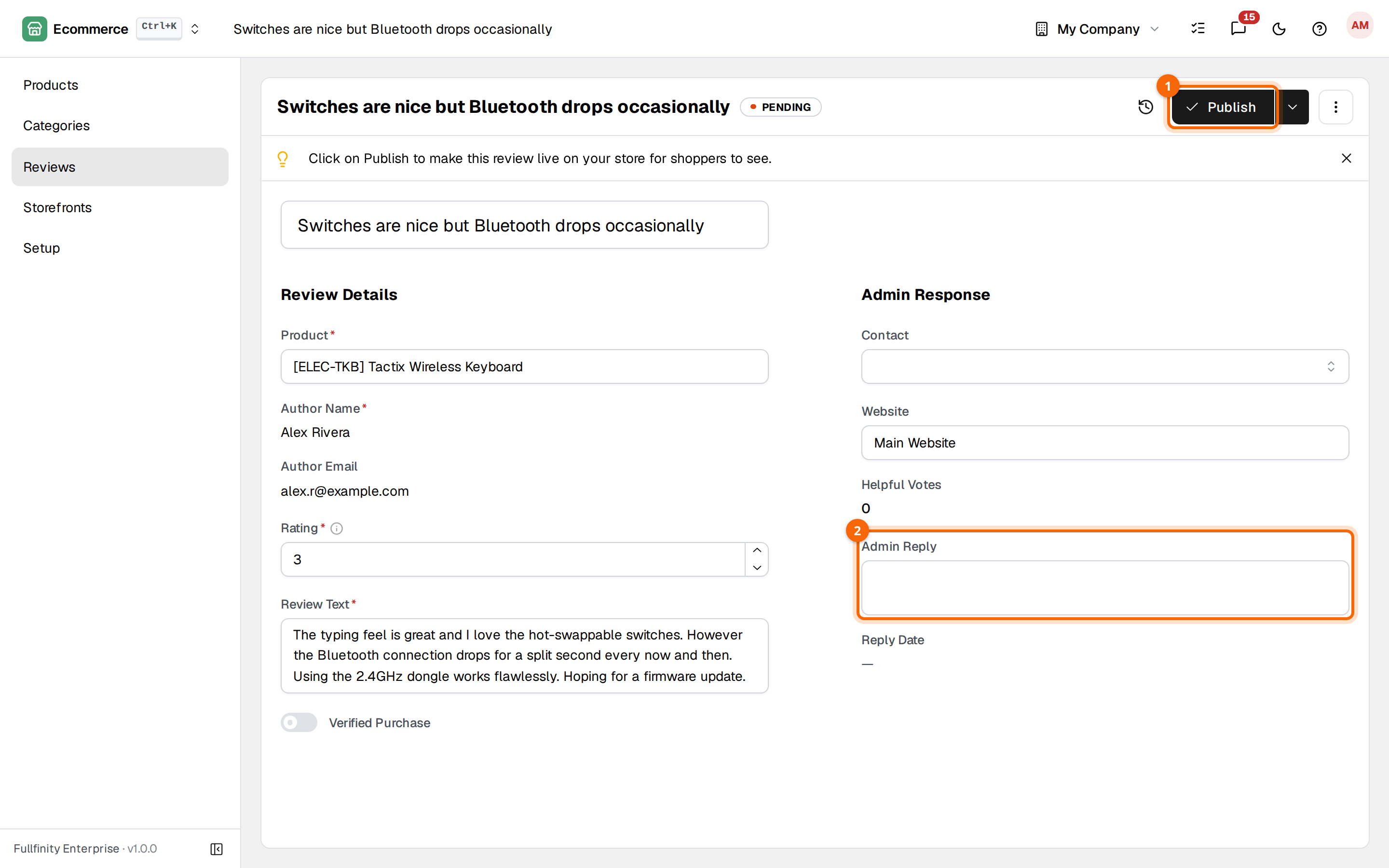
- Click Publish to put it live on the product page.
- Optionally write an Admin Reply. It's shown under the review in your shop.
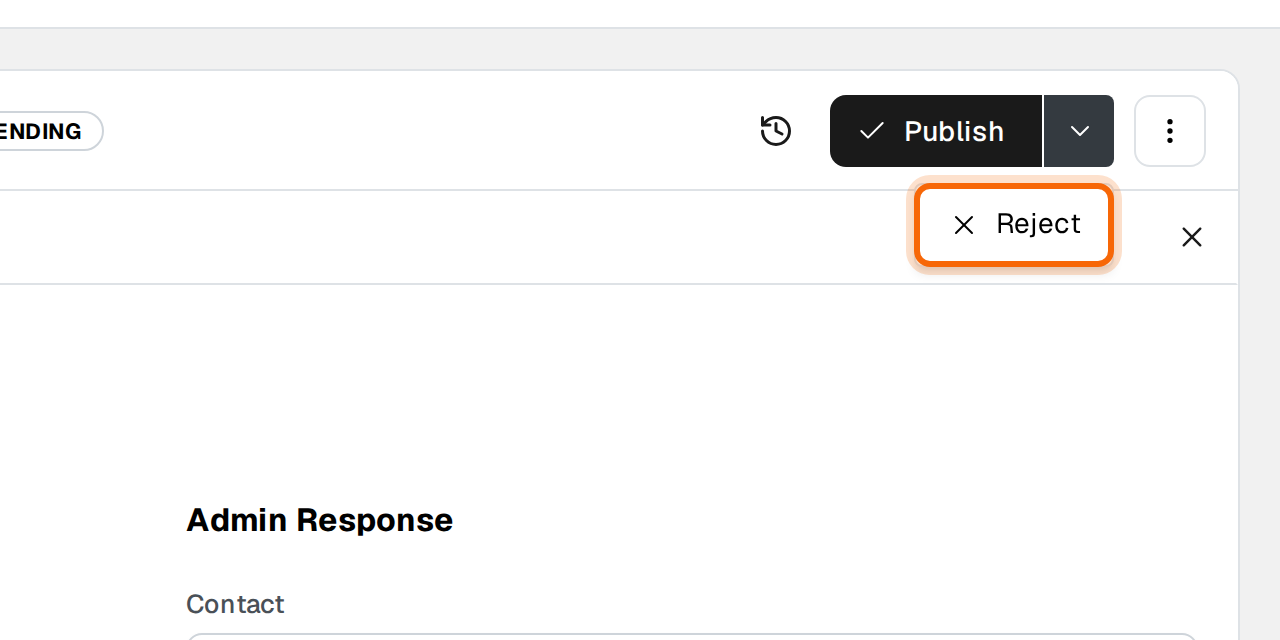
To keep a review off your shop, open the menu next to Publish and click Reject.
Change your mind later
| Status | What you can do |
|---|---|
| Pending | Publish or Reject. |
| Published | Unpublish takes it down and returns it to Pending; Reject takes it down for good. |
| Rejected | Publish puts it live after all. |
A published review can't be edited — unpublish it first. You can still change your reply.
Each product's average rating and review count update from its published reviews. To hide star ratings in the shop, switch off Show Product Ratings on the storefront.