How do I set the defaults for new automations?
Choose the dedup field and enrolment mode every new automation starts with.
Go to Marketing → Setup (Marketing managers only). The Marketing tab opens.
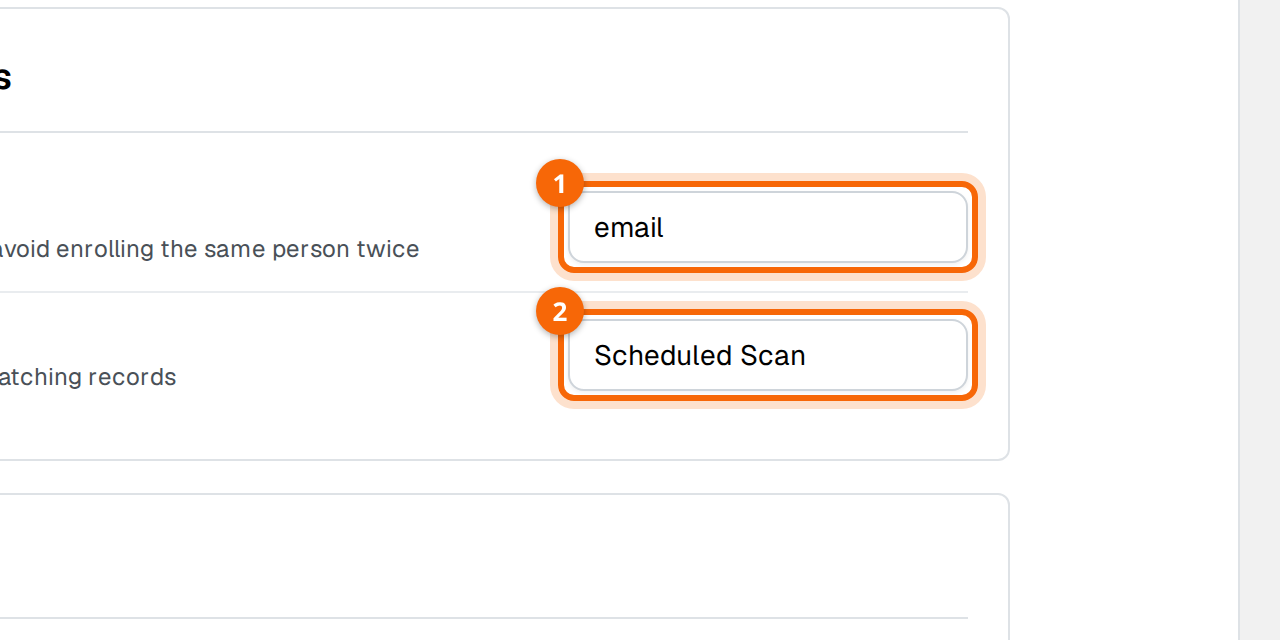
- Default Dedup Field — the field new automations use to recognise one person, email unless you change it.
- Default Enrolment Mode — how new automations take people in, Scheduled Scan unless you change it.
Click Save. Automations that already exist keep their own settings; change those on each automation. What each mode does is in How do I build a marketing automation?
Was this article helpful?