How do I find slow-moving and dead stock?
Use the Aging, Turnover and Dead Stock reports to find inventory that ties up cash and space.
Stock that sits still costs you money and shelf space. Three reports under Inventory → Reports show where it is. They are rebuilt every night, so they reflect stock as of the last update.
Aging — how long stock has been sitting
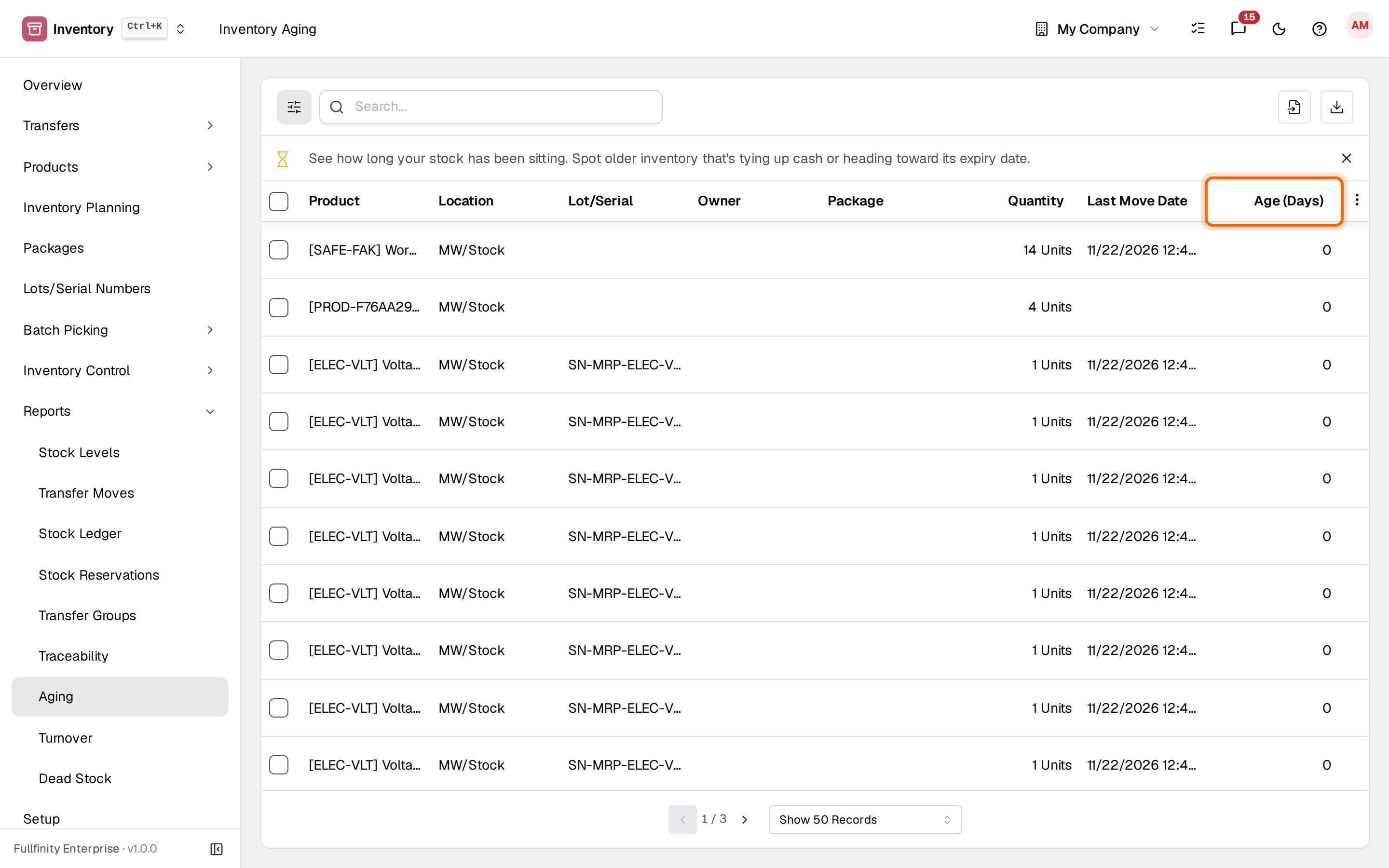
Inventory → Reports → Aging lists stock by product and location with its Last Move Date and Age (Days). Sort by age to see the oldest first — useful for perishable goods heading toward expiry.
Turnover — how fast it sells
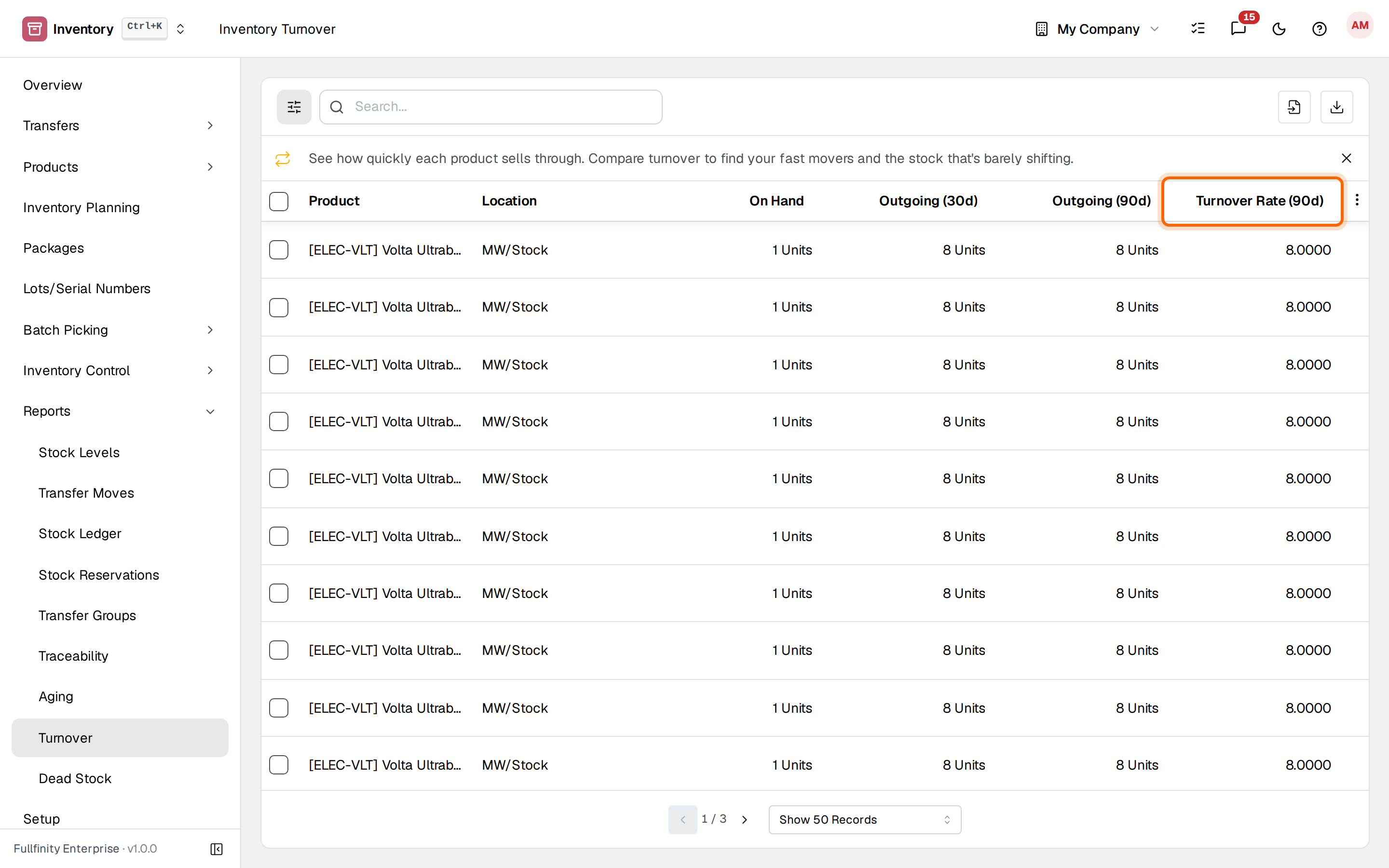
Inventory → Reports → Turnover compares what went out with what you hold: Outgoing (30d), Outgoing (90d) and the Turnover Rate (90d), which is 90 days of outgoing stock divided by what is On Hand. A low rate means a lot of stock for little demand.
Dead stock — nothing has moved
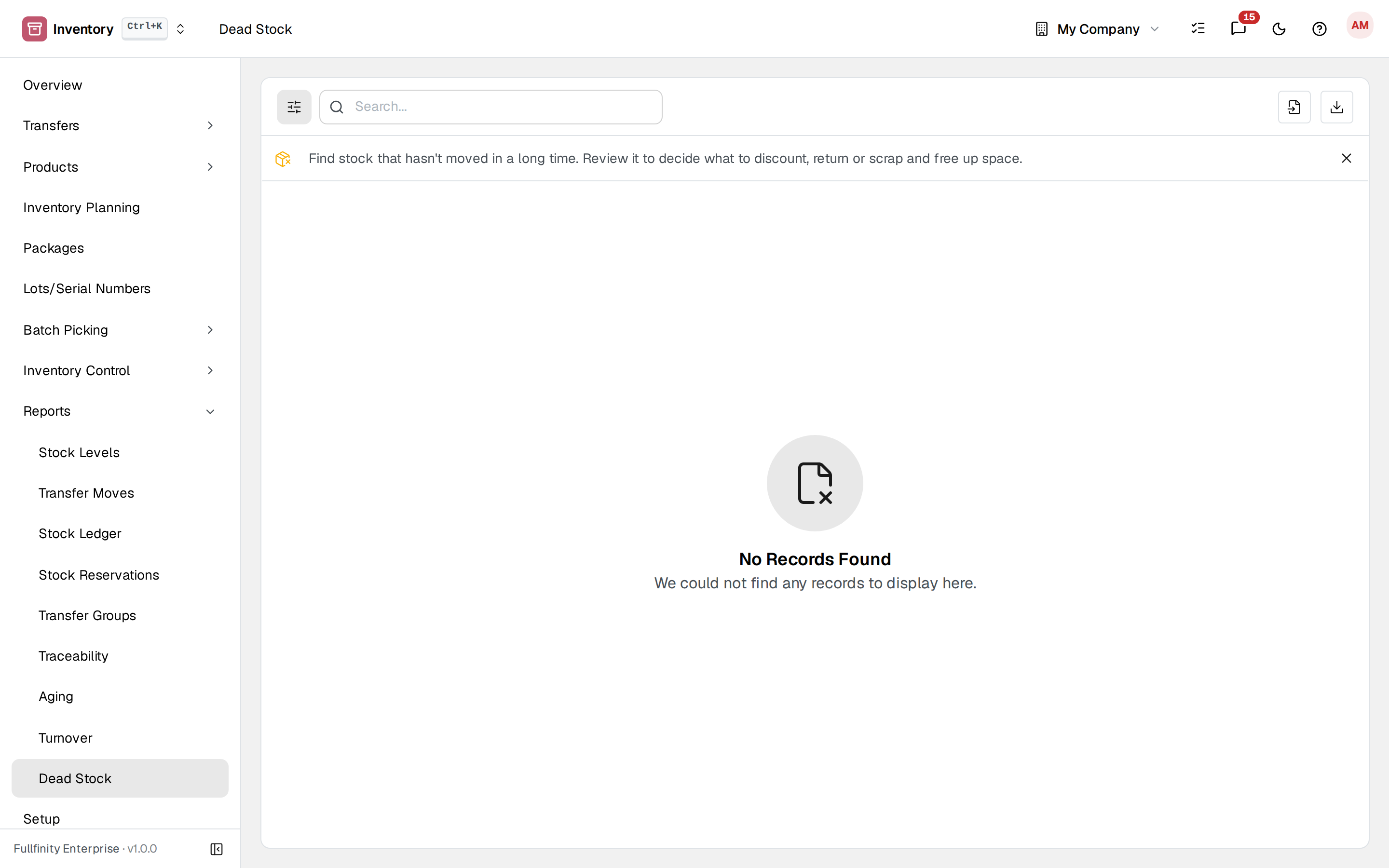
Inventory → Reports → Dead Stock lists stock that hasn't moved for longer than its Threshold (Days) — 180 days — with the Days Since Move. An empty list means nothing has been idle that long.
What to do with what you find: discount it, return it to the supplier, or scrap it — and lower its replenishment rule so you don't reorder it.