How do I ask customers to rate their support?
When a ticket is closed, Fullfinity emails the customer a link to rate their support from one to five stars; the score shows on the ticket.
Knowing how customers felt about the help they got is the quickest way to improve it. With ratings switched on, closing a ticket emails the customer a one-click link to rate their support from one to five stars, with an optional comment.
Switch it on
Open Helpdesk → Setup. Under Features, Request a Rating on Close is on by default. Turn it off if you don't want to ask, and click Save.
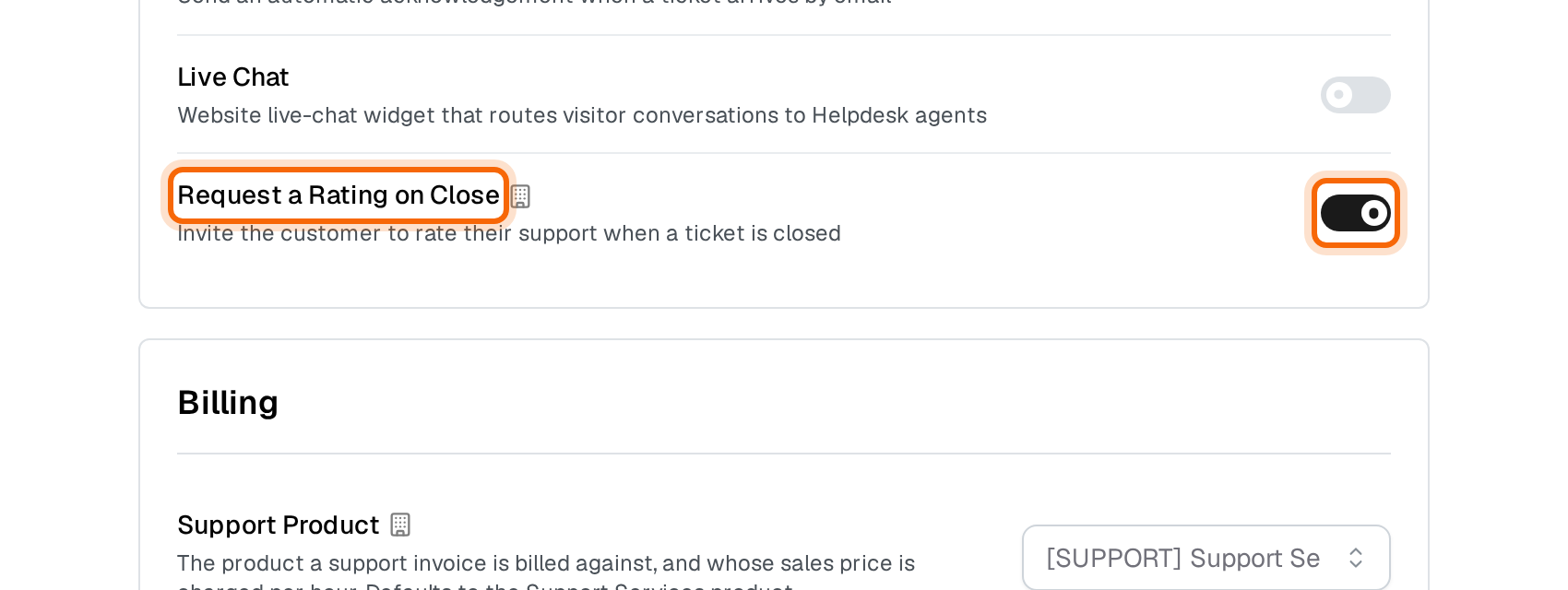
What the customer receives
When a ticket moves into a closing stage, the customer is emailed How did we do? with a link. The message also appears on the ticket. The link:
- opens a page where they pick one to five stars and can add a comment — no sign-in needed;
- works once, and for 30 days;
- is only sent when the ticket has a customer with an email address.
If the ticket is reopened and closed again, the customer is asked again, and can give a new rating.
See the score
A rated ticket shows Satisfaction with its latest score at the top:
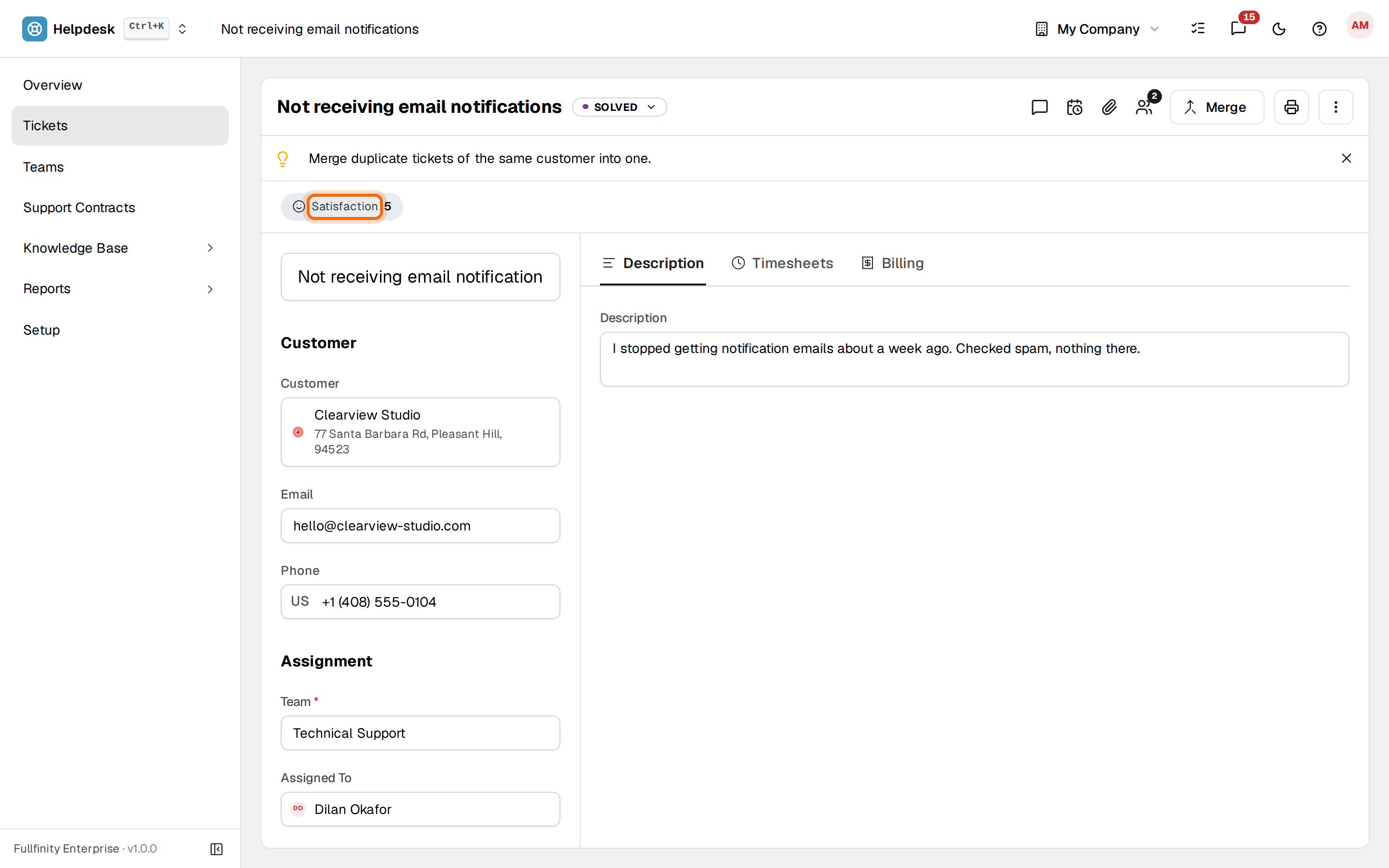
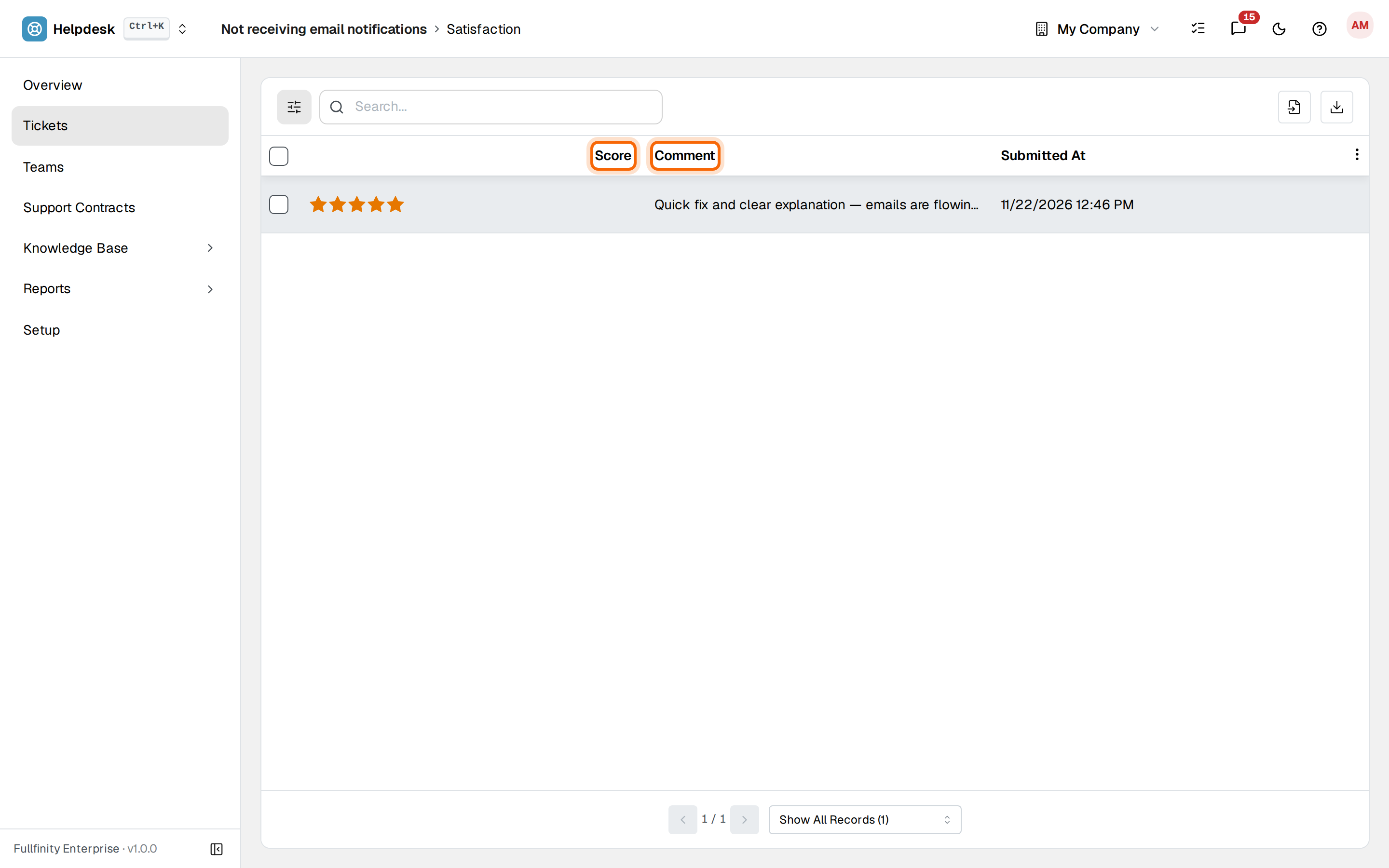
Click it to see every rating given on the ticket, with the comment and when it was given:
The ticket list in list view has a Satisfaction column too, so you can sort by it.