How do I deal with posts members have reported?
Members report spam and abuse; enough reports hide a post until you review it, and your decision settles every report.
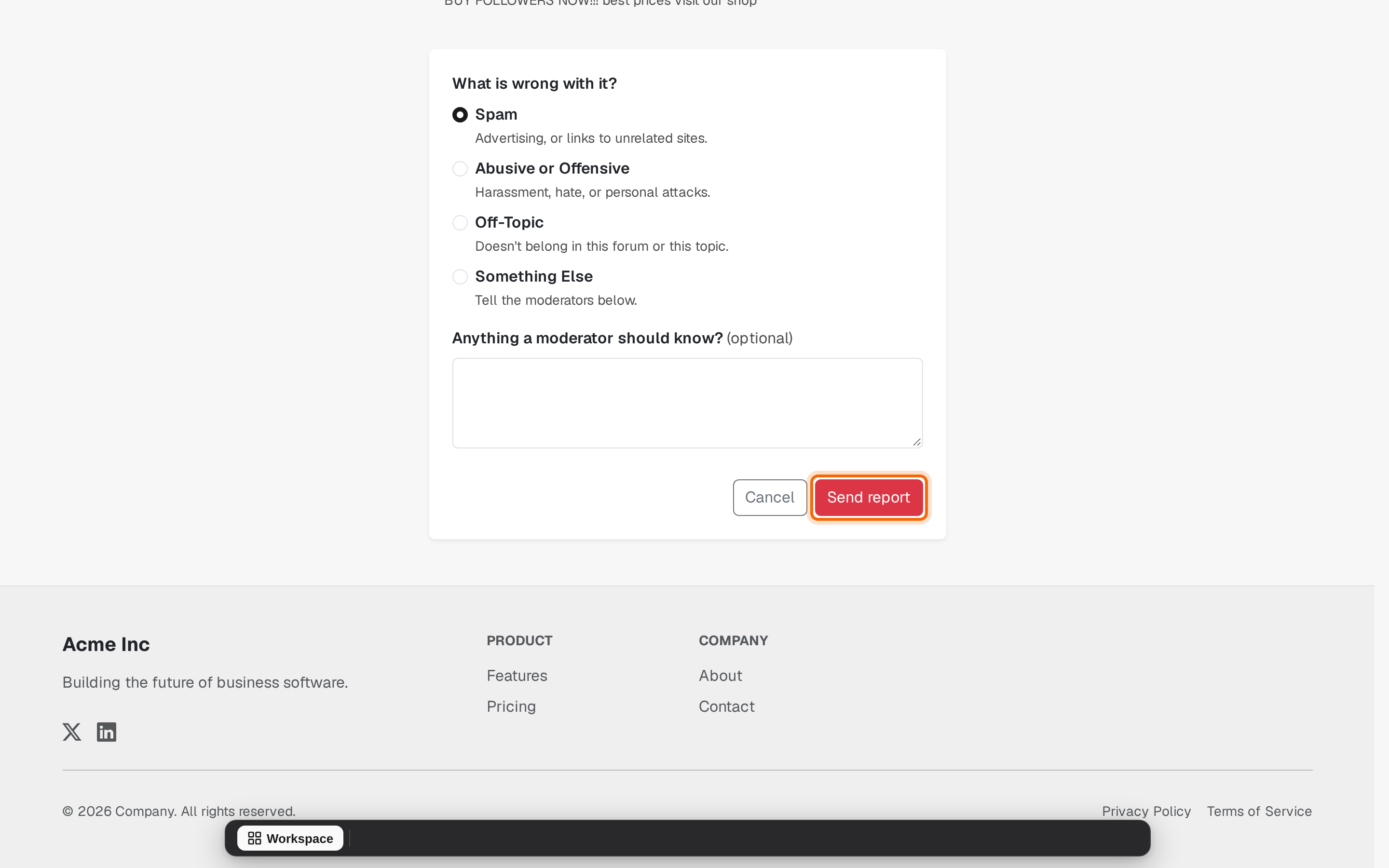
Members don't have to wait for a moderator to notice spam. Under any post except their own, a signed-in member clicks Report, picks what is wrong with it — Spam, Abusive or Offensive, Off-Topic or Something Else — adds a note if they like, and clicks Send report.
A member reports a post once. When the number of open reports on it reaches Reports to Hide a Post (in Forum → Setup), the post is taken down at once and waits in Forum → Moderation, Held Because Reported by Members. Below that number, it stays up while you decide.
Review the reports
Go to Forum → Reports. It opens on the Open reports; group them by Reason or Forum to work through them.
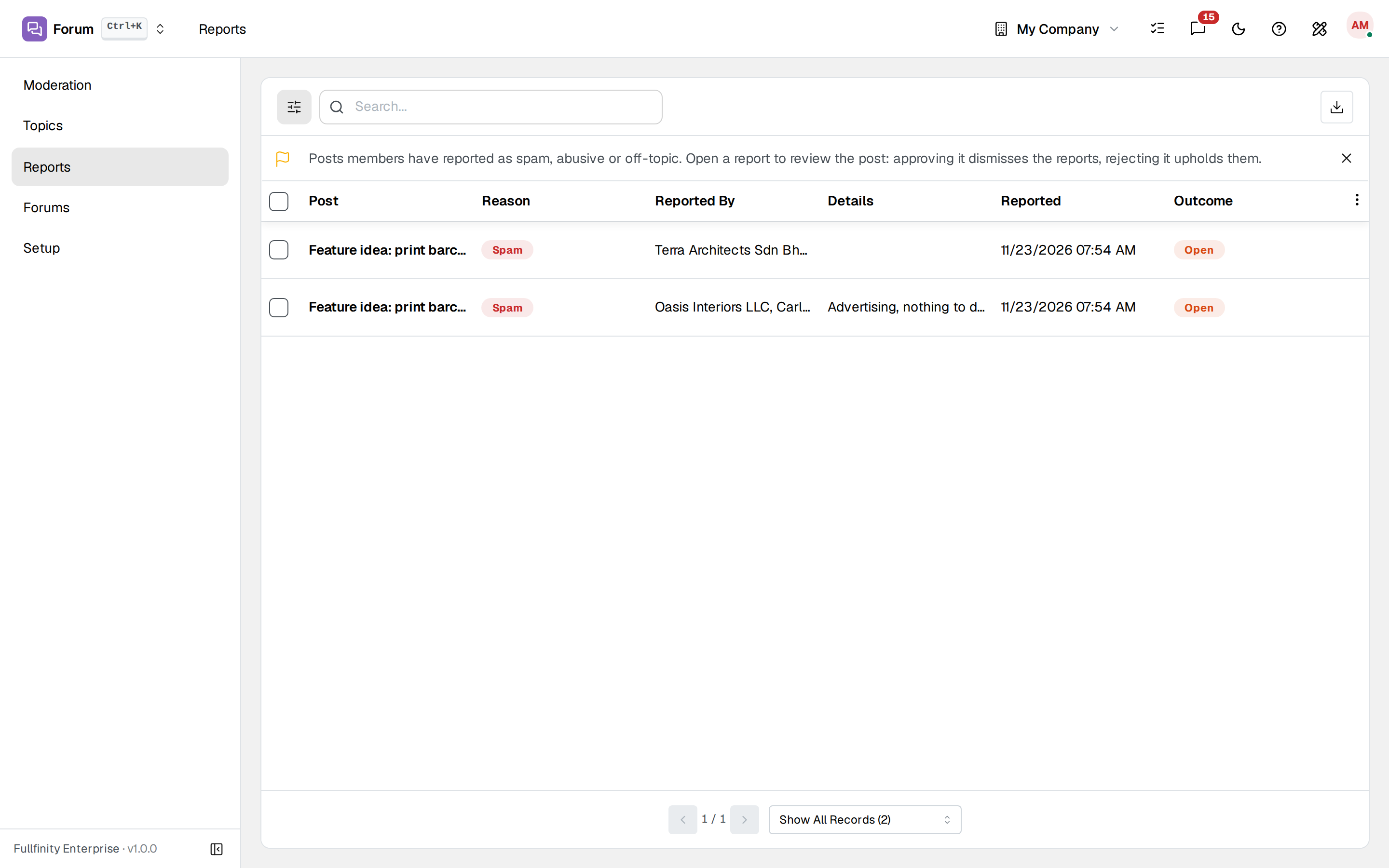
Open a report and click Review Post. The post's Reports tab lists every report against it, with each member's note.
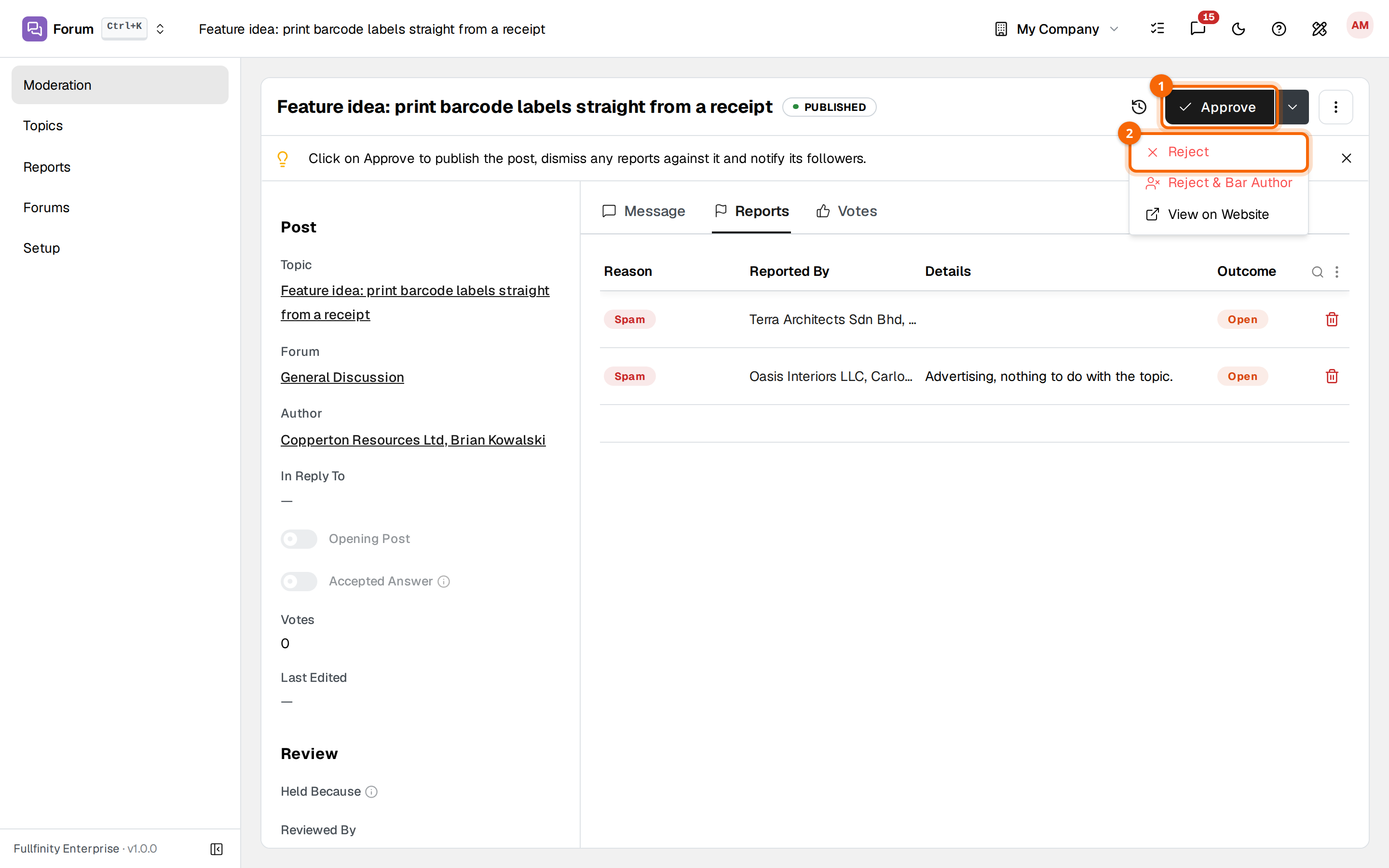
- Approve — the post is fine. It stays up (or goes back up) and its reports are Dismissed.
- Reject — the members were right. The post is taken down and its reports are Upheld.
One decision settles every open report on the post. For a spammer, use Reject & Bar Author — see How do I moderate the forum?