How do I remind attendees before a meeting?
Email everyone on the meeting a set number of minutes before it starts.
A reminder is an email to every attendee shortly before the meeting starts. It names the meeting, gives the start time, and includes the meeting link if there is one.
Set a reminder
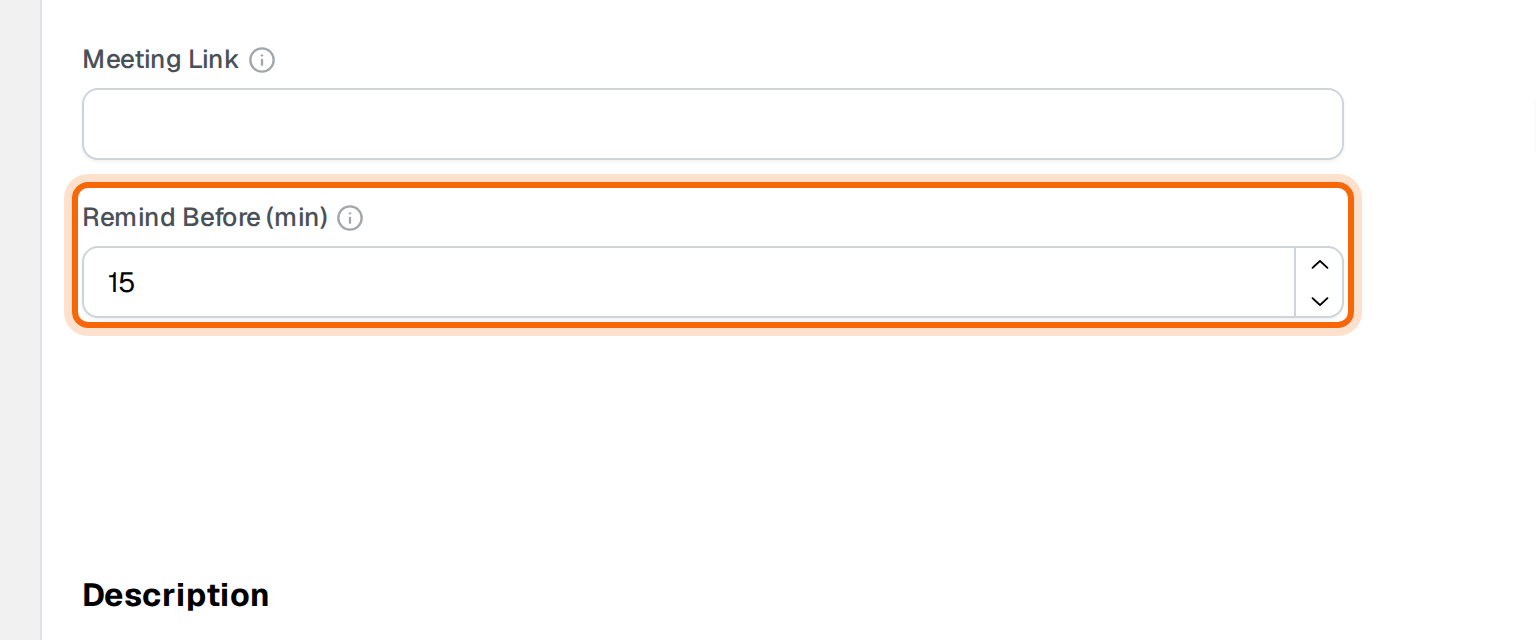
Open the meeting and enter a number of minutes in Remind Before (min) — 15 sends the reminder a quarter of an hour before the start. Save.
Who gets it, and when
- Every attendee with an email address on their contact. An attendee without one is skipped.
- It goes out within a few minutes of the reminder time: reminders are checked every five minutes.
- Each attendee's email is written in their own language. The time is shown in the organizer's time zone, and says which zone that is.
- A meeting is reminded about once. Move it to another time, or change Remind Before (min), and it is reminded about again for the new time.
In a repeating meeting, set the reminder on the first meeting before you click Generate Occurrences: every occurrence gets the same reminder. See How do I set up a meeting that repeats?
Was this article helpful?