How do I assign a vehicle to a driver?
Record who has a vehicle and from when, so the handover history is kept.
Every handover is kept, so you can always see who had a vehicle on a given day — for a speeding fine, say.
- Open the vehicle and go to the Driver History tab.
- Add a line: the Driver and the date From. Leave To empty while they still have it.
- When the vehicle changes hands, fill in To on the old line and add a new one.
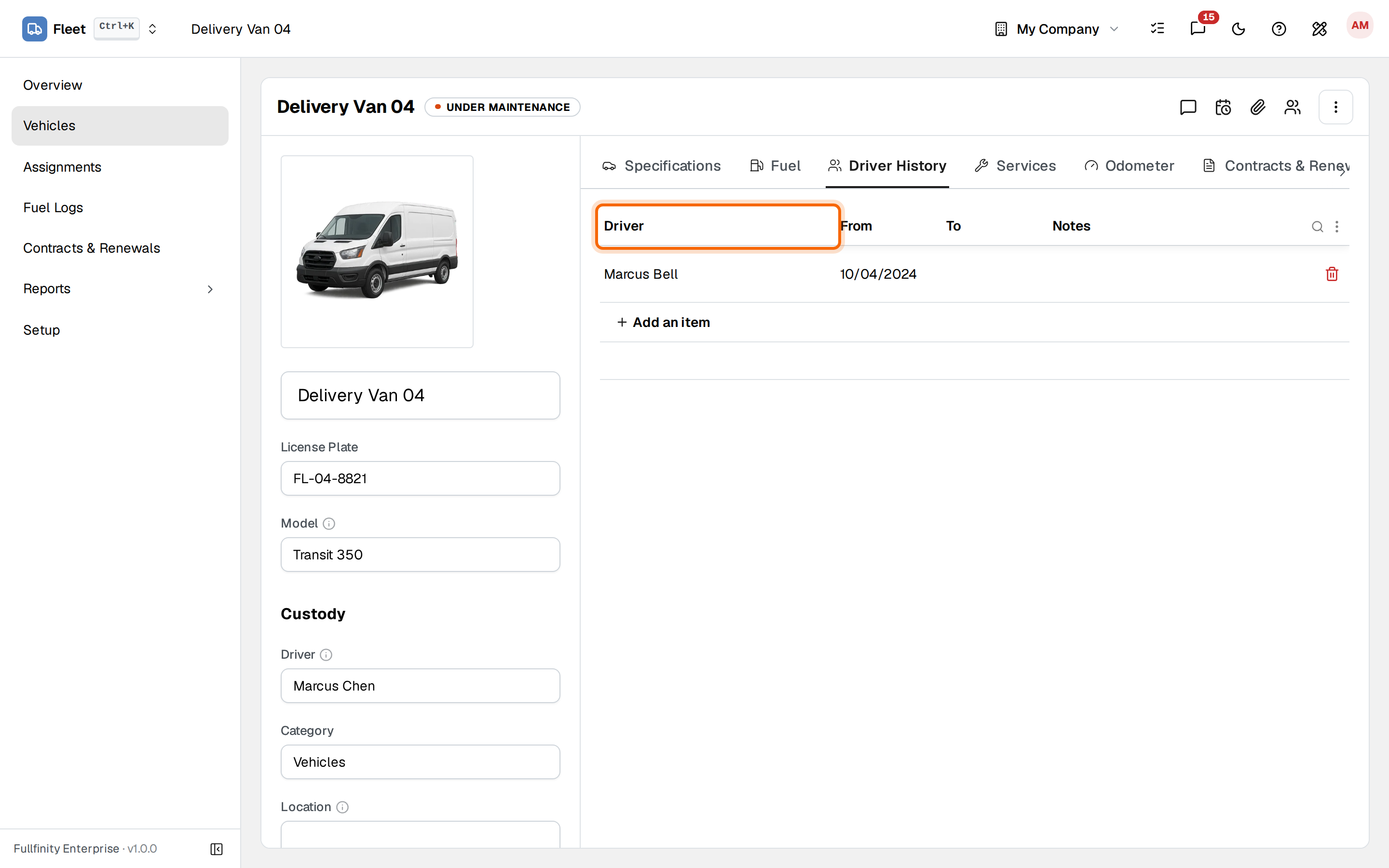
The vehicle's Driver is the latest line without a To date; it updates as you add, close or delete lines.
Company drivers who are employees
With Employees installed, the Specifications tab has Driver (Employee) under Assignment. Choosing an employee sets the vehicle's driver to them, and lets you pay their fuel back through expenses — see How do I log fuel?
Was this article helpful?