How do I sell a course in my online store?
Link a product to a course so that buying it enrolls the customer.
With your online store set up, a course can be sold like any product: the customer buys it, and confirming their order enrolls them. See How do I set up my online store?
- Create a product for the course in Ecommerce → Products, with its price, and publish it in the shop — see How do I publish products and organize shop categories?
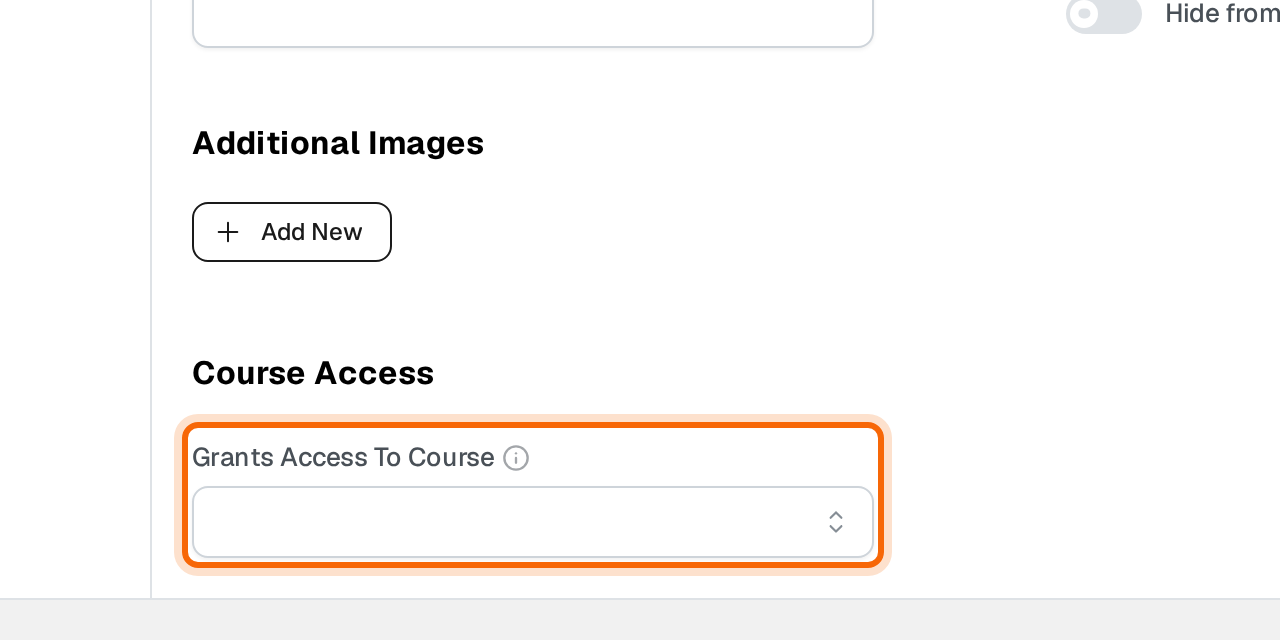
- On the product's Ecommerce tab, under Course Access, pick the course in Grants Access To Course. Only published courses are offered.
- Save.
What changes
- The course page no longer offers Enroll Now. It says Enrollment comes with buying this course and shows Buy This Course, which opens the product in your shop.
- When the order is confirmed — paid online, or confirmed by you — the customer is enrolled, with Purchased as the enrollment's Source. Buying it again never enrolls them twice.
- Courses can also be sold from a sales order: any confirmed order with the product enrolls the customer.
To take the course the customer signs in to your website. If they have no account yet, give them portal access from their contact — see How do I enroll learners and follow their progress?
Was this article helpful?