How do I set up Surveys?
Choose who new surveys are open to, whether respondents' IP addresses are kept, and the default certificate.
Surveys collects answers: customer feedback, sign-up forms, internal polls, graded quizzes and certifications. Each survey has its own settings; these defaults apply to new ones.
Go to Surveys → Setup (Survey managers only). It opens the Surveys tab of the settings.
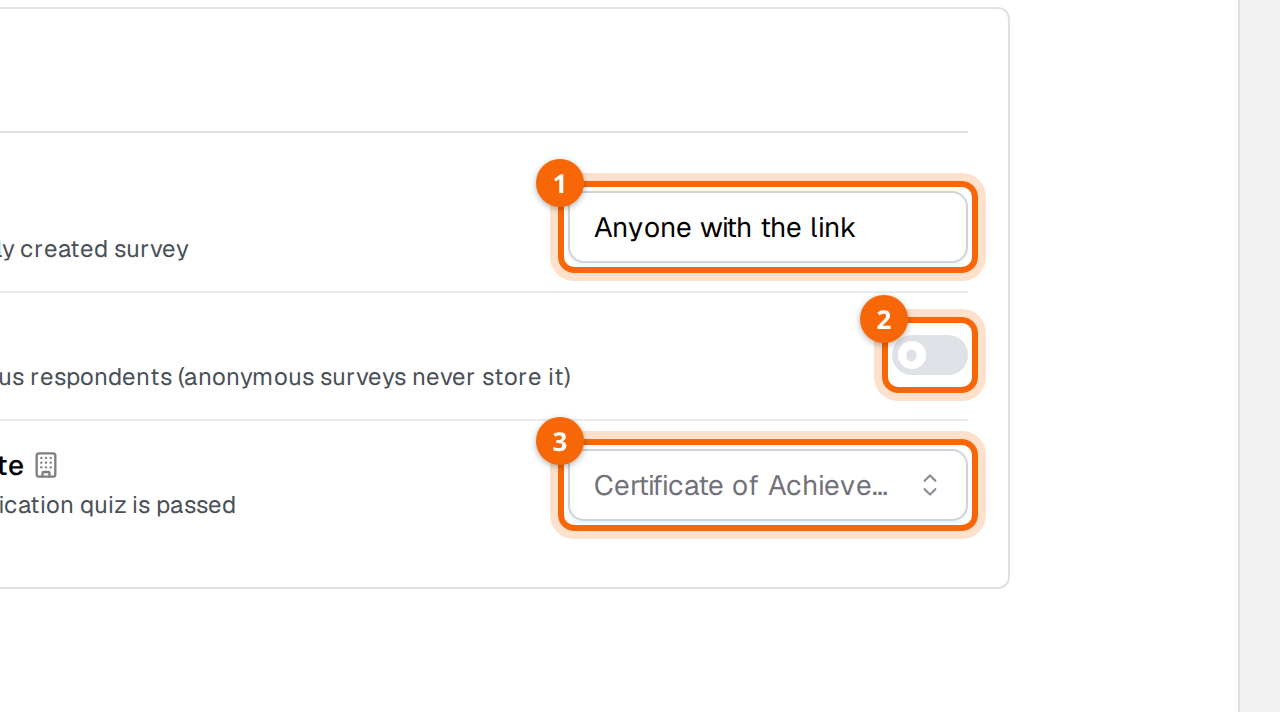
- Default Access Mode — who a new survey is open to: Anyone with the link, Invited only or Logged-in users. Each survey can be changed afterwards.
- Store Respondent IP — keep the internet address a response came from. Only for invited and signed-in respondents; a survey open to anyone with the link never keeps it. Leave it off unless you need it.
- Default Certificate Template — the certificate a new certification quiz starts with. Leave it blank for the built-in one.
Click Save.
Was this article helpful?