How do I scrap a part or a product on the Shop Floor?
Write off a damaged component or finished unit from the work order you are on, without leaving the Shop Floor.
When something is damaged during the work, scrap it from the work order's card. The stock is written off straight away, and the scrap is linked to the manufacturing order so its cost shows there.
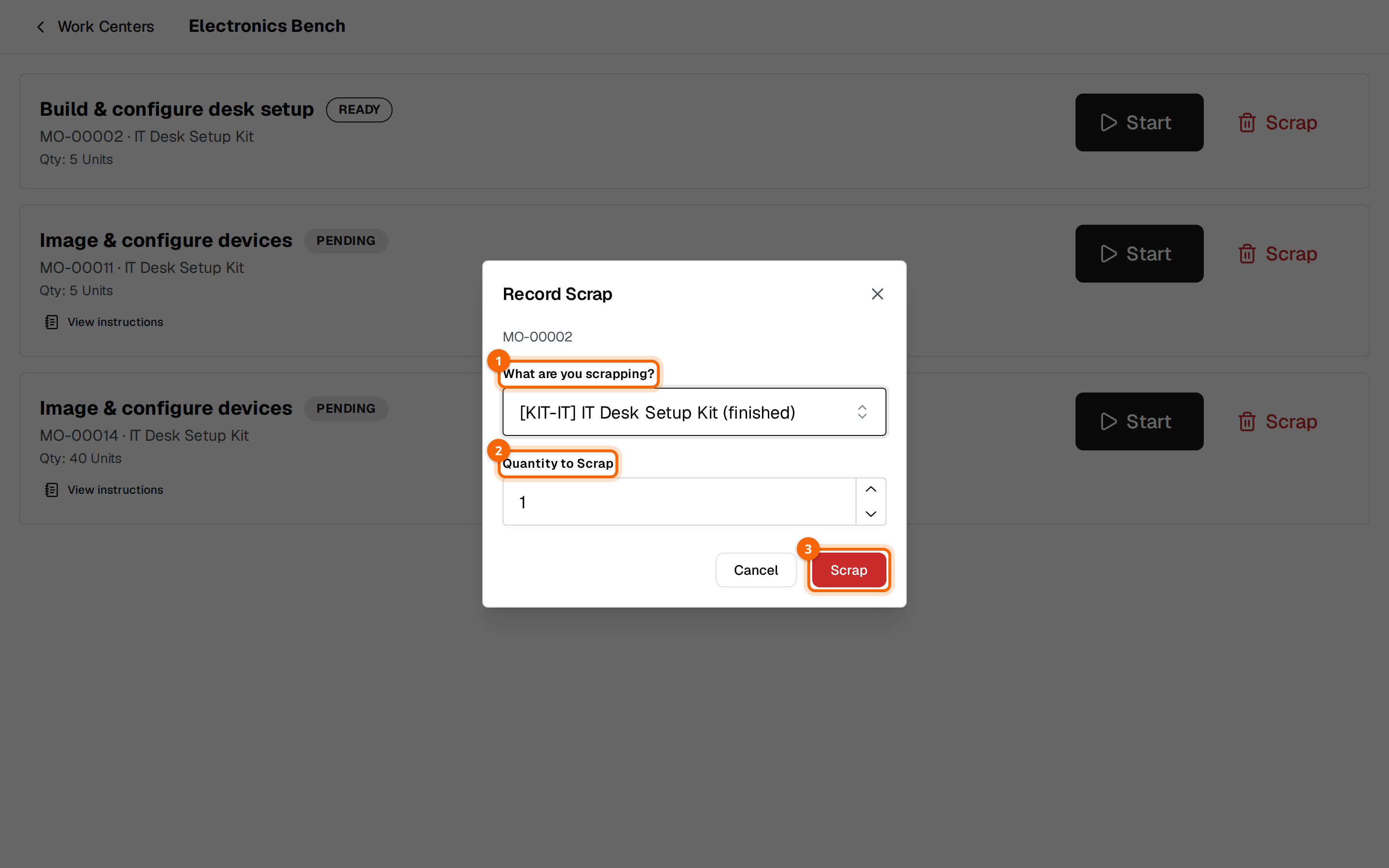
- On the work order's card, tap Scrap. Record Scrap opens.
- What are you scrapping? — the finished product (marked finished) or one of the order's components.
- Enter the Quantity to Scrap. For a tracked product, pick the Lot / Serial — only lots and serials actually in stock are offered.
- Tap Scrap.
A component is taken from the stock components are used from; a finished unit from where finished goods are stored. Each scrap becomes a scrap order you can find under Manufacturing → Scrap Orders. See How do I scrap a component damaged during production?
Was this article helpful?