How do I see who is off?
Switch the time off requests to the calendar to see everyone's time off by day, week or month.
Before you approve a request or plan a busy week, check who else is away. The time off calendar shows every request on the days it covers.
Open the calendar
Go to Time Off → Requests and switch the view to Calendar with the view button at the top right, beside New.
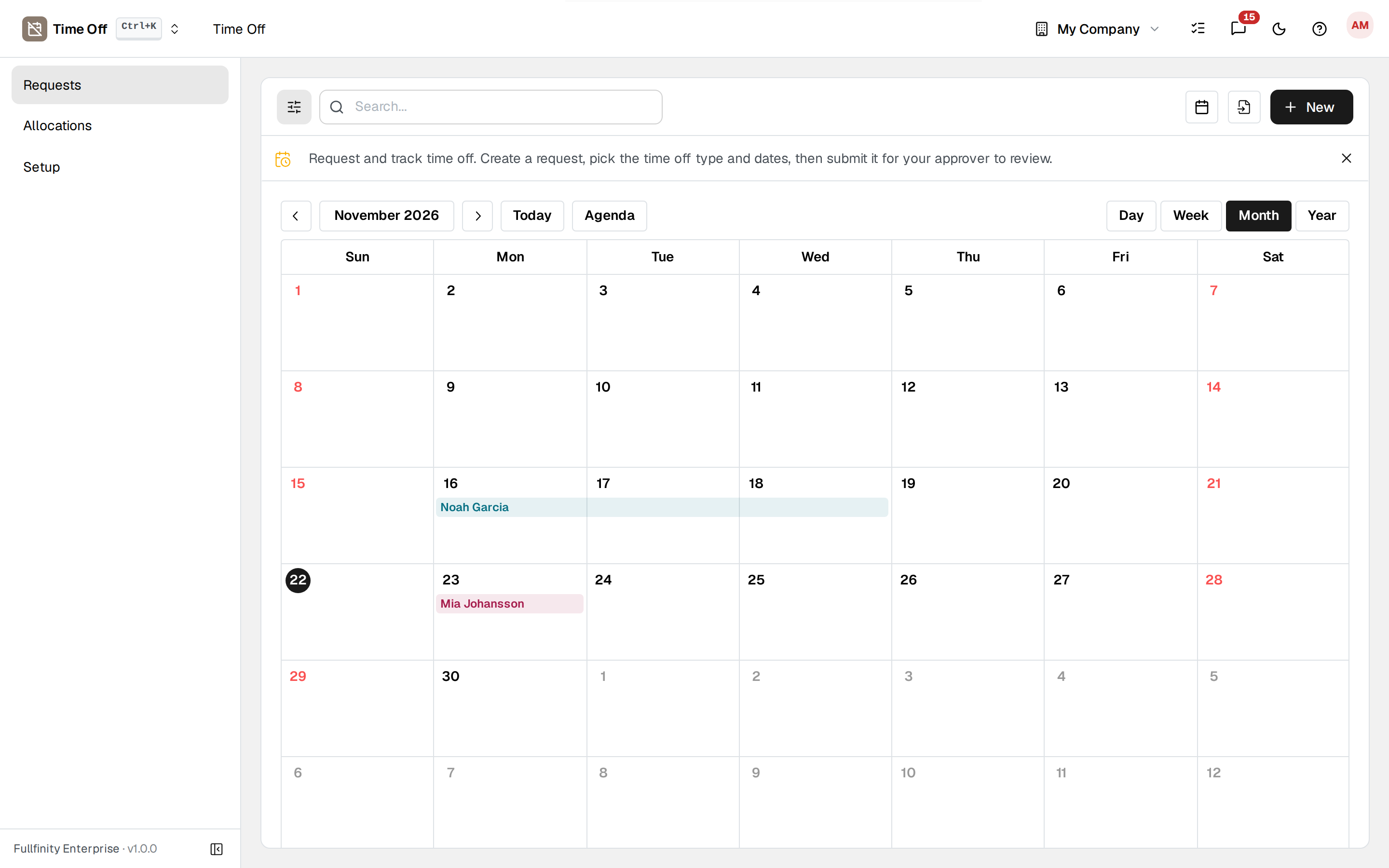
- Each bar is one request, labelled with the employee and spanning their days off. Click it to see the type, Duration and status.
- Move between months with the arrows, or click Today. Day, Week, Month and Year change how much you see at once, and Agenda lists the requests in date order.
- The calendar shows requests in every status. To see only time off that is certain, open Browse and tick Approved. To narrow it further, tick a Type or search for a name.
Managers see their own team; HR sees everyone.
Was this article helpful?