How do I cancel or reopen a repair order?
Cancel a repair the customer called off — returning any parts it used to stock — and bring a cancelled one back to draft.
Cancel a repair when the customer decides not to go ahead, or it was entered by mistake.
- Open the repair order and click Cancel. It is in the menu beside the main button.
- The repair moves to Cancelled. If it had already been ended, every part it took from stock goes back, and every salvaged part it put into stock comes out again.
A repair that is Done can't be cancelled, and neither can one that has been invoiced: cancel or credit the invoice first, so the customer isn't billed for parts that are back on your shelf.
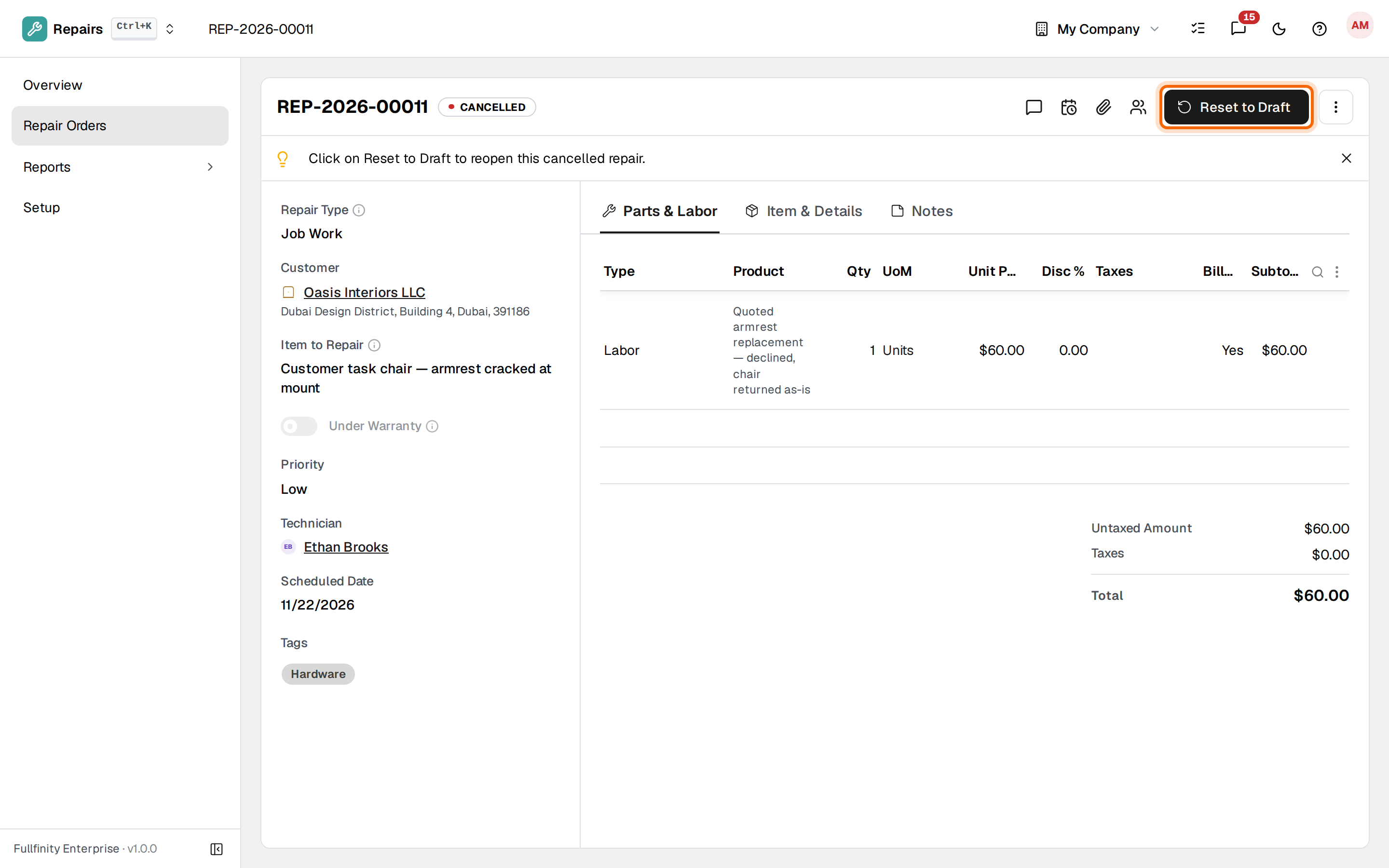
Reopen a cancelled repair
Open the cancelled repair and click Reset to Draft. It returns to Draft, with its lines, ready to confirm again.
Related: How do I issue a credit note?
Was this article helpful?