How do I set up Repairs?
Choose the warehouse spare parts come from, decide whether labor is billed by default, and make tags for your repairs.
Repairs works as soon as it is installed: new repair orders take their spare parts from your main warehouse and bill labor to the customer. Change either here when your workshop works differently.
- Go to Repairs → Setup. The Repairs tab opens.
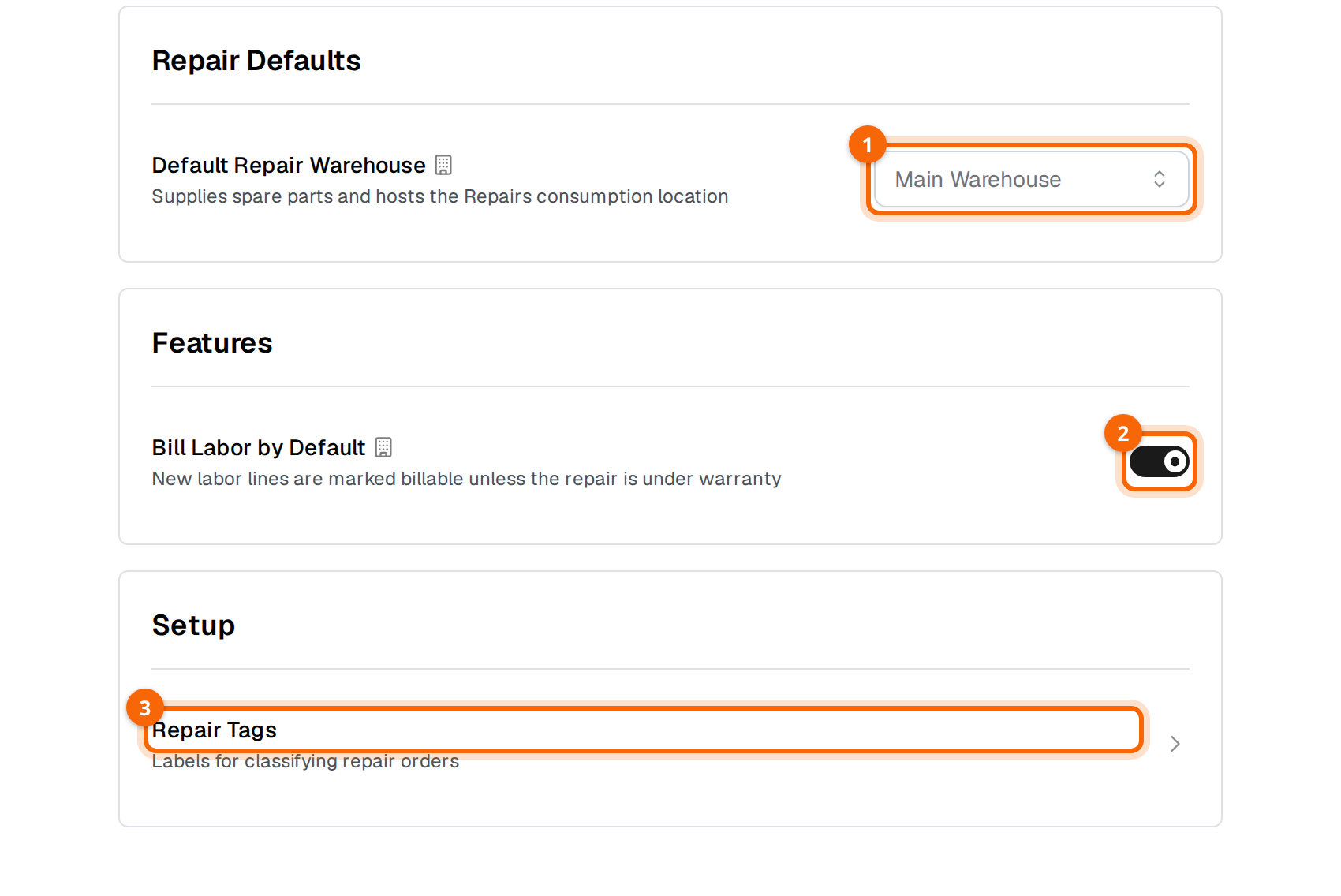
- Under Repair Defaults, choose the Default Repair Warehouse (1) — the warehouse whose stock supplies spare parts. Leave it blank to use your company's main warehouse.
- Under Features, switch Bill Labor by Default (2) off if you recover labor another way, such as a flat service fee. Labor lines are then added as not billable; you can still tick one when you do want to charge it.
- Click Repair Tags (3) under Setup to create labels such as Water Damage or Warranty, then click Save.
Each company keeps its own repair settings, so a second company can use its own warehouse.
Related: How do I log a repair order?
Was this article helpful?